AI Oscar Night
Oscar Night is an AI-powered tool that lets you become the star of your own Oscar moment. Upload a photo to get a realistic video of you holding an award and giving a speech on the prestigious stage. It’s quick, fun, and perfect for sharing on social media to wow friends and followers with your glamorous AI transformation.
This is an example of what AI can create. Generate your own video now!
Why Choose This AI Video Tool?
Advanced AI Models
Powered by cutting-edge AI including Sora, Kling, VEO for superior video quality.
Easy to Use
No technical skills needed. Simply describe your vision and let AI create magic.
Custom Styles
Choose from multiple art styles and aspect ratios to match your creative vision.
Fast Processing
Generate high-quality videos in minutes with our optimized AI pipeline.
AI Oscar Night: Your Moment of Glory on the Digital Red Carpet
Imagine the flash of cameras, the roar of the crowd, and the weight of a golden statuette in your hands as you deliver an acceptance speech on the world’s most famous stage. This fantasy is no longer reserved for Hollywood’s elite. AI Oscar Night is a browser-based tool that uses advanced AI video generation to place you—or anyone you choose—directly into the spotlight of a prestigious awards ceremony, transforming a simple photo into a stunning, realistic video.
What is AI Oscar Night? A New Era of Personalized Video
AI Oscar Night is an innovative online application designed to democratize the glamour of a major award show. By leveraging sophisticated AI models, it takes a static portrait and animates it, creating a seamless video where the subject appears to be holding an award and delivering a speech on a grand stage. It’s a novel form of creative expression that blends personalization with cinematic spectacle, allowing anyone to become the star of their own Oscar moment in minutes.
How the AI Awards Stage Video Works
The process of generating your red carpet moment is remarkably straightforward, designed for users of all technical skill levels. It leverages powerful, server-side processing to handle the complex task of AI video generation, meaning you don't need any specialized software or hardware. Here’s a breakdown of the simple workflow:
-
Upload Your Photo: You start by uploading a clear portrait photo. The tool works best with a front-facing shot where the face is well-lit and unobstructed. This image serves as the blueprint for the video’s protagonist.
-
Configure Your Scene (Optional): While the tool is designed to create a specific “Oscar win” scenario, you may have some options to fine-tune the output, such as selecting the video duration (commonly 10 seconds) or the aspect ratio (like 16:9 for widescreen or 9:16 for mobile-friendly stories).
-
AI Processing and Rendering: Once you initiate the process, the tool sends your image to powerful servers where the AI models get to work. This is the core of the AI Oscar Night experience. The AI analyzes the facial features, lighting, and pose from your photo. It then synthesizes this data with a pre-defined scene of an awards stage. The result is a new video where your likeness is realistically mapped onto a figure, creating the illusion of movement, expression, and interaction with the environment. The video generation typically completes within 1 to 3 minutes.
-
Download and Share: The final output is a high-quality video ready for download. This is your moment to share the magic. You can instantly post it to social media platforms like Instagram, TikTok, or X (Twitter) to surprise and delight your followers.
Common Use Cases for an AI Oscar Transformation
This tool taps into a universal desire for recognition and fun. Its applications are as diverse as its users:
-
Personal Entertainment & Social Media: The most popular use case is simply for fun. Users create videos of themselves, friends, or family members winning an Oscar. It’s a guaranteed way to generate engagement, likes, and comments on social media, especially for birthdays, achievements, or just as a humorous post.
-
Celebrating Real-Life Achievements: Did a friend just get a promotion, publish a book, or complete a marathon? Sending them a personalized AI Oscar Night video is a unique and memorable way to congratulate them, making their real-world success feel like a blockbuster-worthy event.
-
Creative Content and Memes: The tool is a goldmine for content creators. They can generate videos of pets, historical figures, or even fictional characters having their moment in the spotlight, creating viral-worthy memes and short-form content.
-
Event Invitations and Announcements: Imagine announcing a wedding, a graduation party, or a company awards ceremony with a video of the guest of honor accepting an “Oscar” for the upcoming event. It’s a creative twist that grabs attention far better than a standard text invite.
Key Features Driving the Experience
Several core features make AI Oscar Night a standout tool in the crowded field of AI media generation.
Realistic Scene Integration
The primary technical achievement is the seamless blending of a user's photo into a dynamic, high-fidelity scene. The AI doesn't just paste a face onto a body; it recreates the subject with matching ambient lighting, shadows, and perspective, ensuring they look like a natural part of the awards ceremony environment. The flashing paparazzi, the gleaming award, and the grand stage backdrop are all rendered to create a cohesive and believable final product.
Multiple AI Model Options
To cater to different quality needs and processing speeds, the tool often integrates various AI models behind the scenes. For instance, you might find options like Sora 2 for a standard, high-quality generation, or a more advanced model like Veo 3.1 from Google, which may offer enhanced realism and potentially support more complex scene understanding from 1-2 input images. This choice allows users to balance output quality with credit usage.
Client-Side Upload and Fast Processing
The user experience is designed for speed and simplicity. Uploads happen directly through your browser, and the processing is handled on secure servers. With a typical render time of just 1-3 minutes, it respects the user’s time, providing a near-instantaneous creative payoff without requiring a powerful personal computer.
Why Choose an AI Tool Over Manual Creation?
Creating a video like this manually would be a monumental task. It would require professional actors, a film crew, a studio that mimics an awards stage, and advanced visual effects (VFX) editing. The costs and time involved would be prohibitive for an individual.
Tools like AI Oscar Night solve this problem by democratizing a complex creative process. It offers:
- Unprecedented Speed: What takes Hollywood months to plan and execute, this tool accomplishes in minutes.
- Zero Technical Skill Required: No knowledge of video editing, 3D modeling, or animation is necessary.
- Complete Accessibility: It’s an online tool, accessible from any device with a browser, breaking down the barriers to high-end video creation.
- Endless Creative Potential: It empowers users to explore fun, imaginative scenarios that would otherwise remain fantasies.
Frequently Asked Questions
How accurate and realistic is the video from AI Oscar Night?
The tool leverages cutting-edge AI video generation models, resulting in surprisingly realistic animations. The accuracy depends on the quality of the uploaded photo. A clear, front-facing photo with good lighting will yield the best results, allowing the AI to accurately map facial features and expressions onto the scene. While it’s a generated video, the movement, lighting, and integration are designed to be highly convincing and shareable.
Is my uploaded photo and generated video safe and private?
Trust and privacy are key concerns. Reputable AI tools process images securely and typically do not store them longer than necessary to generate the video. It’s always good practice to review the specific privacy policy of AI Oscar Night on the website, but the standard practice is that your data is used only to create your requested video and is not shared with third parties.
What are the typical video generation times for AI Oscar Night?
The entire process from upload to download is designed for efficiency. After you select your photo and initiate the generation, the AI rendering typically takes between 1 and 3 minutes. This time can vary slightly based on server load and the complexity of the chosen AI model, but it is optimized to be a fast and fluid user experience.
Can I use AI Oscar Night for commercial purposes?
While the tool is perfect for personal fun and social media, using it for commercial purposes (like in an advertisement) would depend on the tool’s terms of service. It’s best to consult the website’s terms and conditions. For personal, non-commercial use, it’s an ideal way to create engaging content for friends and followers.
Do I need any special software or skills to create my AI Oscar video?
Not at all. AI Oscar Night is a completely browser-based online tool. You don't need to download or install any software, and you don't need any video editing or technical skills. All you need is a photo and a few minutes to let the AI work its magic.
In conclusion, AI Oscar Night represents a thrilling step forward in accessible, creative AI. It transforms a simple snapshot into a moment of digital glory, offering a fun, fast, and remarkably realistic way to step into the spotlight. Whether for a laugh, a celebration, or just to see yourself as a star, this tool delivers a unique and shareable experience that captures the imagination.
Start Creating AI Videos Instantly
Turn simple text prompts into engaging videos using our powerful AI video generator. No editing skills required — just describe your idea and let AI do the work.
Generate Your First AI VideoMore AI Video Tools
Explore more AI-powered video creation tools to expand your creativity
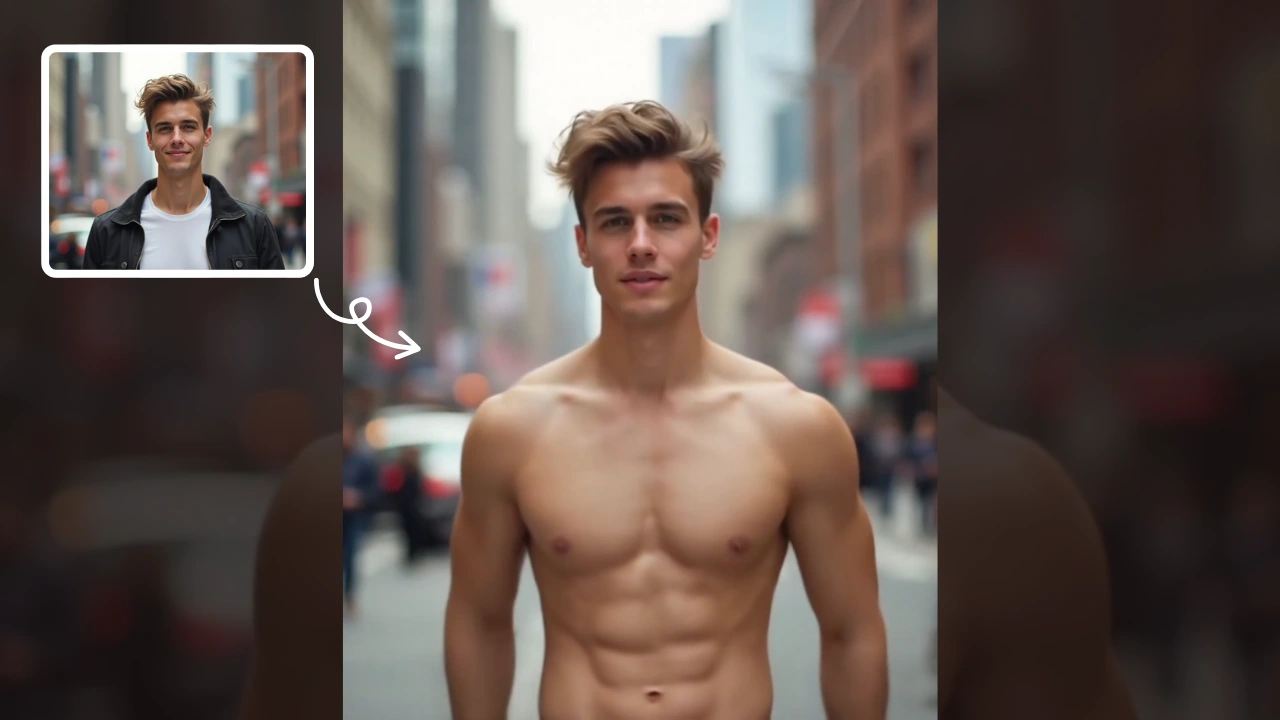
AI Muscle Generator
AI Muscle Generator lets you visualize muscle growth instantly by uploading a photo. It upgrades your physique digitally in minute, offering a fun, gym-free way to see potential results. Ideal for motivation or entertainment, it provides quick, impressive transformations without any workout.
Try Now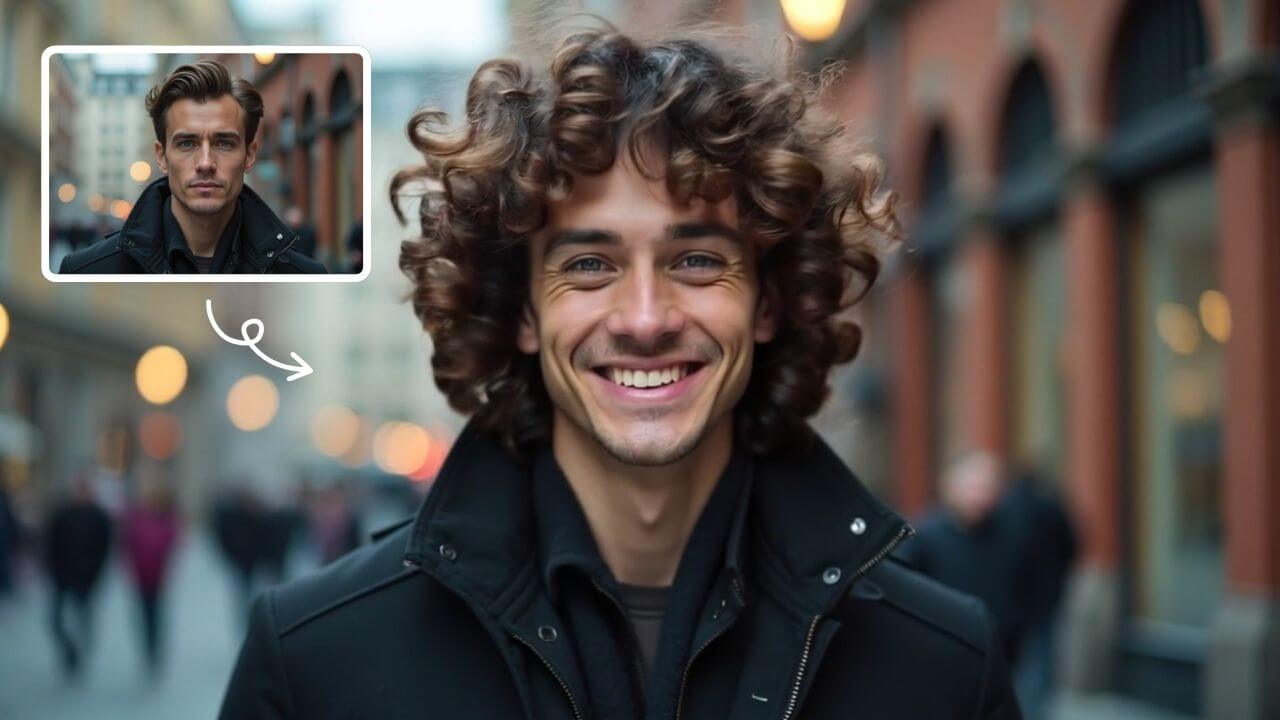
AI Curly Hair
AI Curly Hair allows you to add beautiful, natural-looking curls to any photo instantly. Powered by advanced AI, it offers multiple curly styles to match your preferences, helping you preview and choose the perfect hairstyle without commitment. Experience quick, realistic results and boost your confidence with a fresh, curly appearance.
Try Now
AI Jesus Hug Effect
Upload any photo to instantly generate a beautiful video of Jesus embracing you. Our AI technology creates realistic, heartfelt moments for personal reflection or sharing. Experience comfort and inspiration through this unique spiritual tool.
Try Now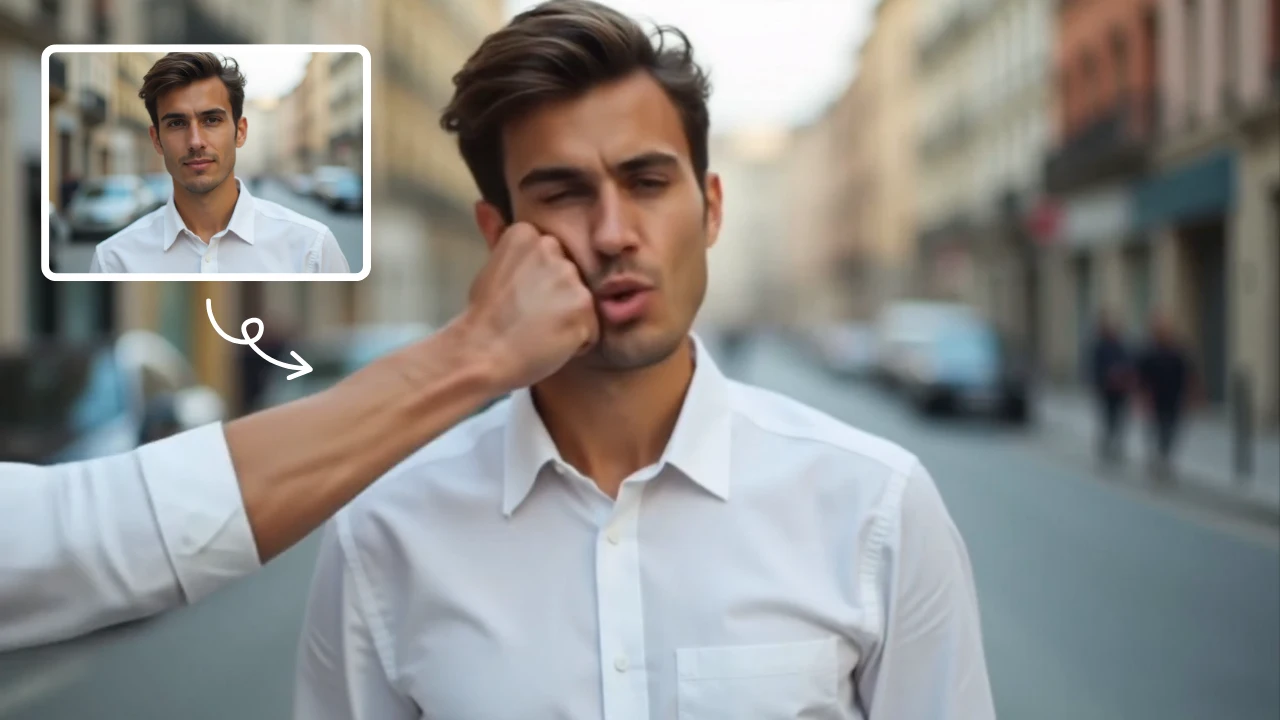
AI Face Punch
AI Face Punch offers intuitive AI video templates that let you transform text or images into engaging videos instantly. Its key features include diverse template options, one-click generation, and seamless customization, saving time while enhancing visual content quality. Perfect for marketers and creators seeking fast, professional results without technical skills.
Try Now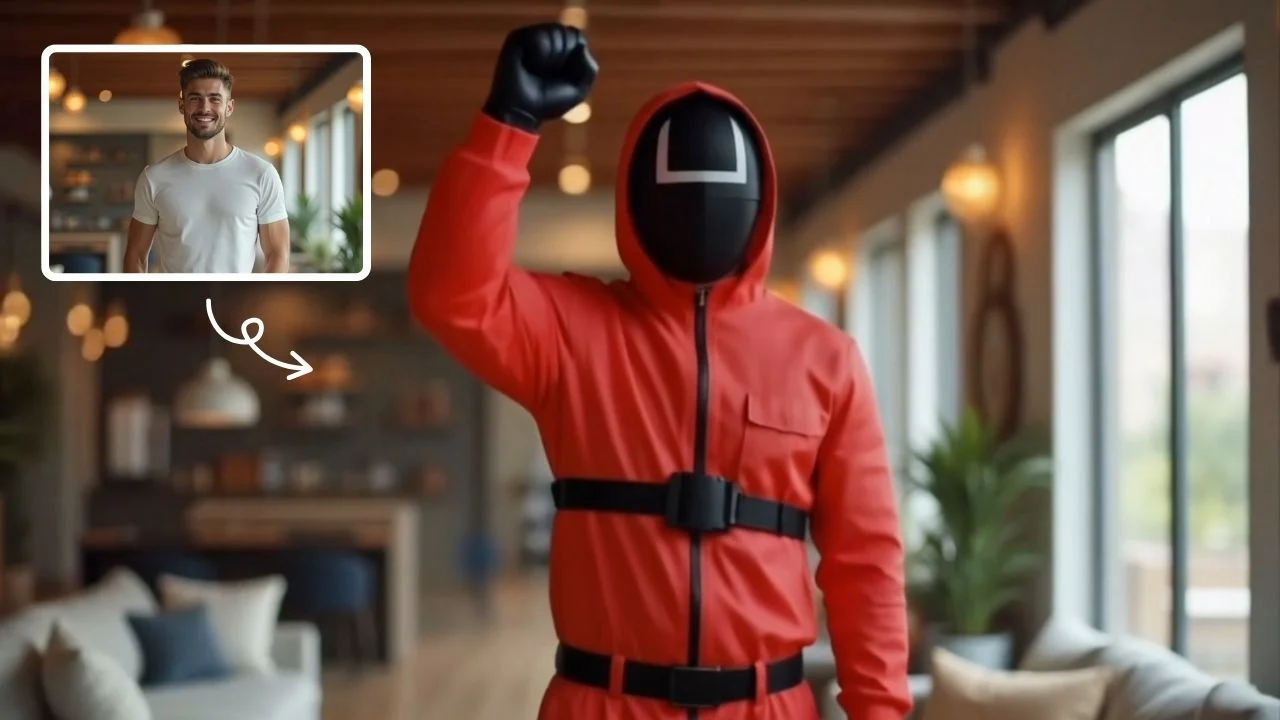
AI Squid Game Video
AI Squid Game Video Effect offers a wide range of free AI video templates, enabling you to generate unique videos from text or images in one click. With its user-friendly interface and trending designs, it helps you produce engaging content quickly, saving time and boosting creativity.
Try Now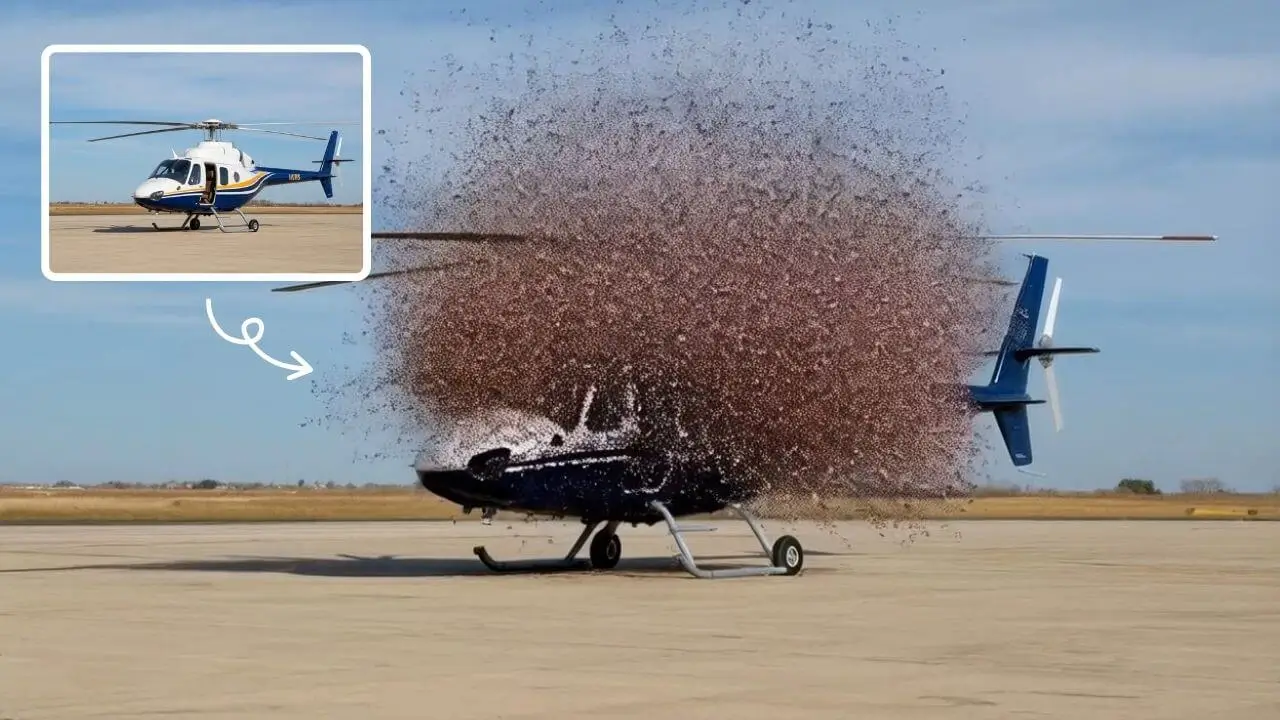
AI Explode Effect
AI Explode Effect uses advanced AI to convert your photos into dynamic explosion artwork. Simply upload an image to generate vibrant energy bursts, emphasizing creativity and visual impact. Perfect for social media, digital art, or personal projects, it offers quick, stunning results with no design skills needed. Unleash your creativity and turn ordinary moments into explosive art!
Try Now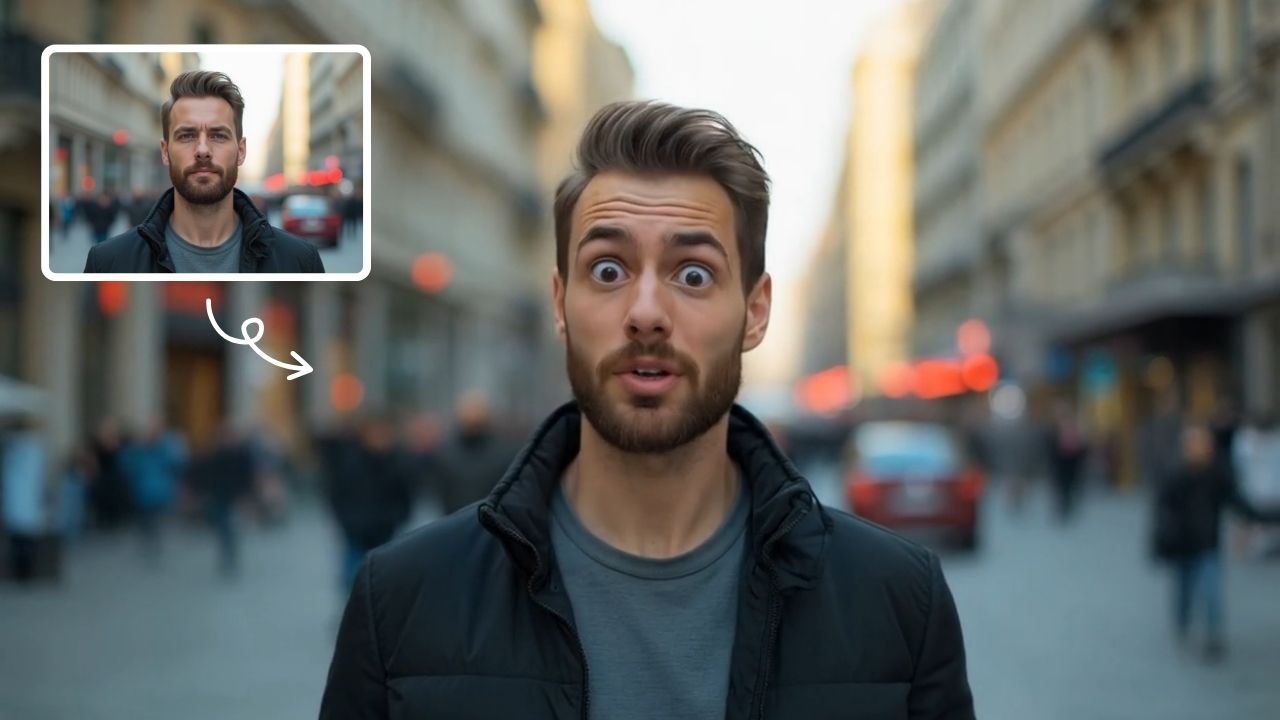
AI Shocked Face
AI Shocked Face uses advanced AI to detect faces in your photos and replace their expressions with realistic shocked looks. Simply upload an image, and our tool automatically generates a surprised version in minute. It's free, easy to use, and great for creating funny content to share with friends or on social platforms. Experience the magic of AI expression transformation today!
Try Now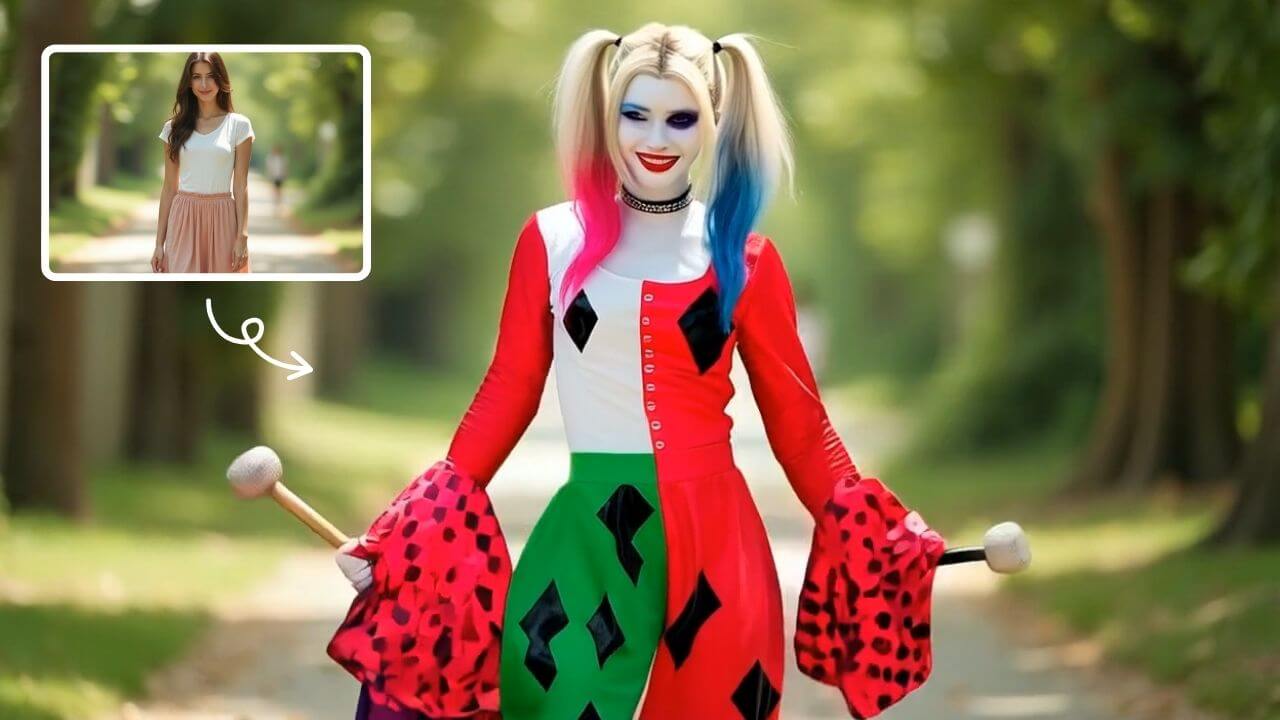
AI Harley Quinn Transformation
AI Harley Quinn Transformation lets you upload your photo and instantly generate a dynamic video where you become Harley Quinn. Experience her signature style, playful animations, and unique flair in an easy, fast process. Perfect for fans seeking a fun, personalized transformation without any hassle.
Try Now Continue with Google