AI Moonwalk Dance Video Generator
Upload one portrait photo and turn it into a moonwalk dance video. Smooth backward glides, heel-toe steps and gentle turns, keeping your look and setting.
Motion Prompt
Why Choose This AI Video Tool?
Text2Vid is an independent platform. Model names are shown for reference only and do not imply affiliation with or endorsement by Google, OpenAI, Runway, xAI, or other model providers.
More AI Video Tools
AI Moonwalk Dance Video Generator
Upload one portrait photo and turn it into a moonwalk dance video. You perform the classic backward glide — heel-toe weight shifts, restrained arm movements and gentle turns — right in the place your photo was taken, keeping your own look, clothes and setting from the first frame to the last. The video is muted — add your own sound in TikTok or Reels.
Inspired by a viral effect trend. Not affiliated with TikTok, the song's rights holders, or the original creators.
Temporary example, pending replacement with a Text2Vid-owned render. Source: Supermaker https://supermaker.ai/video/moonwalk-dance-ai/. The player and poster are source-attributed and are not presented as Text2Vid-generated media.
How it works
Upload one authorized photo, review the built-in motion prompt, and generate a short vertical clip. The result is muted; add audio in TikTok or Reels only when you have the required rights.
Photo tips
Use one clear photo of one authorized adult, preferably full body so the feet and backward glide remain visible. Do not upload minors, celebrities, or private images without permission.
Use only a photo you own or are authorized to use. Do not upload minors, celebrities, or private images without permission.
What the video looks like
The preview follows the effect sequence described above: Upload one portrait photo and turn it into a moonwalk dance video. You perform the classic backward glide — heel-toe weight shifts, restrained arm movements and gentle turns — right in the place your photo was taken, keeping your own look, clothes and setting from the first frame to the last. The video is muted — add your own sound in TikTok or Reels.
AI motion can vary between runs. Review faces, hands, bodies, pets, objects, and backgrounds before downloading or sharing.
Start Creating AI Videos Instantly
Turn simple text prompts into engaging videos using our powerful AI video generator. No editing skills required — just describe your idea and let AI do the work.
Generate Your First AI VideoMore AI Video Tools
Explore more AI-powered video creation tools to expand your creativity
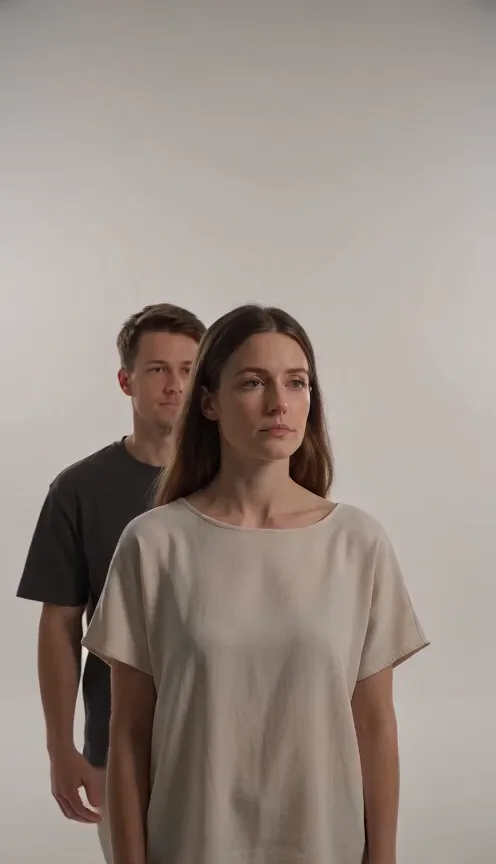
Hug From Behind Generator
Upload one photo of two people and turn it into a hug from behind video. One person warmly hugs the other from behind.
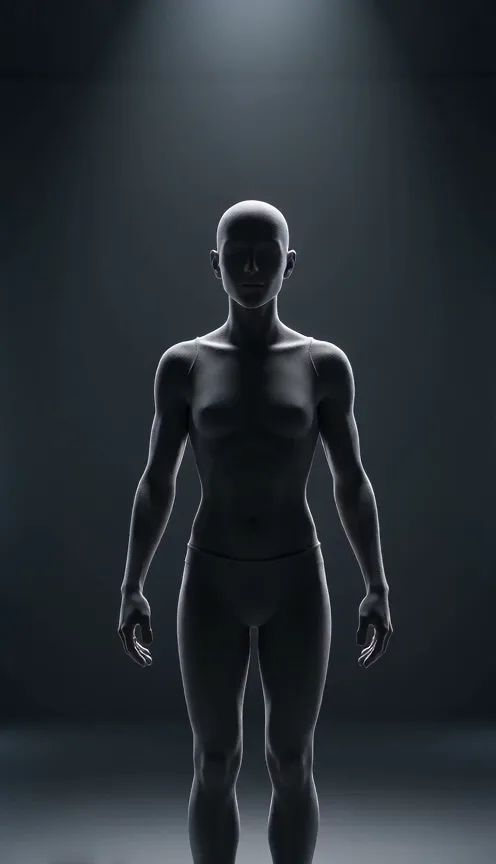
Wireframe Effect Generator
Upload one photo of any subject and turn it into a wireframe video. Your photo transforms into a glowing wireframe hologram.
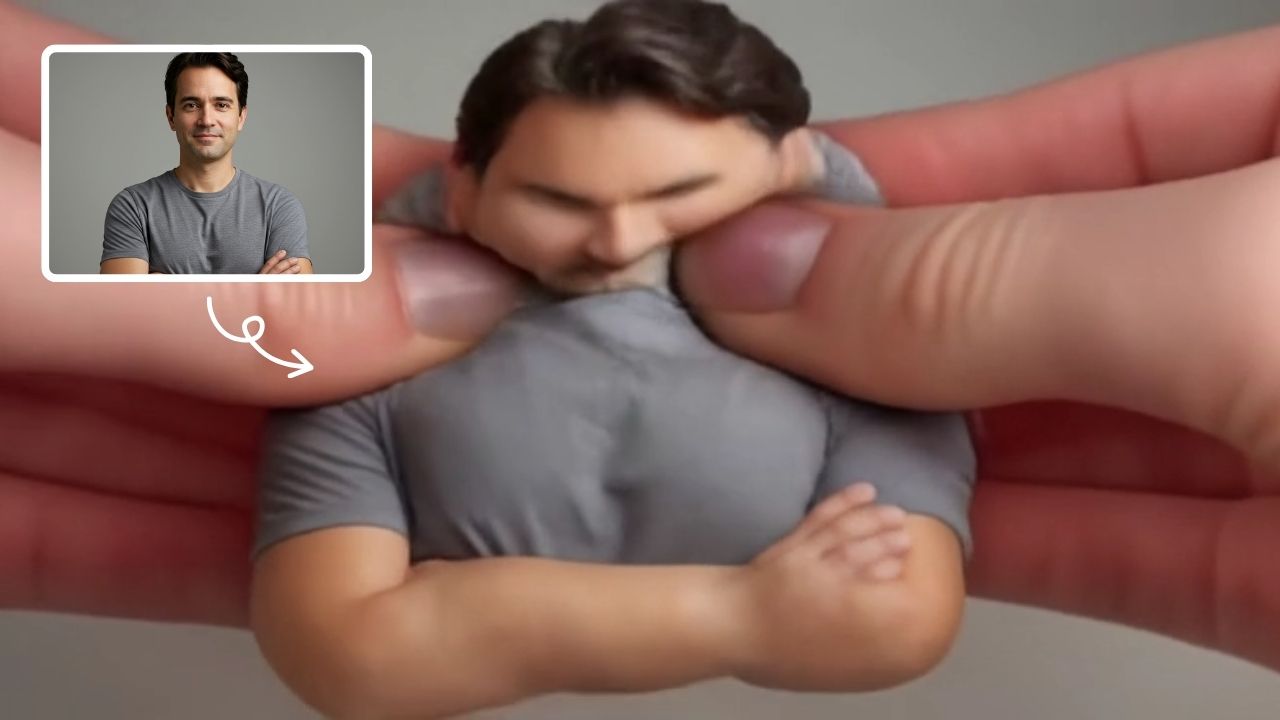
AI Squish Effect
Transform any image into a lively, bouncing masterpiece with AI Squish Effect by Remaker. This free online tool instantly applies dynamic squish effects, making photos fun and engaging. No downloads needed – just upload, generate, and share hilarious videos effortlessly. Perfect for social media, memes, and creative projects, it offers quick, user-friendly entertainment for everyone.
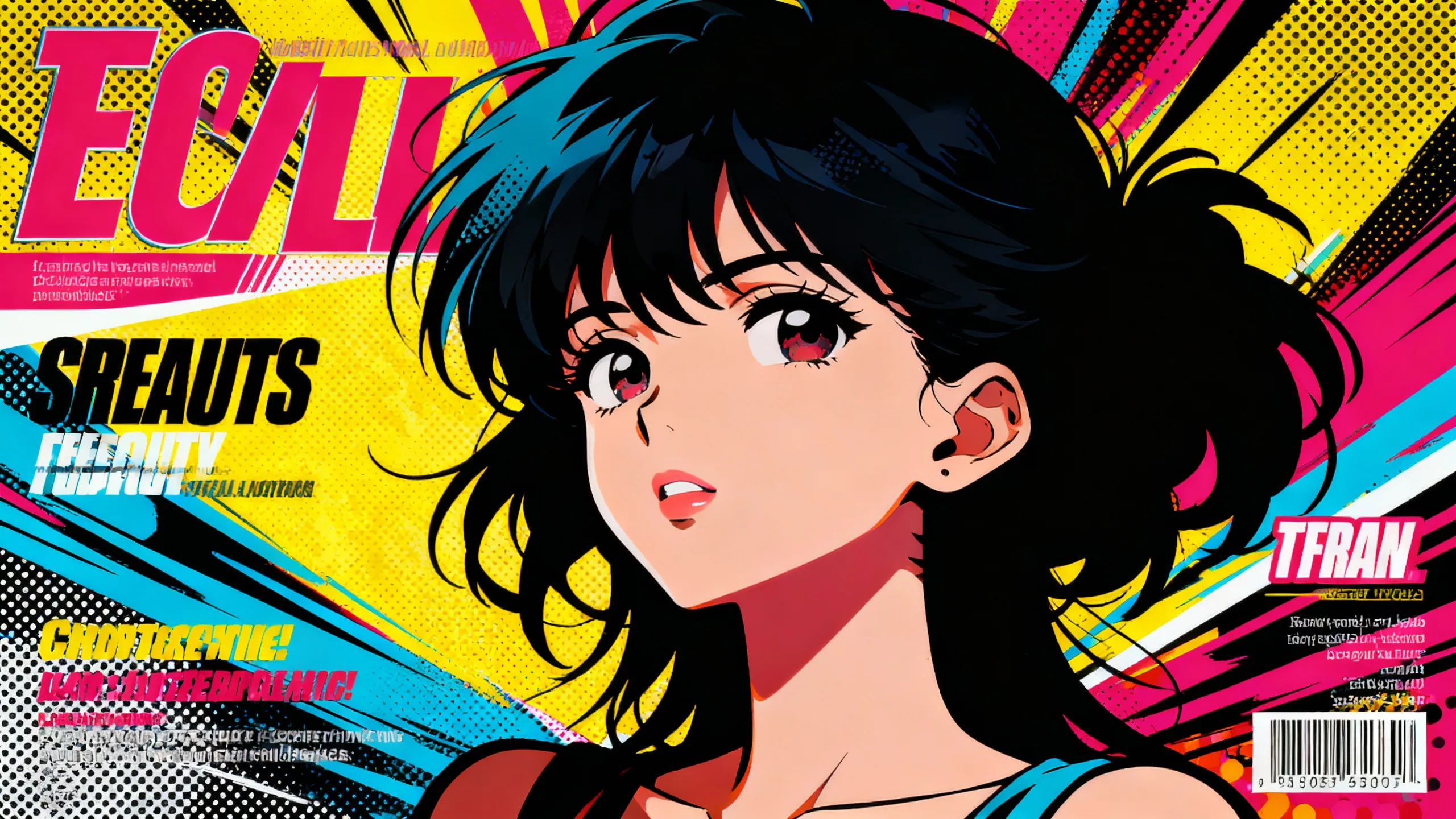
AI Anime Video Generator
Animate anime artwork or illustrations into short AI videos online. Describe movement, camera direction, and atmosphere for opening scenes, social clips, and visual storyboards.
 Continue with Google