Toc Toc AI Dance
Upload one full-body photo and turn it into a Toc Toc knock-knock dance video with one-foot hops, raised knees, and playful door-knock moves. No dance skills needed.
Motion Prompt
More AI Video Tools
Turn One Photo Into a Viral-Safe Toc Toc Dance Video
Transform a single full-body photo into a short, silent video clip featuring the iconic Toc Toc knock-knock choreography. The animation engine locks onto the subject’s identity, clothing, and hair to perform a continuous motion sequence: the character steps toward the camera, hops on one foot while lifting a knee to make an invisible knock, executes a sideways skip with a back kick, and concludes with open arms. Because the output is a muted vertical clip, you retain complete control over the final audio, ensuring you only pair the visual with music you have the explicit rights to use on TikTok, Reels, or other platforms.
Inspired by a viral dance trend. Not affiliated with TikTok, the song's rights holders, or the original creators.
The Motion Logic: How the Choreography Unfolds
The tool uses a fixed, pre-designed motion track rather than random AI animation. This ensures the video feels intentional and follows a specific narrative arc from start to finish:
- Approach and Settle: The subject moves forward to establish a centered position.
- The Knock Sequence: The animation triggers two distinct one-foot hops with a raised opposite knee, mimicking the physical act of knocking on a door.
- Lateral Transition: The character moves horizontally across the frame, punctuated by a quick back kick.
- Final Pose: The dancer faces the camera and opens both arms wide to close the loop.
During this entire process, the camera angle remains completely static. This fixed perspective is critical; it guarantees that the full body stays in the frame, making it easy for you to review the final artifact for any visual glitches or proportion issues.
Input Requirements: Best Practices for Your Source Photo
Because the AI must maintain a stable identity while executing high-energy movements, the quality of your input directly dictates the result. A successful generation relies on a strict set of visual conditions:
- Total Visibility: The photo must be a full-body shot. Your head and the tips of your feet must be visible, with a margin of background space below your shoes.
- Unobstructed Limbs: Hands and feet are the most difficult parts for AI to maintain. Ensure they are clearly visible and not hidden behind props, bags, or other people.
- Environmental Simplicity: Keep the background clean. Cluttered environments increase the risk of the AI blending background objects with your character's limbs, causing identity drift.
- Image Clarity: The source must be sharp and well-lit. Heavy blur will result in a muddy, unrecognizable output.
Handling Subjects: From Solo Adults to Edge Cases
This route is strictly optimized for a single adult human subject. While the engine might technically attempt a generation using a group photo or an image of a pet, the results are heavily discouraged due to inherent limitations in multi-subject tracking.
When you deviate from the standard one-human input, you should expect:
-
Identity Bleeding: The AI may struggle to separate multiple people, causing limbs to merge or disappear.
-
Glitchy Motion: Rapid choreography like the raised-knee hop frequently breaks down with non-human subjects.
-
Proportional Errors: Limbs may stretch or snap unnaturally.
-
Consent & Rights Check: Before uploading any image of another person, ensure you have explicit permission. The generated video will inherit the visual likeness of your source file, meaning you must be prepared to manage any associated privacy or likeness rights for the final clip.
Troubleshooting and Output Review
If your generated clip exhibits specific artifacts—such as stretched fingers, vanishing toes, or a blurred face—do not just retry the generation with the same prompt. First, audit your source image against the framing and clarity criteria above. If the source is clear but the motion still fails, shorten any extra descriptive text in the prompt editor. The system works best when you let the fixed choreography drive the visual direction without competing instructions.
Once a preview is rendered, your next action is strictly manual: import the muted clip into your preferred editing app and add a licensed audio track that matches the rhythm of the knock-knock beats.
Start Creating AI Videos Instantly
Turn simple text prompts into engaging videos using our powerful AI video generator. No editing skills required — just describe your idea and let AI do the work.
Generate Your First AI VideoMore AI Video Tools
Explore more AI-powered video creation tools to expand your creativity
AI Cheek Pinch Generator
Upload one photo of one person or pet and turn it into an AI cheek pinch video. A hand gently pinches the cheek and the subject reacts playfully.
Turn the Lights Off AI Generator
Upload one photo of one person and turn it into a club sway video. Close your eyes and sway slowly in a packed, blue-lit club while the crowd raises its arms.
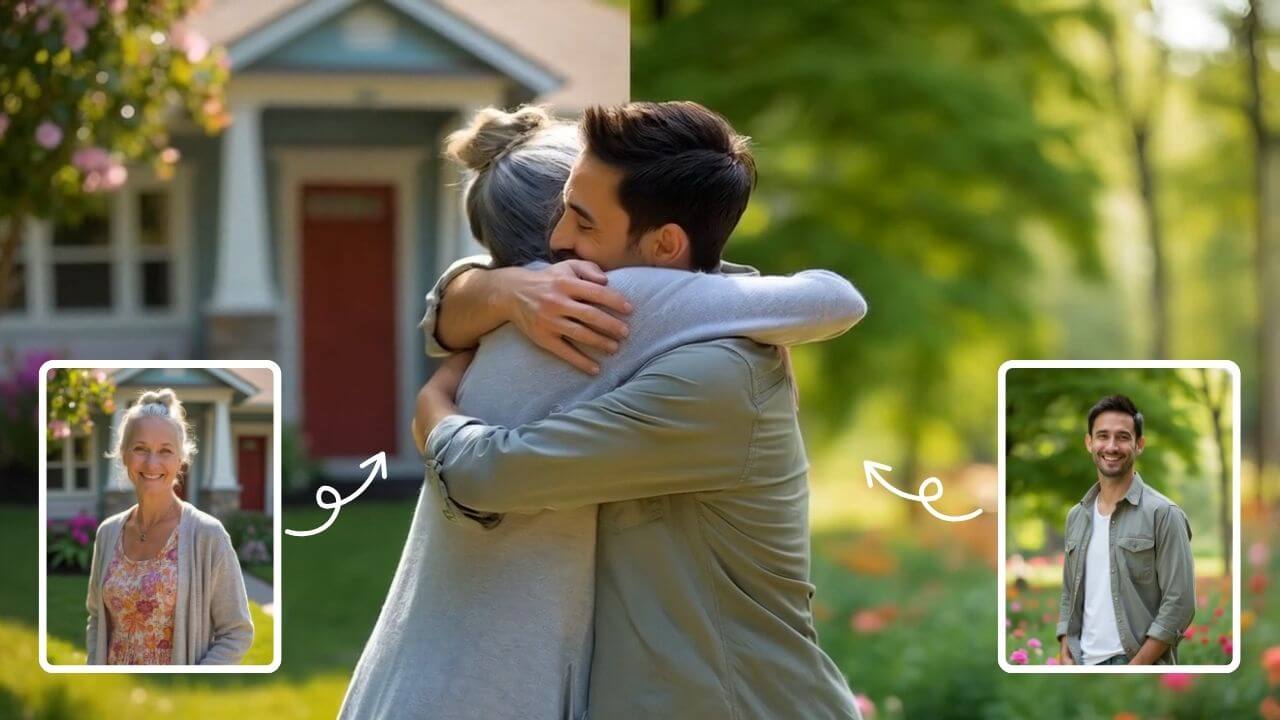
AI Hug
AI Hug is an AI-powered video generator that turns your photos into lifelike hugging videos. It's easy to use, requiring just a few clicks to create emotional content. Perfect for preserving memories, enhancing social media engagement, and professional branding, it saves time while delivering high-quality, shareable results.
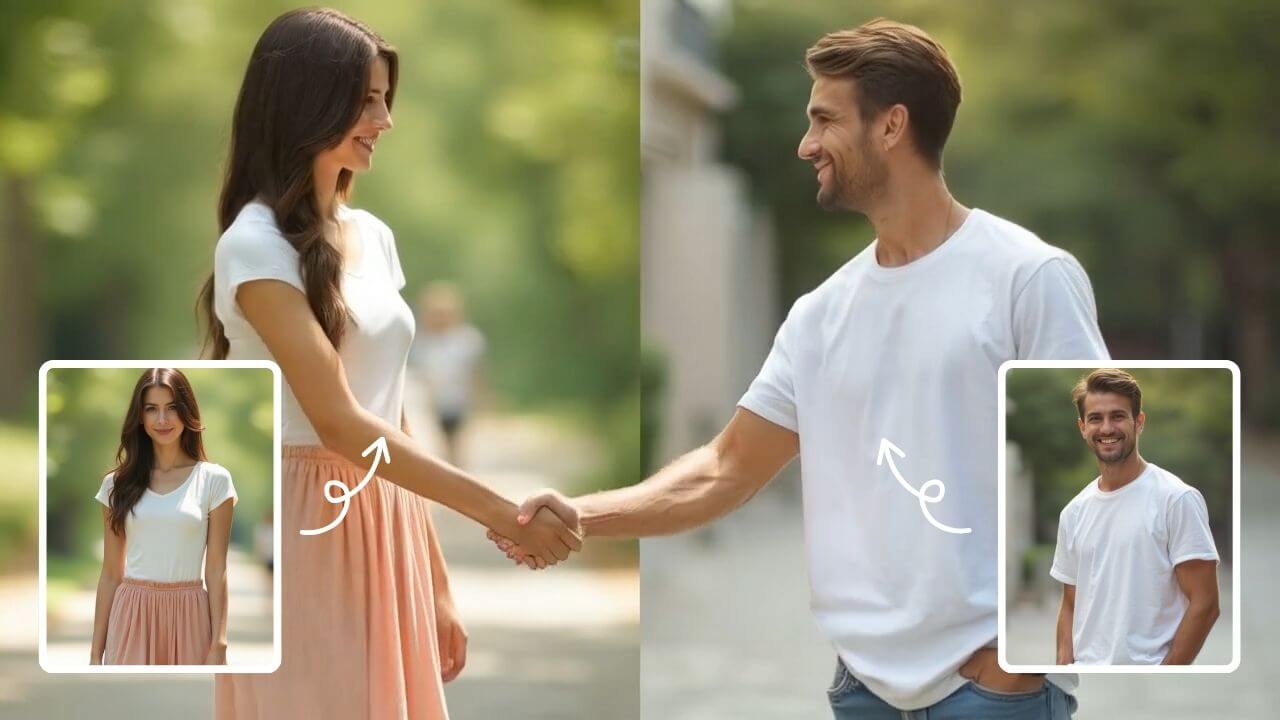
AI Handshake
AI Handshake revolutionizes digital communication with smart, adaptive connectivity. It delivers tailored experiences through AI-driven personalization, ensuring faster, more intuitive online interactions. Boost efficiency and engagement effortlessly with cutting-edge technology designed for modern users.
 Continue with Google