AI Corporate Video Generator
Generate polished corporate and business presentation videos from scripts.
Motion Prompt
Why Choose This AI Video Tool?
Text2Vid is an independent platform. Model names are shown for reference only and do not imply affiliation with or endorsement by Google, OpenAI, Runway, xAI, or other model providers.
More AI Video Tools
AI Corporate Video Generator
AI Corporate Video Generator focuses on clear business communication with restrained camera work and professional lighting. It is designed for teams preparing internal explainers, product introductions, and presentation visuals. Use the generator below to test a short brief, compare the available settings, and refine the result instead of expecting one prompt to produce a finished campaign.
What to include in the prompt
Start with the subject and its main action. Then add the setting, camera movement, lighting, mood, and intended format. Describe the business action and the intended audience, but keep unsupported performance claims out of the visual prompt and page copy.
Prompt starter
A small design team reviews a prototype around a bright conference table, camera makes a measured push-in, natural gestures, neutral corporate palette, documentary business style.
Adapt the subject, action, and format to your own project. This is an original starting point, not a guaranteed output or a claim that the prompt was tested on every connected model.
Suggested workflow
- Open the generator and confirm the selected model and supported options.
- Paste the starter prompt and change one variable at a time.
- Check motion, faces, product details, and framing in the preview.
- Regenerate or switch to the text to video generator or image to video generator when the input type changes.
The generator can preselect the runway engine mode when that mode is available. Review the current controls and output before publishing.
Limitations and usage notes
AI video results vary by model, input image, duration, and server availability. Review every result for artifacts, inaccurate details, unsafe content, and rights issues. Only use images, people, brands, and locations that you have permission to use. Commercial rights depend on the applicable Text2Vid plan and the source assets.
Start Creating AI Videos Instantly
Turn simple text prompts into engaging videos using our powerful AI video generator. No editing skills required — just describe your idea and let AI do the work.
Generate Your First AI VideoMore AI Video Tools
Explore more AI-powered video creation tools to expand your creativity
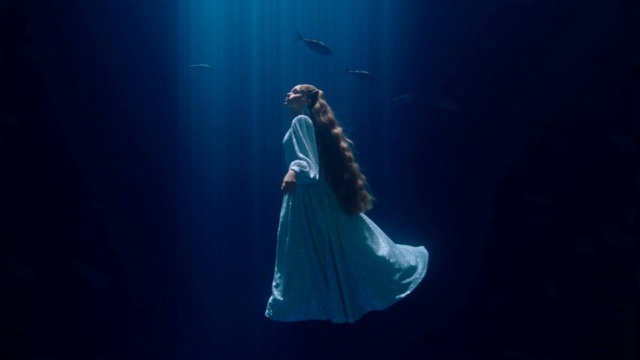
Deep Sea Viral Video Generator
Upload one portrait and turn it into a deep sea video. Float upright in a blue canyon, drift with the light and look toward the surface.
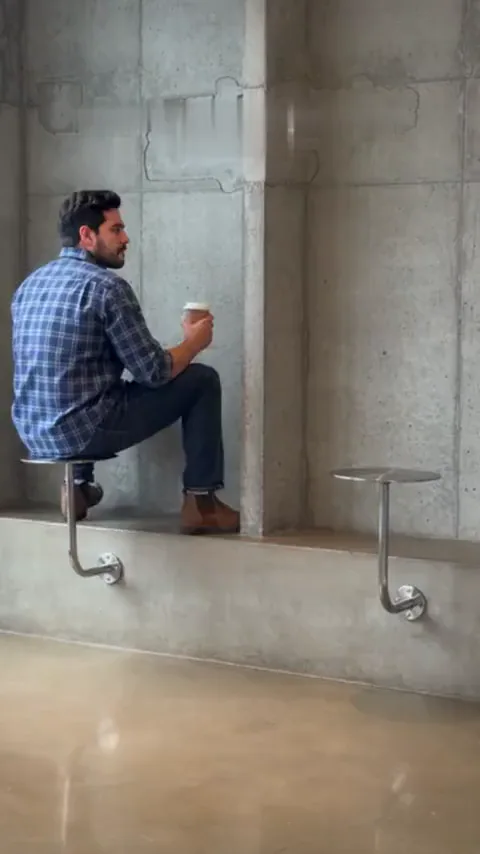
Fancy Cafe AI Generator
Upload one photo and turn it into a fancy cafe video. Sit on a tiny cafe table like a stool, watch a regular show you how it works, then climb down and sit on the bench.
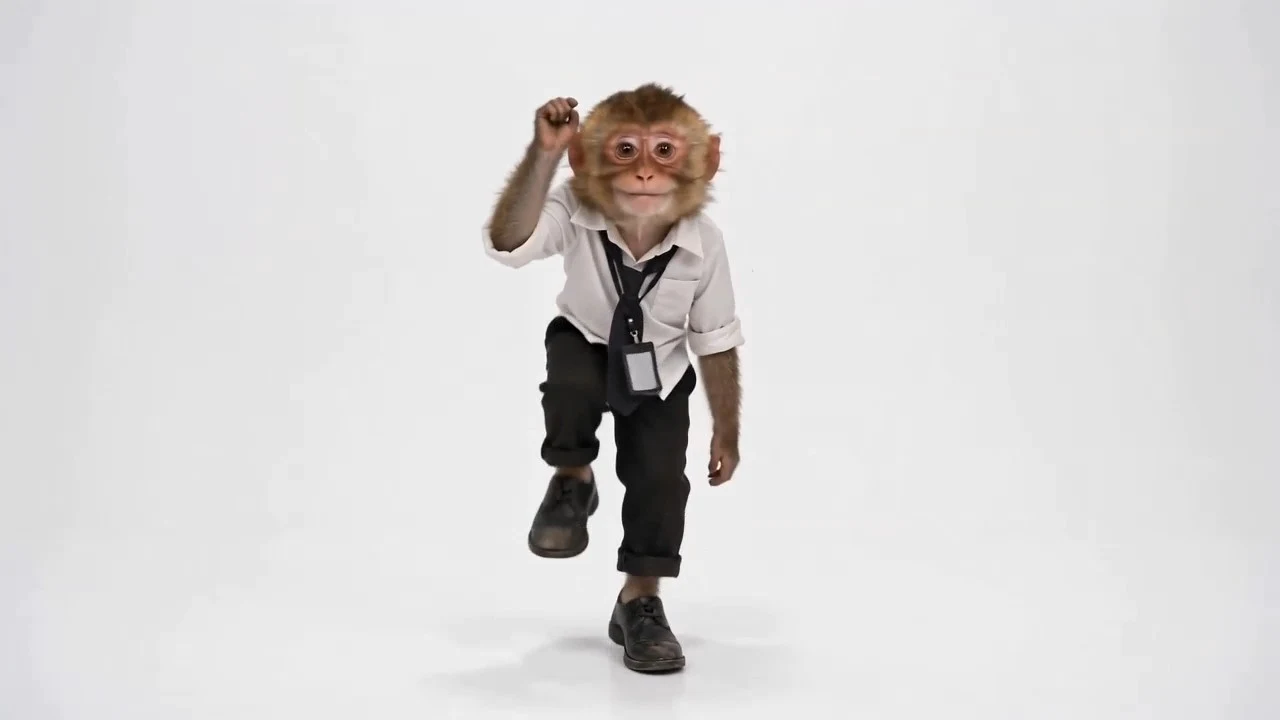
Toc Toc AI Dance
Upload one full-body photo and turn it into a Toc Toc knock-knock dance video with one-foot hops, raised knees, and playful door-knock moves. No dance skills needed.
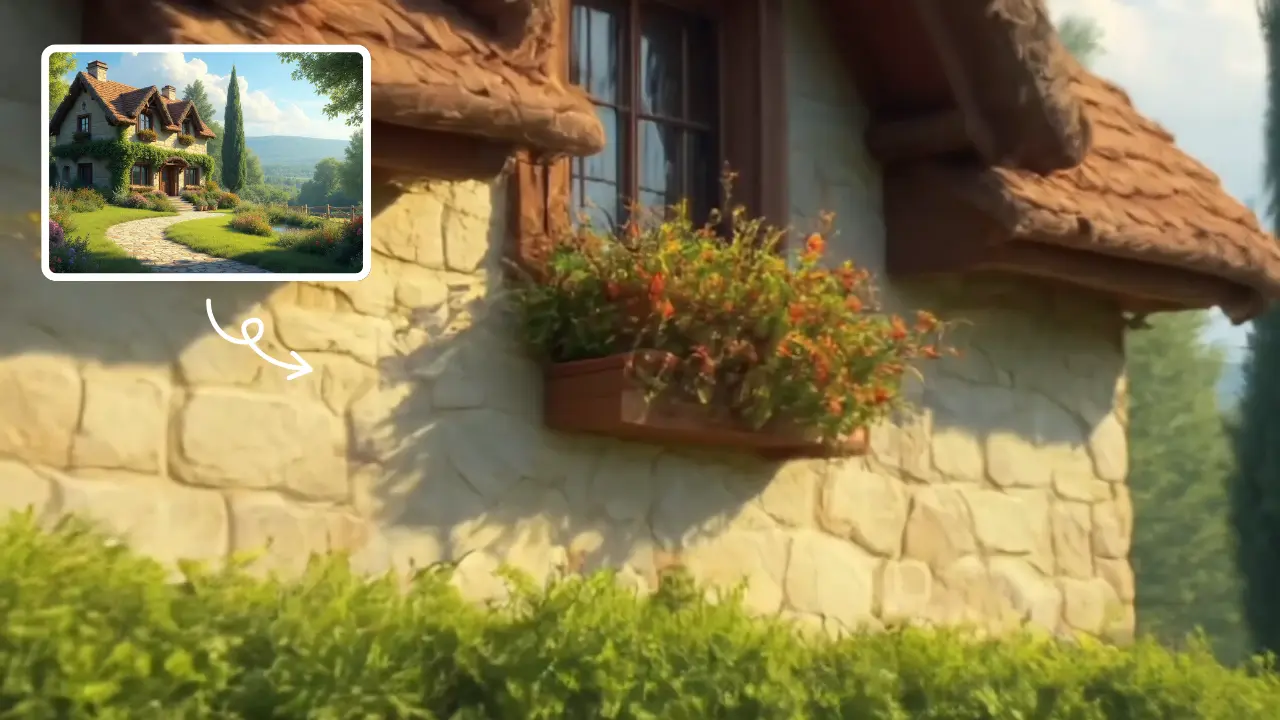
Zoom in Video Effect
Zoom In Video Effect offers free AI video templates to quickly produce professional videos. Key features include one-click creation, support for image and text conversions, and versatile styles. Enhance your content effortlessly, saving time while maximizing impact with user-friendly tools.
 Continue with Google