Skydiving AI Generator
Upload one photo of one person and turn it into a skydiving video. Jump from a helicopter over snowy mountains, open a rainbow parachute and land on a grassy hill.
Motion Prompt
More AI Video Tools
Skydiving AI Generator: Turn Your Photo into a Vertical Video
Skydiving AI Generator turns one reference image into a fictional skydiving sequence. When you start the workflow, the camera moves from a helicopter door, tracks a fall over snowy mountains, transitions to a rainbow parachute glide, and ends with a soft landing on a grassy hilltop. This tool works best when you have a clear, front-facing head-and-shoulders photo of one adult without occluding accessories like sunglasses or hats.
The tool preserves the specific clothing and shoes visible in your photo while adding a slim harness to integrate the subject into the scene. You will receive a short, muted vertical clip designed for editing on platforms like TikTok or Reels. Because it is an AI interpretation of motion rather than captured footage, the output remains a fictional creative piece, not evidence of a real skydiving event.
The Camera Movement and Scene Composition
The generated clip is structured to create a readable, cinematic sequence. The motion begins at the helicopter door, follows the open-air fall, shifts focus to the parachute deployment, and concludes with the landing.
- What stays the same: Your physical appearance, outfit, and footwear are preserved from the source image.
- What changes: The environment is replaced with a snowy mountain and grassy hill setting, and a slim parachute harness is added to the subject.
- What to inspect frame by frame: Review the generated output for consistency in facial features, hands, and body proportions. Also check that the background transitions (from the helicopter interior to the sky) do not exhibit flickering or morphing artifacts.
Input Conditions and Limits
To ensure the AI maps your face and body correctly, the source image needs to meet specific criteria:
- Use exactly one photo of one adult.
- The face must be clear, front-facing, and unobstructed.
- Do not include minors, celebrities, or other people's images without explicit permission.
The workflow accepts a single reference photo and a text prompt. You can use the built-in motion prompt or edit it to adjust the atmosphere, though the core skydiving mechanics (jump, glide, land) are central to this route's purpose.
Practical Use Cases and Workflow
This route serves as a focused skydiving AI video generator for content creators who want to insert a specific subject into an adrenaline-themed scenario.
- Short-form content creators: Use this to generate a visual hook where a friend or family member appears to go skydiving. Because the output is muted, you can add trending audio tracks in TikTok or Reels to complete the editing process.
- Digital gifting: Generate a fictional adventure clip for a friend's milestone birthday or anniversary.
Do not present the final video as real skydiving footage or a safety demonstration. Clearly indicate that it is an AI-generated creative interpretation.
Start Creating AI Videos Instantly
Turn simple text prompts into engaging videos using our powerful AI video generator. No editing skills required — just describe your idea and let AI do the work.
Generate Your First AI VideoMore AI Video Tools
Explore more AI-powered video creation tools to expand your creativity
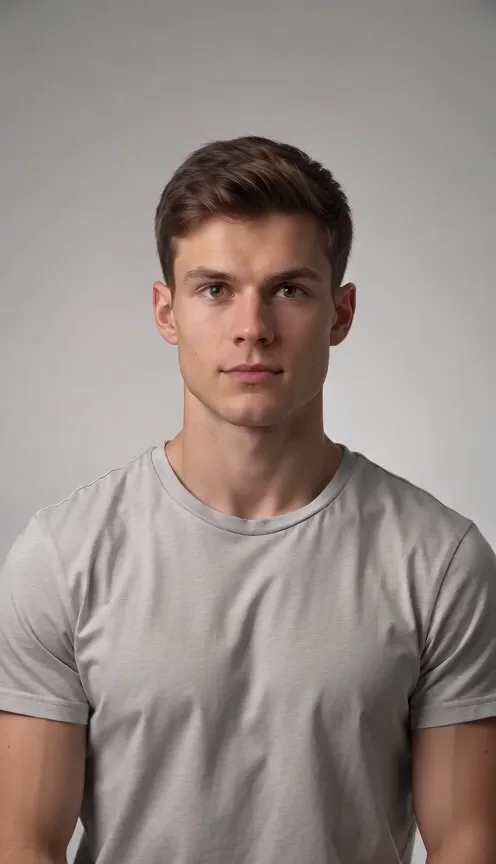
AI Cheek Pinch Generator
Upload one photo of one person or pet and turn it into an AI cheek pinch video. A hand gently pinches the cheek and the subject reacts playfully.
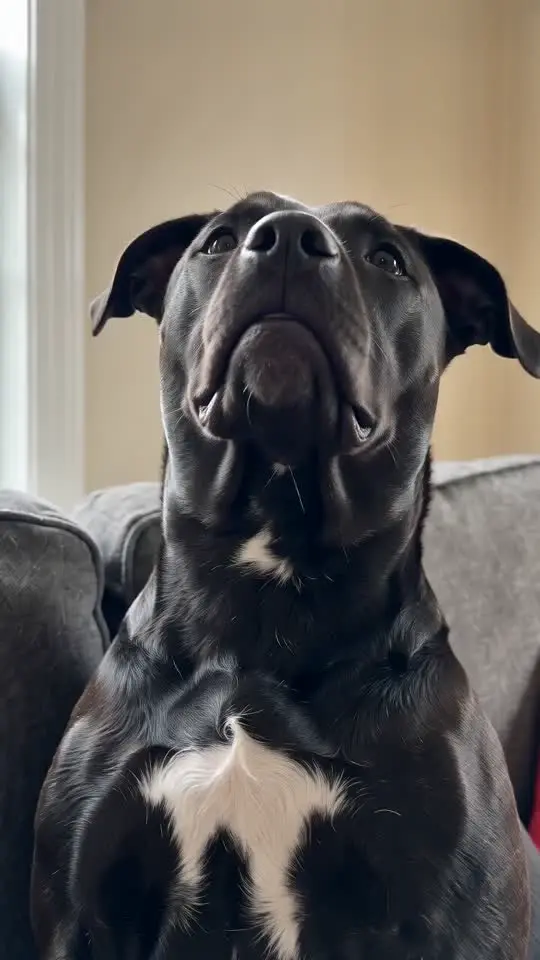
Imma Bite You AI Generator
Upload one photo of your dog or cat and turn it into a pet warning video. Your pet sits upright on a sofa, gives a pretend warning, waves its paws and pulls them in with a sassy look.
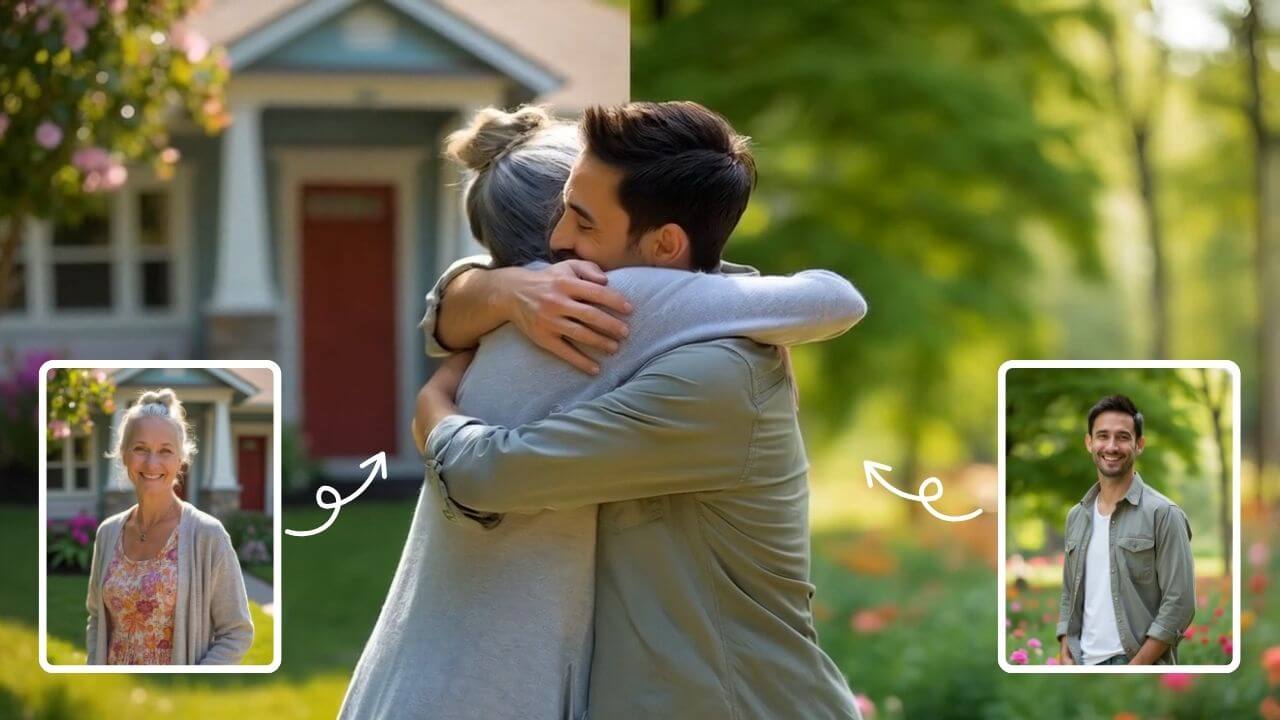
AI Hug
AI Hug is an AI-powered video generator that turns your photos into lifelike hugging videos. It's easy to use, requiring just a few clicks to create emotional content. Perfect for preserving memories, enhancing social media engagement, and professional branding, it saves time while delivering high-quality, shareable results.
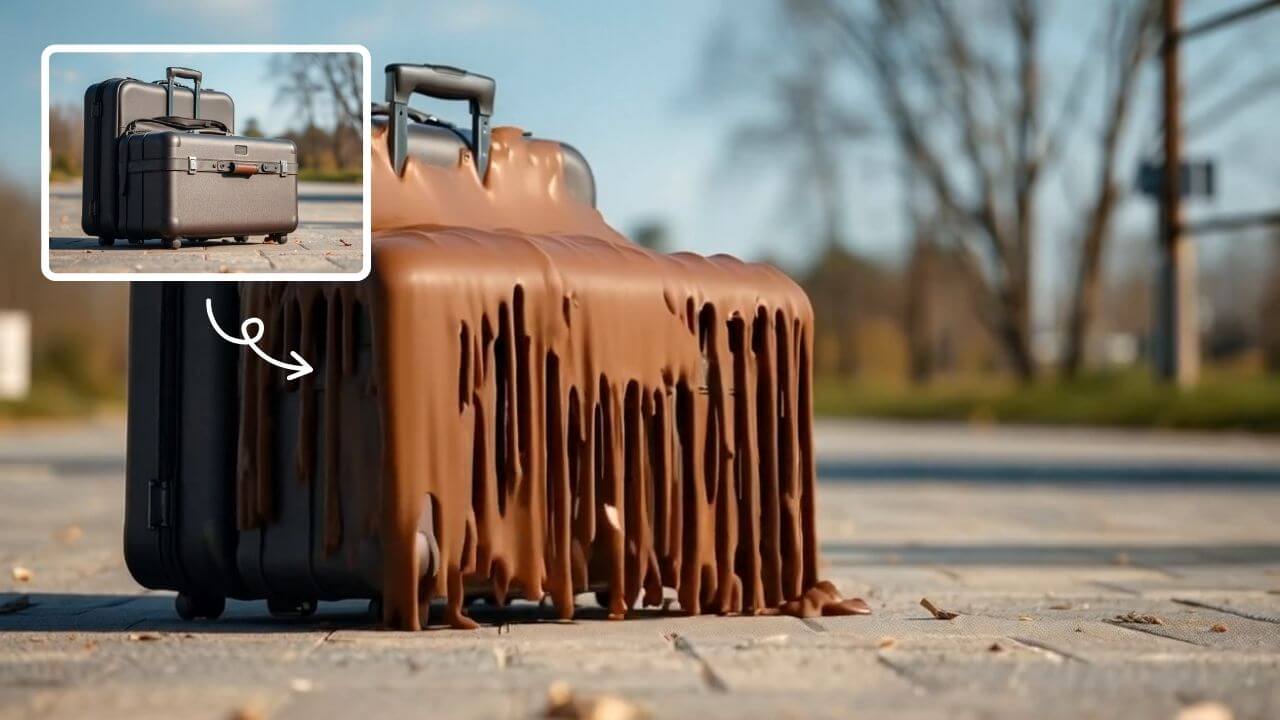
AI Melt Effect
AI Melt Effect uses advanced AI to instantly create mesmerizing melting effect videos from your images. Enjoy powerful features, fast processing, and a free platform. Turn ordinary photos into extraordinary art effortlessly.
 Continue with Google