KONG KONG KING KING KING Video Generator
Upload one photo of two people and turn it into a KONG KONG KING KING keyboard duo video. Two characters, one keyboard scene, frame by frame.
Motion Prompt
Why Choose This AI Video Tool?
Text2Vid is an independent platform. Model names are shown for reference only and do not imply affiliation with or endorsement by Google, OpenAI, Runway, xAI, or other model providers.
More AI Video Tools
KONG KONG KING KING KING Video Generator
Upload one photo of two people and turn it into a keyboard duo video. Your pair steps into the familiar keyboard scene together — body movement, gestures, head turns, gaze and timing following the reference frame by frame, each character keeping their own face, outfit and accessories from the first shot to the last. The video is muted — add your own sound in TikTok or Reels.
Inspired by a viral effect trend. Not affiliated with TikTok, the song's rights holders, or the original creators.
Temporary example, pending replacement with a Text2Vid-owned render. Source: Supermaker https://supermaker.ai/video/kong-kong-king-king/. The player and poster are source-attributed and are not presented as Text2Vid-generated media.
How it works
Upload one authorized photo, review the built-in motion prompt, and generate a short vertical clip. The result is muted; add audio in TikTok or Reels only when you have the required rights.
Photo tips
Use one photo containing two authorized adults, with both people shown clearly from the waist up or full body and placed left and right. The Text2Vid version accepts one image only; do not upload two separate portraits. Do not upload minors, celebrities, or private images without permission.
Use only a photo you own or are authorized to use. Do not upload minors, celebrities, or private images without permission.
What the video looks like
The preview follows the effect sequence described above: Upload one photo of two people and turn it into a keyboard duo video. Your pair steps into the familiar keyboard scene together — body movement, gestures, head turns, gaze and timing following the reference frame by frame, each character keeping their own face, outfit and accessories from the first shot to the last. The video is muted — add your own sound in TikTok or Reels.
AI motion can vary between runs. Review faces, hands, bodies, pets, objects, and backgrounds before downloading or sharing.
Start Creating AI Videos Instantly
Turn simple text prompts into engaging videos using our powerful AI video generator. No editing skills required — just describe your idea and let AI do the work.
Generate Your First AI VideoMore AI Video Tools
Explore more AI-powered video creation tools to expand your creativity
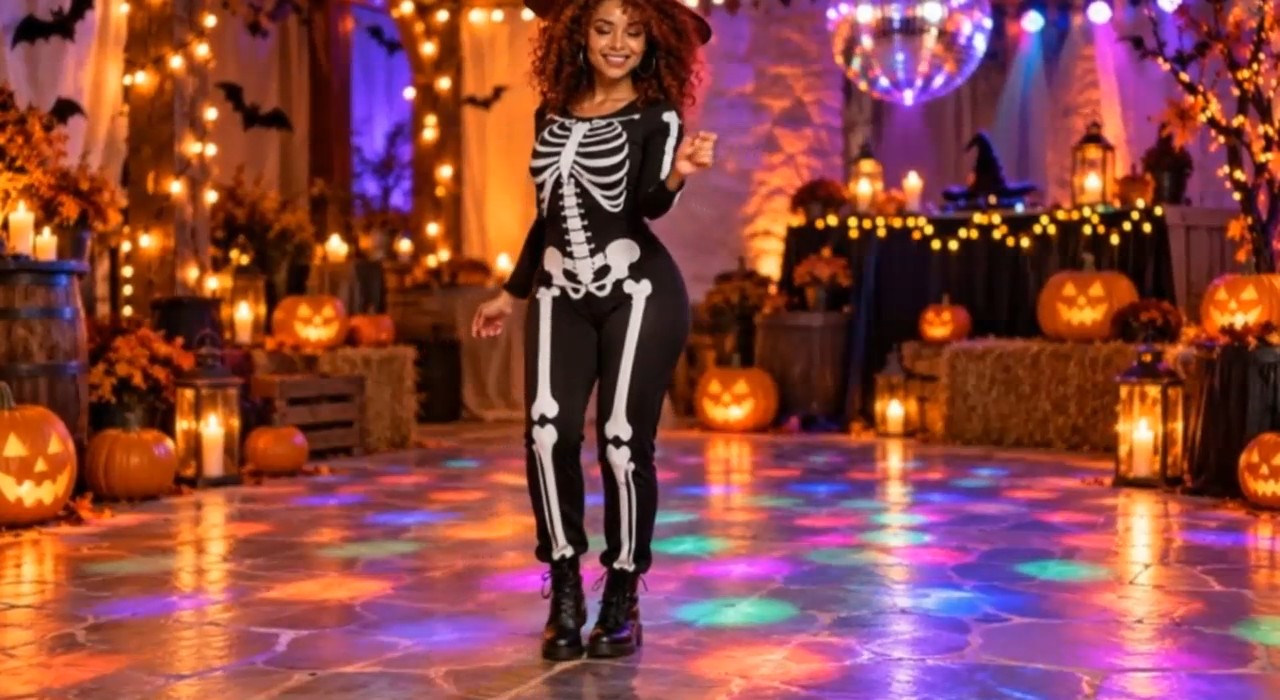
AI Halloween Dance Video Generator
Upload one photo and turn it into a Halloween dance video. Pick a witch, vampire, skeleton or ghost-inspired style and dance for TikTok and Reels.
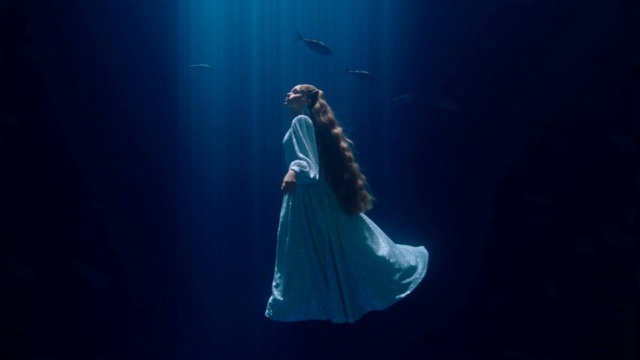
Deep Sea Viral Video Generator
Upload one portrait and turn it into a deep sea video. Float upright in a blue canyon, drift with the light and look toward the surface.
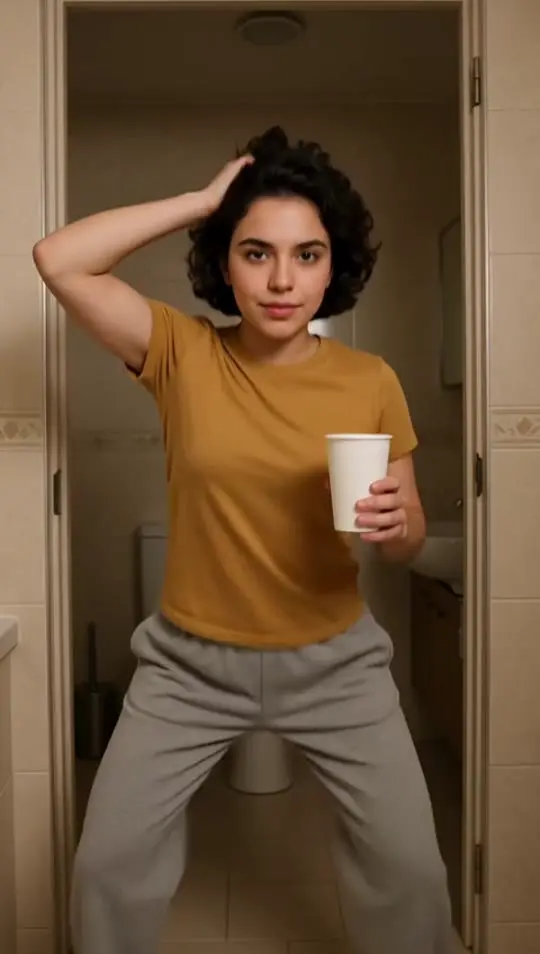
Jawn Dance AI Generator
Upload one full-body photo and turn it into a Jawn dance video. Sway your hips, swing an arm into a half spin and bounce on bent knees in a sunlit doorway.
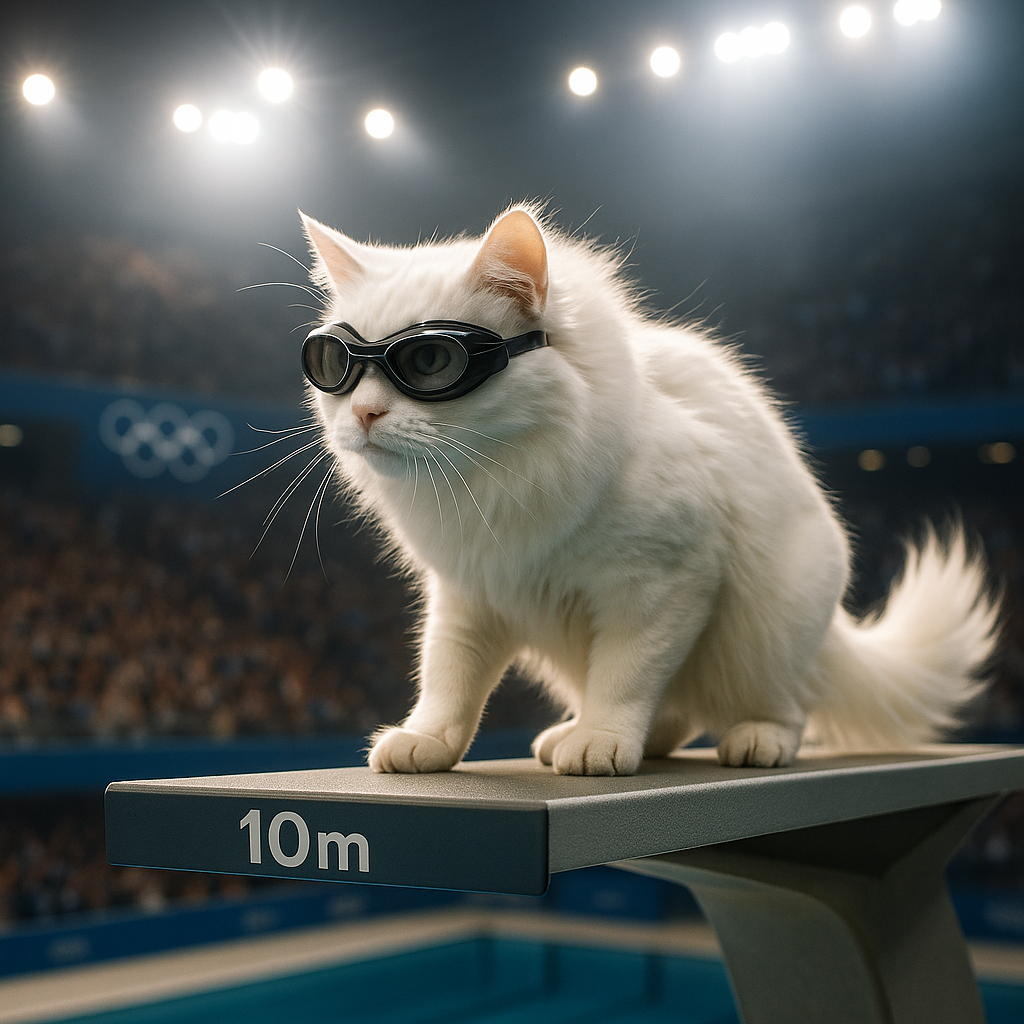
AI Cat Diving Olympics
AI Cat Diving Olympics turns your cat photos into entertaining diving competition videos. Our AI technology automatically generates realistic diving motions and backgrounds. Simply upload photos to create viral-ready content that showcases your pet's athletic potential. Perfect for social media sharing and pet lovers seeking unique entertainment.
 Continue with Google