KONG KONG KING KING KING Video Generator
Upload one photo of two people and turn it into a KONG KONG KING KING keyboard duo video. Two characters, one keyboard scene, frame by frame.
Bewegungs-Prompt
Warum dieses KI-Video-Tool wählen?
Text2Vid is an independent platform. Model names are shown for reference only and do not imply affiliation with or endorsement by Google, OpenAI, Runway, xAI, or other model providers.
Weitere KI-Video-Tools
KONG KONG KING KING KING Video Generator
Upload one photo of two people and turn it into a keyboard duo video. Your pair steps into the familiar keyboard scene together — body movement, gestures, head turns, gaze and timing following the reference frame by frame, each character keeping their own face, outfit and accessories from the first shot to the last. The video is muted — add your own sound in TikTok or Reels.
Inspired by a viral effect trend. Not affiliated with TikTok, the song's rights holders, or the original creators.
Temporary example, pending replacement with a Text2Vid-owned render. Source: Supermaker https://supermaker.ai/video/kong-kong-king-king/. The player and poster are source-attributed and are not presented as Text2Vid-generated media.
How it works
Upload one authorized photo, review the built-in motion prompt, and generate a short vertical clip. The result is muted; add audio in TikTok or Reels only when you have the required rights.
Photo tips
Use one photo containing two authorized adults, with both people shown clearly from the waist up or full body and placed left and right. The Text2Vid version accepts one image only; do not upload two separate portraits. Do not upload minors, celebrities, or private images without permission.
Use only a photo you own or are authorized to use. Do not upload minors, celebrities, or private images without permission.
What the video looks like
The preview follows the effect sequence described above: Upload one photo of two people and turn it into a keyboard duo video. Your pair steps into the familiar keyboard scene together — body movement, gestures, head turns, gaze and timing following the reference frame by frame, each character keeping their own face, outfit and accessories from the first shot to the last. The video is muted — add your own sound in TikTok or Reels.
AI motion can vary between runs. Review faces, hands, bodies, pets, objects, and backgrounds before downloading or sharing.
Sofort mit der Erstellung von KI-Videos beginnen
Verwandeln Sie einfache Textprompts mit unserem leistungsstarken KI-Videogenerator in ansprechende Videos. Keine Bearbeitungskenntnisse erforderlich – beschreiben Sie einfach Ihre Idee und lassen Sie die KI die Arbeit erledigen.
Ihr erstes KI-Video generierenWeitere KI-Video-Tools
Entdecken Sie weitere KI-gestützte Videoproduktionstools, um Ihre Kreativität zu erweitern
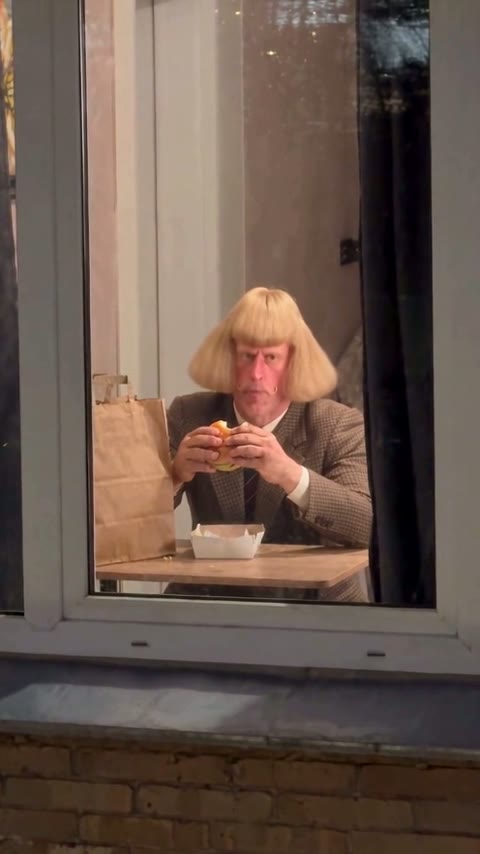
Burger Thru Window Video Generator
Upload one photo and turn it into a Burger Thru Window meme video. Eat a burger behind the glass, catch the camera and hold an awkward stare.
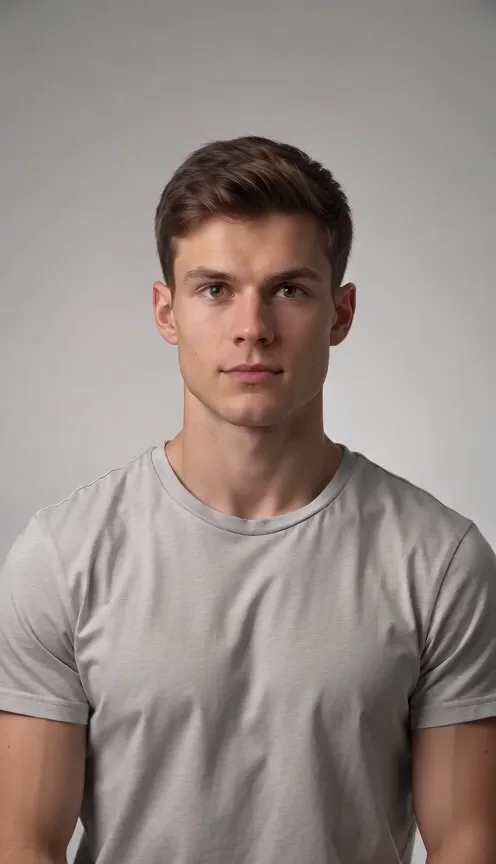
AI Cheek Pinch Generator
Upload one photo of one person or pet and turn it into an AI cheek pinch video. A hand gently pinches the cheek and the subject reacts playfully.
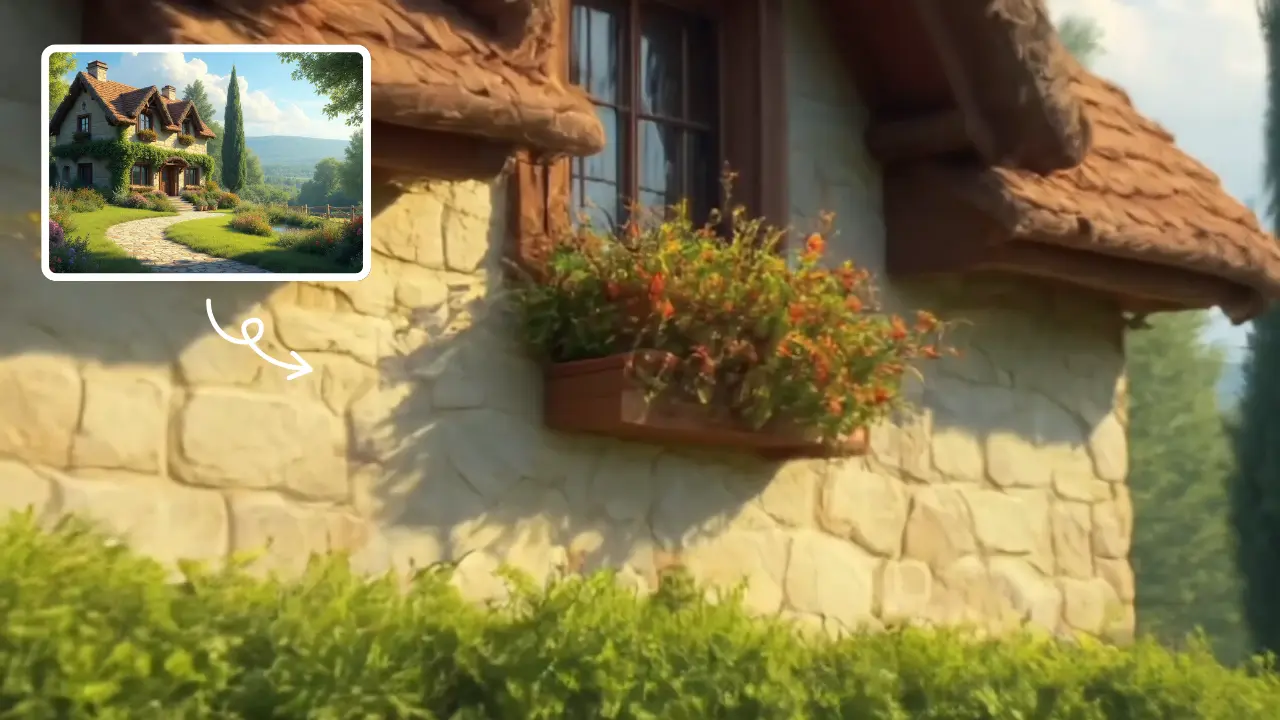
Zoom In Video Effect
Zoom In Video Effect offers free AI video templates to quickly produce professional videos. Key features include one-click creation, support for image and text conversions, and versatile styles. Enhance your content effortlessly, saving time while maximizing impact with user-friendly tools.
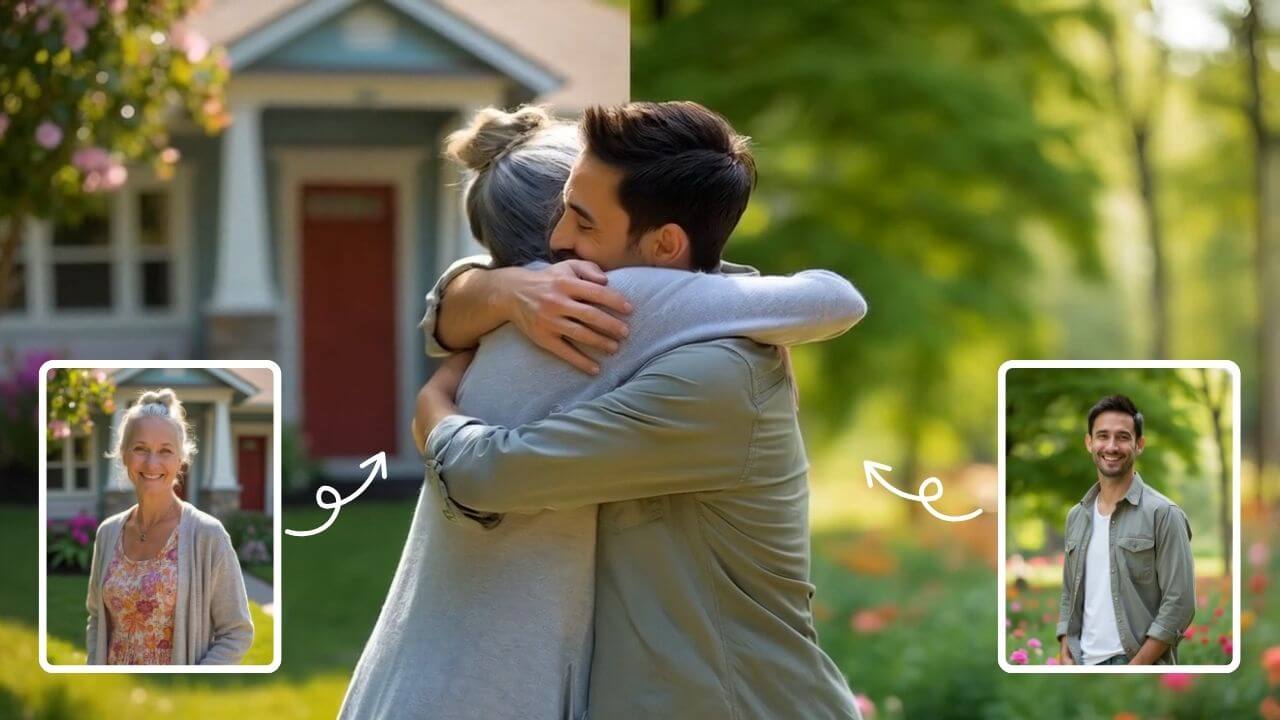
AI Hug
AI Hug is an AI-powered video generator that turns your photos into lifelike hugging videos. It's easy to use, requiring just a few clicks to create emotional content. Perfect for preserving memories, enhancing social media engagement, and professional branding, it saves time while delivering high-quality, shareable results.
 Mit Google fortfahren