Free Hotel Lobby AI Video Generator
Start with the available free preview using one or two authorized photos. This is an original performance format, not an official artist, song, or music-video recreation.
Director mode
Turn your brief into a Studio plan
Share the outcome, audience, or mood. Review the settings before generating.
PNG/JPG · Up to 10 MB · Max 2 images · Drag & drop or Ctrl+V
Why Choose This AI Video Tool?
Text2Vid is an independent platform. Model names are shown for reference only and do not imply affiliation with or endorsement by Google, OpenAI, Runway, xAI, or other model providers.
More AI Video Tools
Free Hotel Lobby AI Video Generator
Try a Hotel Lobby-style AI video preview with one or two authorized photos. This page is for people searching for free Hotel Lobby AI, a free Hotel Lobby AI video generator, or a free Hotel Lobby video from photos. Text2Vid provides an available free preview after Google sign-in, while longer videos and additional settings may use credits. The scene is an original warm studio performance and does not claim to be an official artist video.
Start a free Hotel Lobby preview
Operation title: Create a warm two-person studio preview
Input label: Upload one or two clear photos that you own or have permission to use
Target label: Short Hotel Lobby-style performance preview
CTA: Try free preview
Use one photo for a solo variation or two photos for a duo. The suggested direction places the performers in an orange studio with a suspended vintage microphone, small rhythmic gestures, and a stable medium-wide camera. A gentle push-in keeps the scene readable without asking the model to invent several actions at once.
What the free preview includes
The free option is a way to test the source photos, framing, and motion before you decide whether a longer or higher-quality generation is worth using. Google sign-in is required. Current duration, output success, service capacity, and available model settings are shown by the generator. This page does not promise unlimited free exports or a free version of every paid option.
Related searches include free Hotel Lobby AI video, Hotel Lobby AI video free trial, Hotel Lobby AI generator from two photos, orange studio duo video, and Hotel Lobby AI prompt. They describe a focused two-person image-to-video workflow, so the useful first step is choosing clear inputs rather than collecting many near-identical prompts.
How to prepare two photos
- Use one clear performer per image when creating a duo. Front-facing photos with even light make role assignment easier.
- Keep faces, clothing, and the intended left-right order clear. Avoid covered faces and crowded group photos.
- Start with the short preview. Check identity, hand movement, framing, and the microphone before spending credits.
- Add music or captions in a separate editing step using audio and text you are allowed to publish.
Practical use cases
- A free first test for friends or couples who want to compare two portraits.
- A short social draft with an orange studio look and space for captions.
- A prompt and framing test before a longer Hotel Lobby-style generation.
FAQ
about free Hotel Lobby AI
Is the Hotel Lobby AI video completely free?
A free preview is available after Google sign-in. Longer videos, higher settings, and other account options may require credits. Check the live generator for the current controls before submitting.
Can I use two separate photos?
Yes. Use one clear photo for each performer and keep the left and right roles explicit. The result can still change faces or hands, so review the full clip.
Does this include the original Hotel Lobby song?
No. The page creates an original visual performance. Add music only from a library or source you are allowed to use.
What should I check before sharing?
Check both faces, role order, hands, crop, background details, and audio rights. Keep the original photos until the preview is approved.
Start Creating AI Videos Instantly
Turn simple text prompts into engaging videos using our powerful AI video generator. No editing skills required — just describe your idea and let AI do the work.
Generate Your First AI VideoMore AI Video Tools
Explore more AI-powered video creation tools to expand your creativity
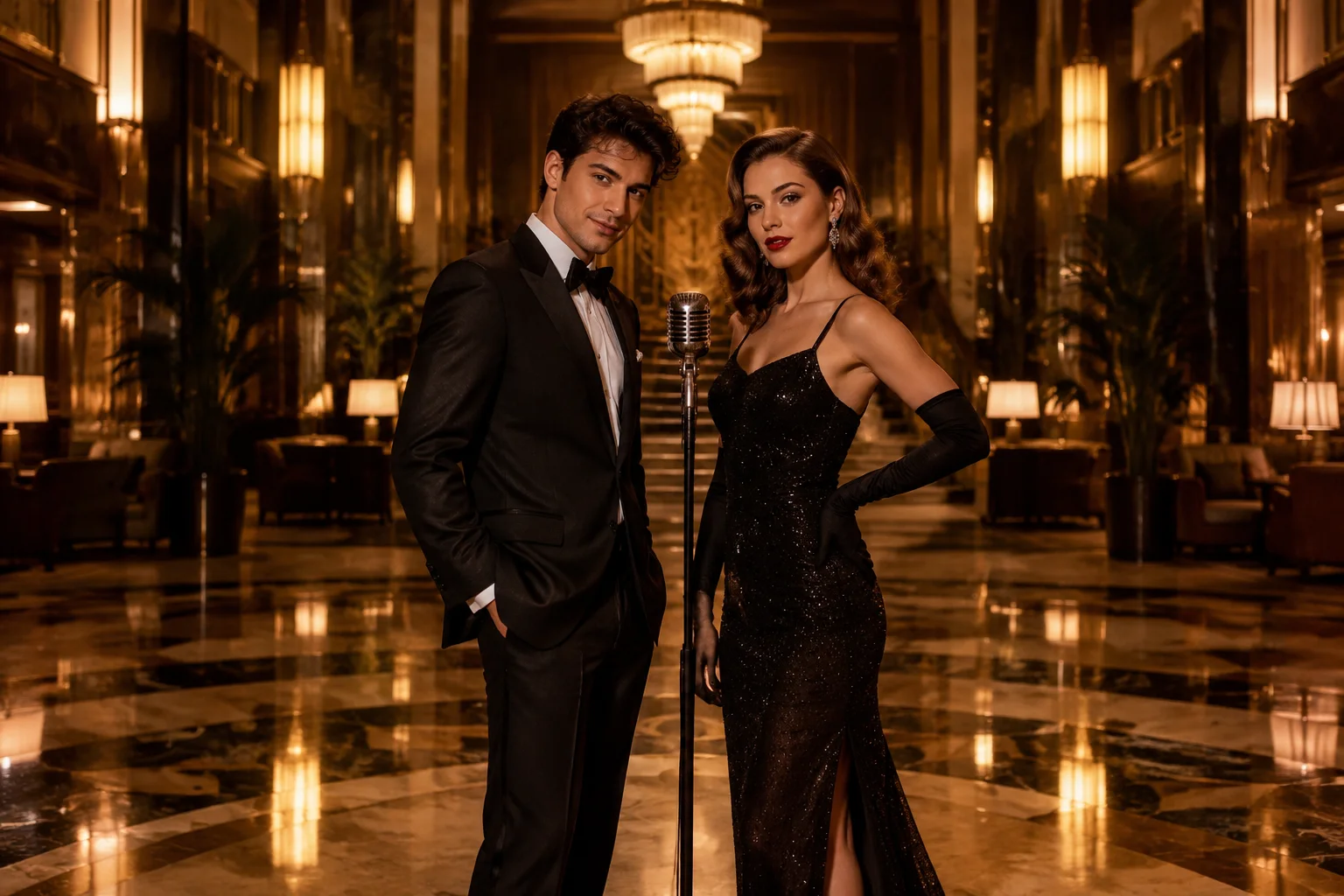
Hotel Lobby AI Video Generator
Create an original hotel-lobby-style performance scene from one or two authorized photos. This is not an official artist, song, or music-video recreation.
Try Now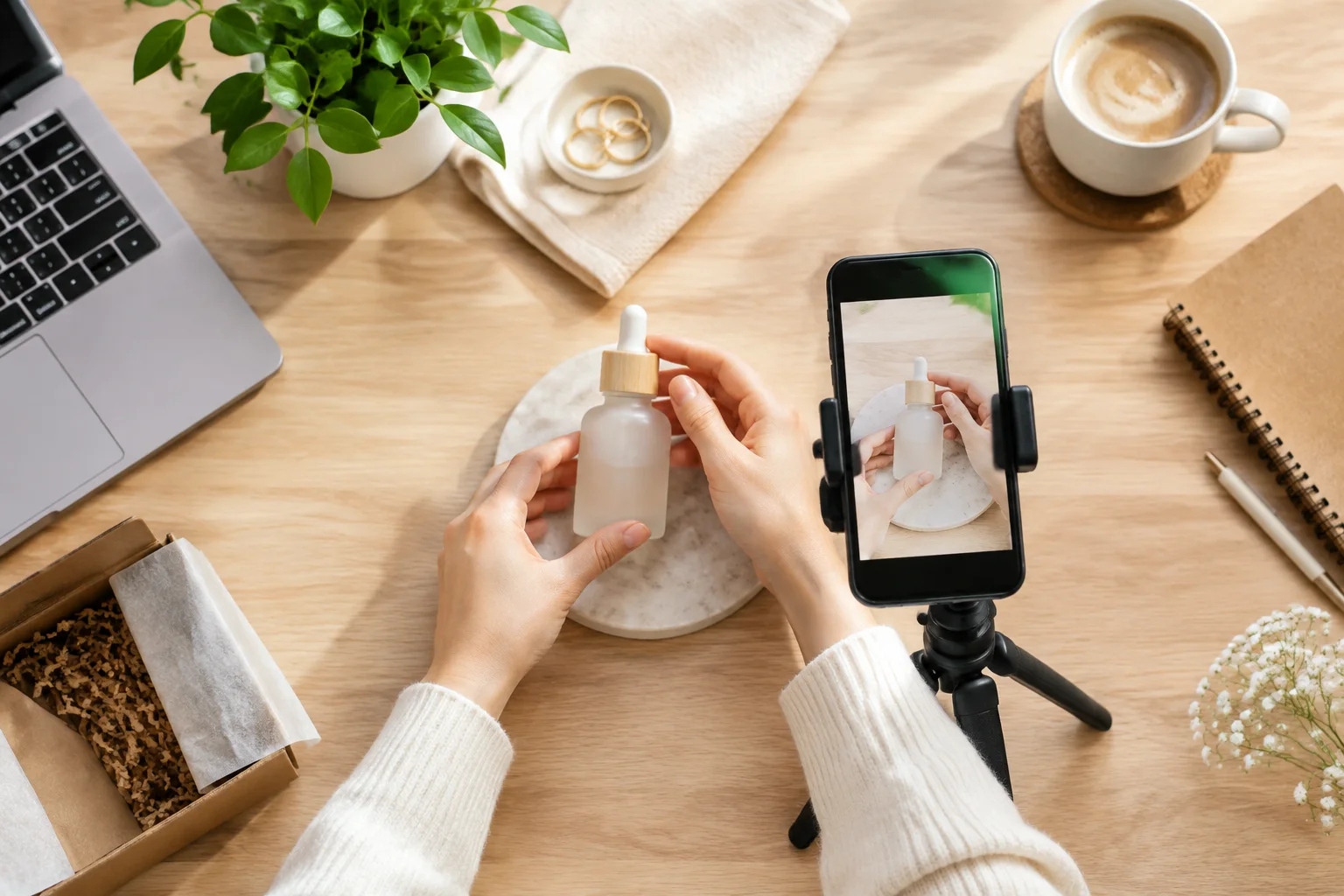
Faceless Reels Generator
Animate a product, object, scene, or hands-only image into a vertical Reel without relying on a talking face.
Try Now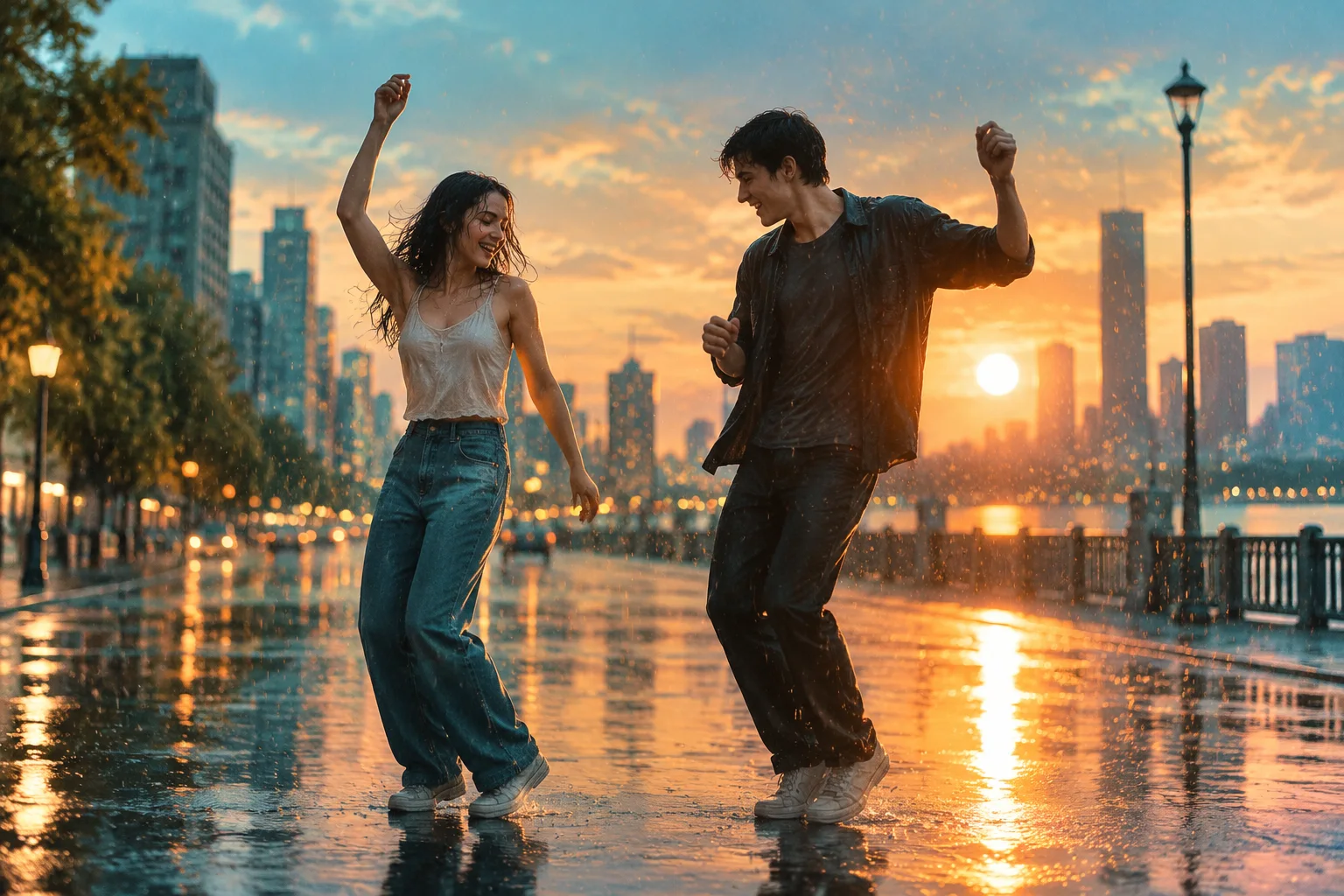
Rain Dance AI Video Generator
Create an original two-person seaside dance from two authorized photos. Do not use copyrighted music or recreate a real performer’s identity.
Try Now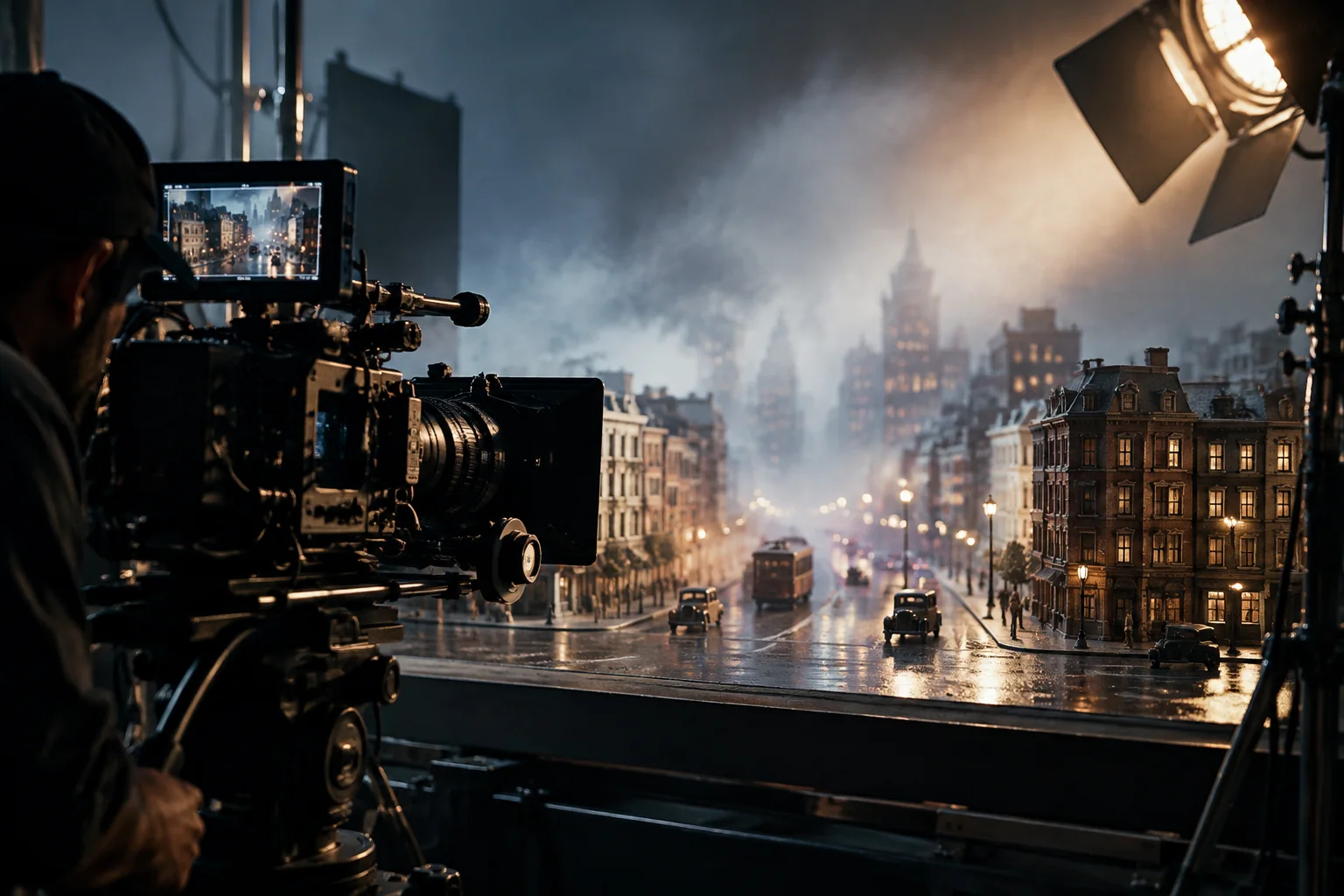
AI Cinematic Video Generator
Turn a script or scene brief into a cinematic AI video online. Describe lighting, lens language, and camera movement for storyboards, trailers, and visual concept tests.
Try Now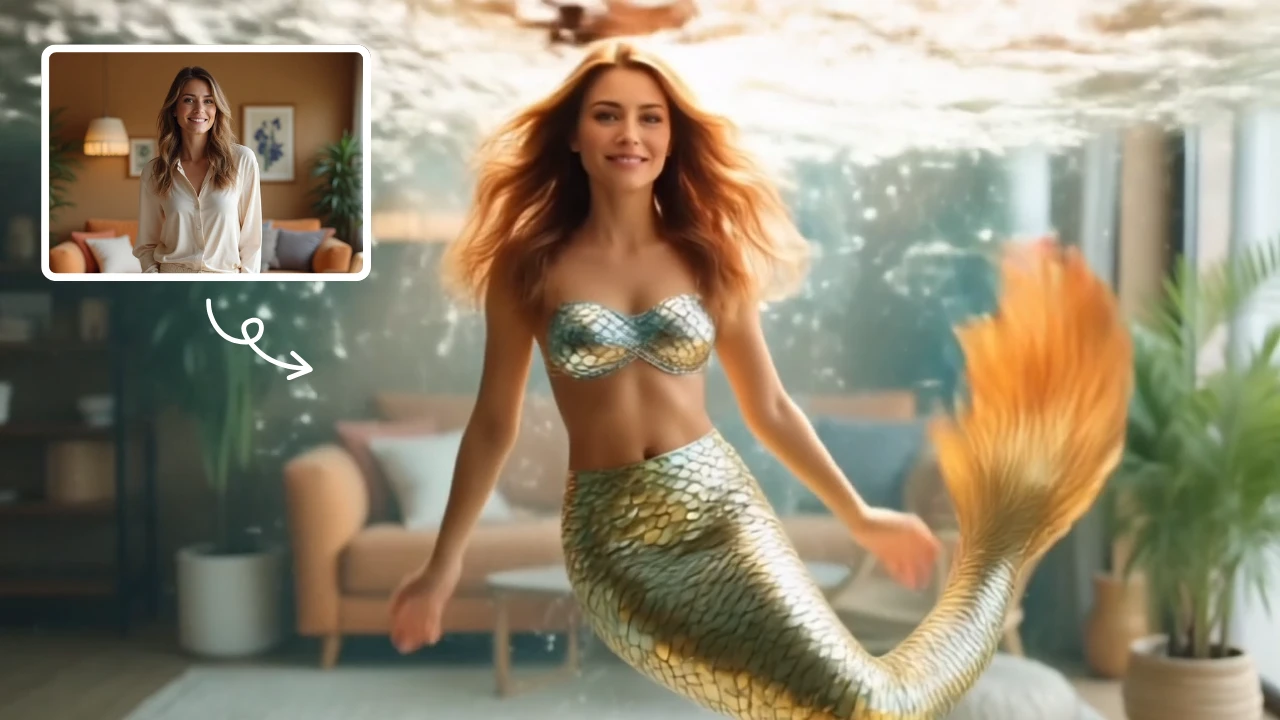
AI Mermaid Transformation
AI Mermaid Transformation is a free tool that instantly turns your photos into enchanting mermaid videos. Experience magical underwater effects with easy photo uploads. Create captivating mermaid transformations effortlessly and share your unique aquatic fantasy!
Try Now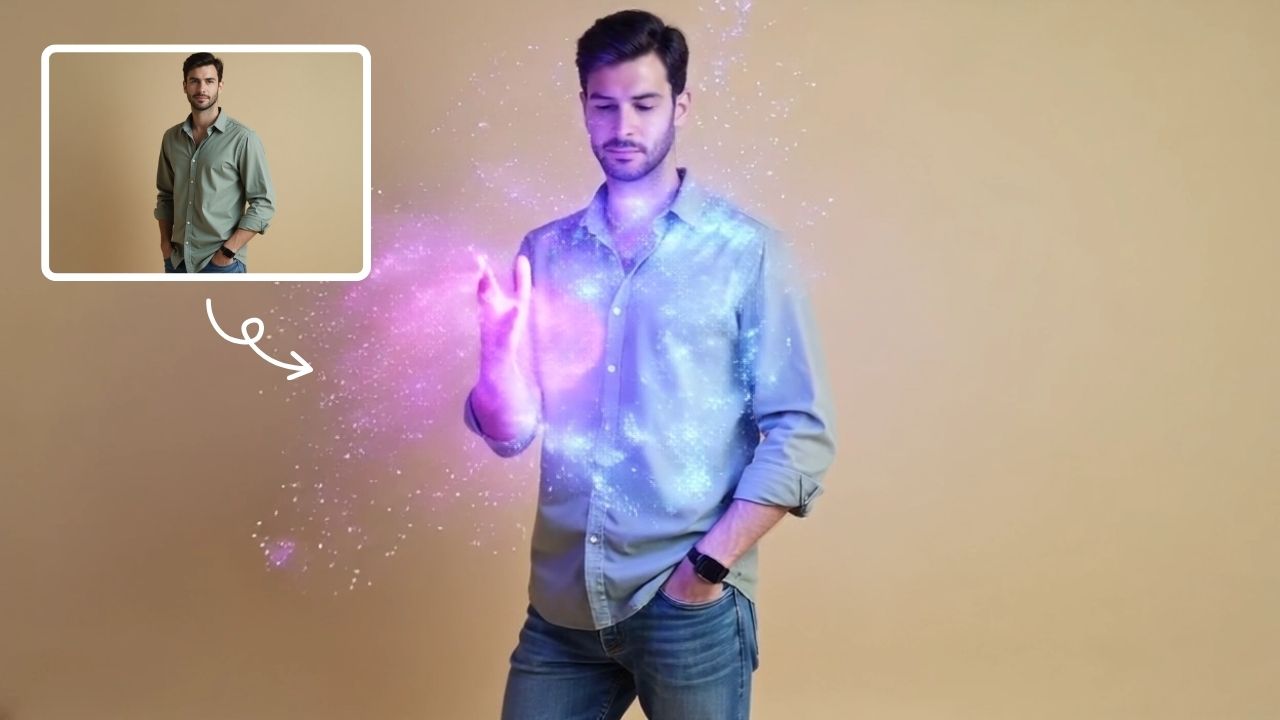
AI Magic
AI Magic instantly converts your photos into sorcerer images with a burst of light and energy. Highlighting unique powers and visual appeal, it offers quick, enchanting transformations for social media or personal use, making magic accessible to all.
Try Now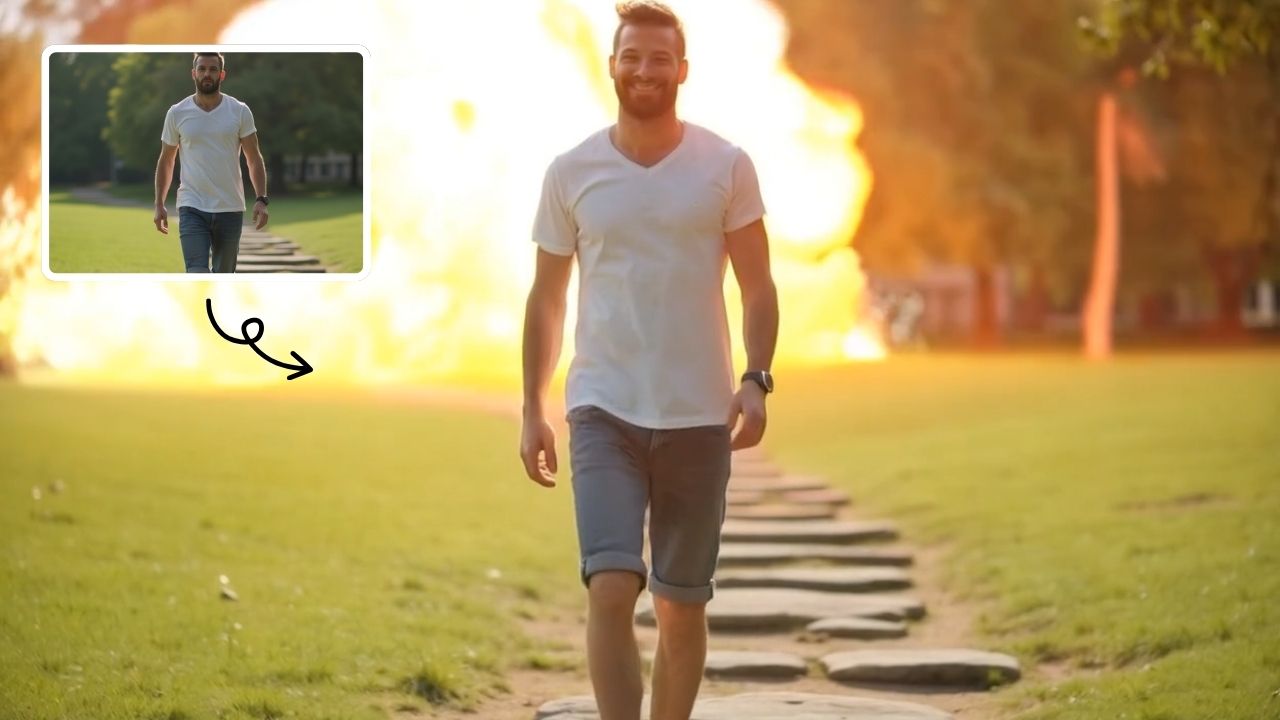
Boom AI Video Generator
AI Boom uses advanced AI to add stunning explosion effects to your photos, turning ordinary moments into cinematic masterpieces. Simply upload a picture, and watch as dynamic blasts appear behind you while you walk away effortlessly. Perfect for social media, this tool requires no technical expertise—just creativity. Stand out with viral-ready videos that showcase your fearless style and make every post unforgettable.
Try Now
AI Vampire
AI Vampire Generator uses advanced AI to transform any selfie into realistic vampire makeup instantly. Perfect for Halloween, costume parties, or spooky social media content—no editing skills needed. Download your vampire makeover for free and stand out with eerie, professional-looking results!
Try Now Continue with Google