Migos AI Video Generator Video Generator
Assign one clear photo to each performer and use original or licensed audio. The search name does not imply affiliation with Migos or its members.
Motion Prompt
Why Choose This AI Video Tool?
Text2Vid is an independent platform. Model names are shown for reference only and do not imply affiliation with or endorsement by Google, OpenAI, Runway, xAI, or other model providers.
More AI Video Tools
Migos AI Video Generator Video Generator
Migos AI Video Generator Video Generator focuses on an original two-person orange-studio performance from two role-specific reference photos. It is designed for friends, couples, and social creators making a duet-style short video. Use the generator below to test a short brief, compare the available settings, and refine the result instead of expecting one prompt to produce a finished campaign.
What to include in the prompt
Start with the subject and its main action. Then add the setting, camera movement, lighting, mood, and intended format. Assign one clear photo to each performer and use original or licensed audio. The search name does not imply affiliation with Migos or its members.
Prompt starter
Use image 1 as the left performer and image 2 as the right performer in an original warm orange studio with a suspended microphone, stable identities, small rhythmic gestures, and a fixed medium-wide camera.
Adapt the subject, action, and format to your own project. This is an original starting point, not a guaranteed output or a claim that the prompt was tested on every connected model.
Suggested workflow
- Open the generator and confirm the selected model and supported options.
- Paste the starter prompt and change one variable at a time.
- Check motion, faces, product details, and framing in the preview.
- Regenerate or switch to the text to video generator or image to video generator when the input type changes.
The generator can preselect the seedance-2-mini engine mode when that mode is available. Review the current controls and output before publishing.
Limitations and usage notes
AI video results vary by model, input image, duration, and server availability. Review every result for artifacts, inaccurate details, unsafe content, and rights issues. Only use images, people, brands, and locations that you have permission to use. Commercial rights depend on the applicable Text2Vid plan and the source assets.
Start Creating AI Videos Instantly
Turn simple text prompts into engaging videos using our powerful AI video generator. No editing skills required — just describe your idea and let AI do the work.
Generate Your First AI VideoMore AI Video Tools
Explore more AI-powered video creation tools to expand your creativity
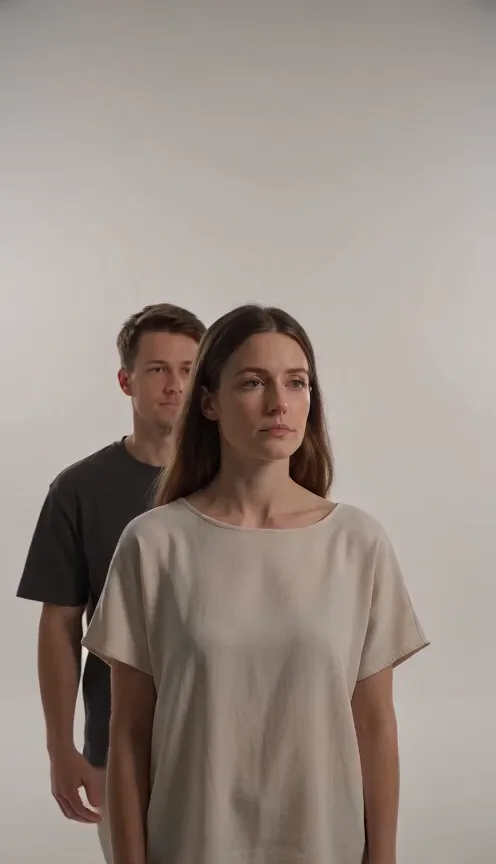
Hug From Behind Generator
Upload one photo of two people and turn it into a hug from behind video. One person warmly hugs the other from behind.
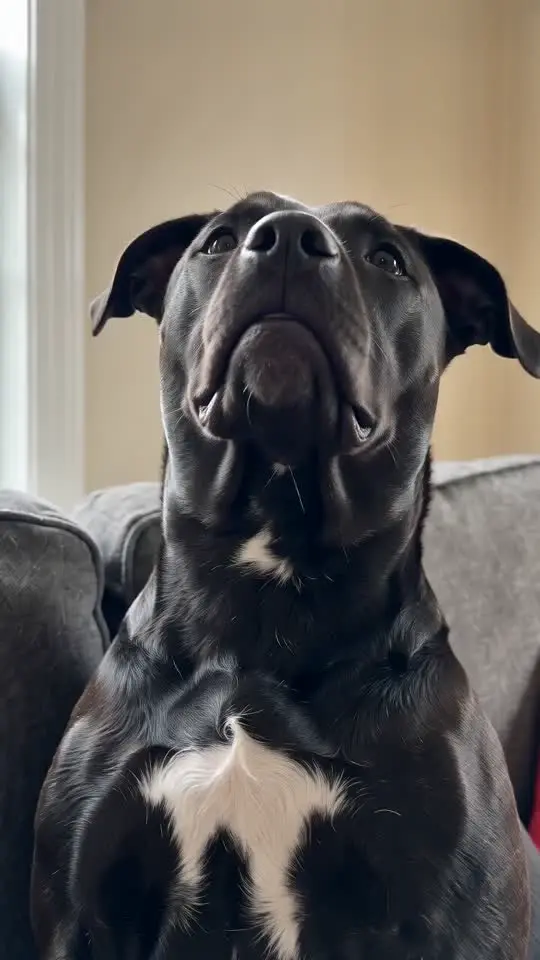
Imma Bite You AI Generator
Upload one photo of your dog or cat and turn it into a pet warning video. Your pet sits upright on a sofa, gives a pretend warning, waves its paws and pulls them in with a sassy look.
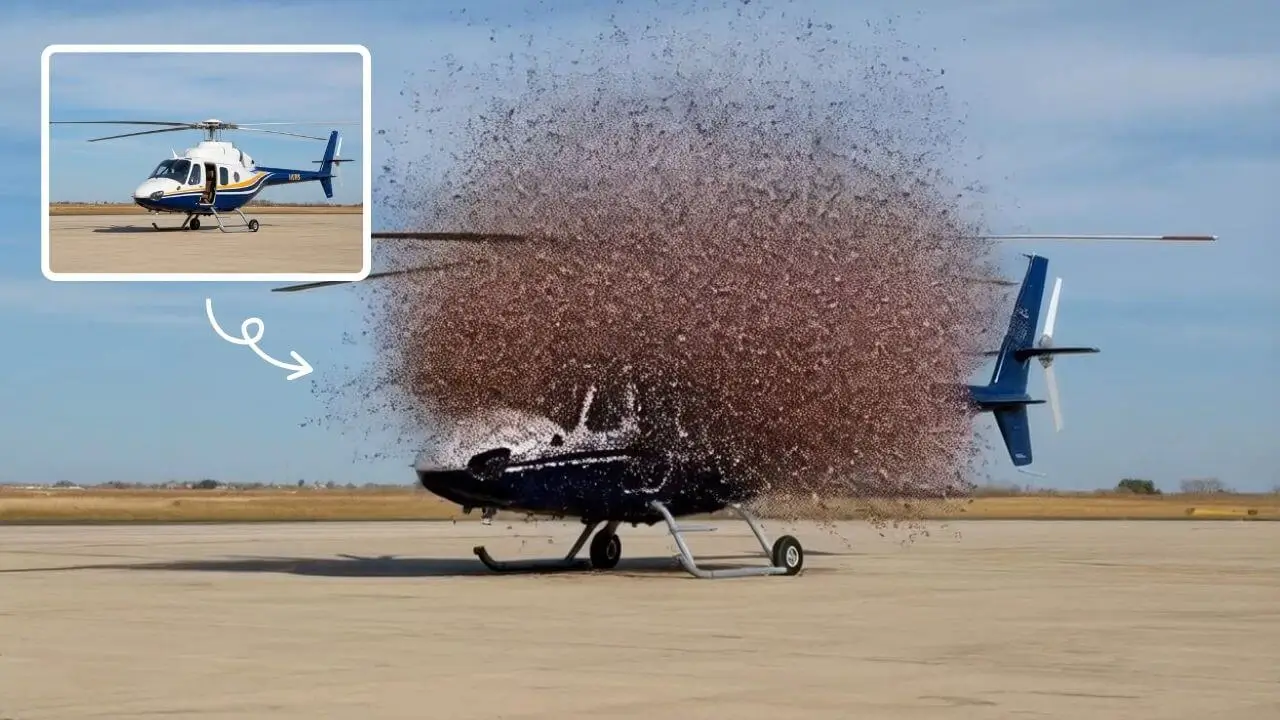
AI Explode Effect
AI Explode Effect uses advanced AI to convert your photos into dynamic explosion artwork. Simply upload an image to generate vibrant energy bursts, emphasizing creativity and visual impact. Perfect for social media, digital art, or personal projects, it offers quick, stunning results with no design skills needed. Unleash your creativity and turn ordinary moments into explosive art!
AI Haunted House
Transform your photos into terrifying haunted house videos with the Haunted House Video Generator. This AI tool adds monsters, ghosts, and eerie effects to create horror clips in minute. Enjoy easy sharing, instant results, and professional quality—perfect for social media, pranks, or creative projects. Experience fast, free horror video generation today!
 Continue with Google