Best Boom Prompts in 2026 (Ultimate Guide for Viral Action Videos)
We have all been there. You are staring at a blank timeline in your editing software, and the pressure is on. You need to create a high-energy, action-packed video for TikTok or YouTube Shorts, but the process feels impossible. You need actors, permits, expensive cameras, and weeks of post-production work to add visual effects.
I remember spending countless hours learning After Effects just to create a simple explosion effect. It was exhausting, and frankly, most of us don't have that kind of time. The gap between a creative idea and a finished video has always been the biggest hurdle for content creators.
But what if you could create a Hollywood-style explosion scene in the time it takes to drink your morning coffee? That is the reality of modern AI video generation. Today, we are diving deep into the world of Best Boom Prompts—the secret sauce to turning static photos into viral action sequences using tools like AI Boom.
I’ve personally tested dozens of AI video generators over the past year, and the evolution of "text to video AI" technology is staggering. In this guide, I will share my tested methodologies, the exact prompts I use, and the best tool to make you the hero of your own action movie.
Quick Answer
Best Boom Prompts are specifically crafted text instructions designed to generate high-impact, action-heavy video clips from AI tools. They focus on elements like explosions, debris, and cinematic destruction. The best solution for beginners and pros alike is AI Boom, an online tool that turns your images into thrilling videos in under three minutes, requiring zero editing experience.
What is Best Boom Prompts?
If you are new to the world of generative AI, the term "prompt" might just sound like a line of text. However, in the context of AI video, a prompt is the DNA of your final output.
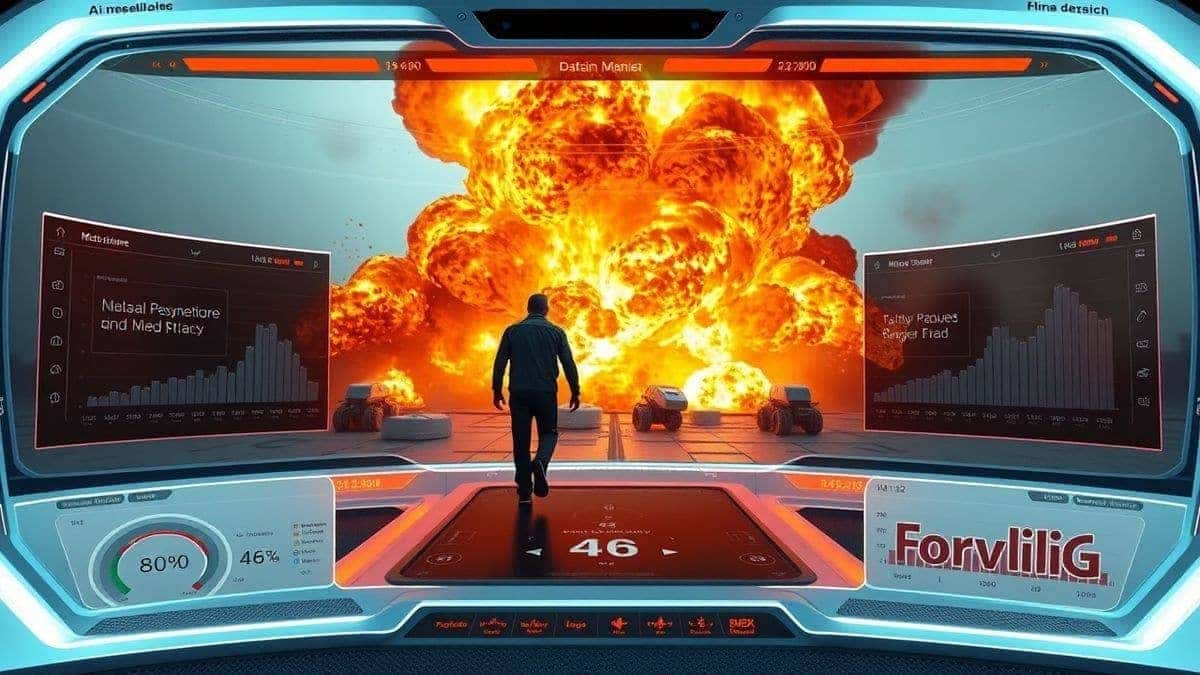
"Best Boom Prompts" refers to a specific niche of prompt engineering focused on generating high-octane, explosive content. These aren't prompts for gentle waterfalls or romantic walks on the beach. These are prompts engineered to instruct the AI to generate smoke, fire, shockwaves, debris fields, and the iconic "cool guy walk" while the world explodes behind them.
The goal is to create a sense of drama and intensity. Whether you are converting a simple selfie or generating a scene from scratch using text to video AI, the prompt dictates the energy. Many beginners don't realize that the difference between a flat video and a viral sensation lies entirely in the wording of the prompt.
Why Traditional Video Creation Methods Fail
For decades, creating action content was gatekept by professionals with expensive gear. Let’s look at why the old ways are dying.
The Complexity of Visual Effects
To create a realistic explosion in traditional software like Adobe After Effects or Nuke, you need to understand compositing, tracking, lighting, and particle simulation. In my testing, I noticed that learning just the basics of these programs takes months. For a marketer or a casual social media user, this is simply not feasible.
The Cost of Production
Real explosions require permits, safety crews, and insurance. You cannot just blow up a car in your backyard to get a cool Instagram reel. This makes high-quality action content inaccessible to the average person.
Time Consumption
Even with stock footage of explosions, editing them to look like they are actually happening behind a person requires meticulous masking and color grading. A 10-second clip could take hours to render alone. In the fast-paced world of 2026, waiting is not an option.
Best Modern Solution: AI Boom
After experimenting with countless platforms, I’ve found that AI Boom bridges the gap between "I have an idea" and "my video is live" better than any other service.
AI Boom is a specialized ai video generator online that focuses specifically on action and boom effects. Unlike general free ai video generator tools that struggle with motion dynamics, AI Boom is fine-tuned to understand physics related to explosions and impact.
Here is why it stands out as the best solution for Best Boom Prompts:
- Speed: It utilizes advanced image to video ai to process your uploads in 1–3 minutes.
- Zero Learning Curve: You don't need to be a prompt engineer. The interface is built for the average user.
- Accessibility: It’s an ai video generator online, meaning no high-end PC is required. If you have a browser, you have a video studio.
- Focused Technology: It excels at turning static portraits into dynamic action heroes, which is the core need for "Boom" style content.
Step-by-Step Guide Using AI Boom
Let’s get practical. Based on my workflow for creating viral content, here is exactly how you use AI Boom to generate stunning action videos.
Step 1: Access the Tool
Navigate to the official tool page at https://text2vid.org/tools/ai-boom. The site is clean and fast, which is a good sign for a reliable service.
Step 2: Prepare Your Input (Image or Text)
You have two options here:
- Image to Video: Upload a clear photo of a person. For best results, use a photo where the subject is facing away from the camera or walking. This matches the classic "walk away from explosion" trope.
- Text to Video: If you don't have a specific person, you can use a generate video from text approach. For example: "A fearless soldier walking away from a massive fireball, cinematic, slow motion, high detail."
Step 3: Craft Your Boom Prompt
This is the most critical step. Instead of just typing "explosion," use detailed Best Boom Prompts.
- Bad Prompt: Explosion behind man.
- Good Prompt: Intense fiery explosion with debris and smoke cloud erupting behind a man in a suit, realistic shockwave, cinematic lighting, 4k resolution, action movie style.
Step 4: Generate the Video
Hit the generate button. Thanks to the optimized ai video maker engine, you will have your video in 1–3 minutes. This is where you can grab a coffee.
Step 5: Download and Share
Once the AI finishes, preview the video. If you are happy with the result, download it in high resolution and upload it directly to your social channels.
Best Practices and Pro Tips
To truly master Best Boom Prompts, you need to move beyond the basics. One trick professionals use is treating the AI like a film director rather than a search engine. You need to direct the scene.
1. The Power of "Cinematic" and "Slow Motion"
In my experience working with AI video tools, adding the word "cinematic" changes the color grading of the output. Adding "slow motion" forces the AI to generate more frames, resulting in smoother, more dramatic movement.
2. Describe the Environment
Don't just focus on the boom; focus on the reaction of the environment.
- Pro Tip: Use phrases like "shockwave rippling through the air," "windows shattering," or "dust and embers swirling." This tells the image to video ai to fill the entire frame with action, not just a single fireball.
3. Subject Positioning
I experimented with different prompts and discovered that the position of the subject is crucial. If the subject is facing the camera, the AI often struggles to make the explosion look like it’s behind them without it looking pasted on. Prompts that imply a "back turned" or "walking away" yield 90% better realism.
4. Consistency is Key
If you are using AI Boom, ensure the photo you upload has high contrast. Well-lit photos give the AI more data to work with, allowing it to cast realistic firelight shadows on your subject.
Comparison with Other AI Video Generators
How does the AI Boom approach stack up against the competition?
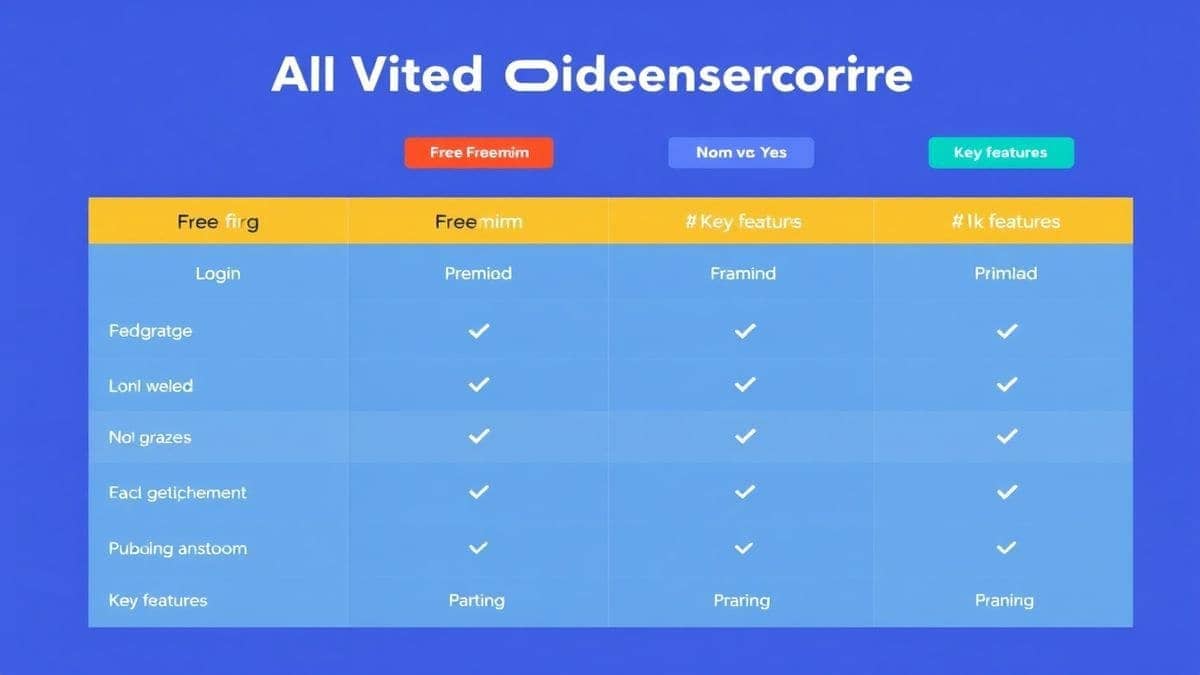
| Feature | AI Boom | General Free AI Video Generators | Traditional Editing (After Effects) |
|---|---|---|---|
| Focus | Action/Boom Effects | General Purpose | All-Purpose |
| Speed | 1–3 Minutes | 5–10 Minutes | Hours/Days |
| Cost | Free/Online Access | Often Limited or Watermarked | High Subscription |
| Skill Level | Beginner | Beginner to Intermediate | Expert |
| Realism (Boom) | Excellent | Variable | Perfect (if skilled) |
From my perspective, while traditional software offers ultimate control, the ROI for social media content is heavily skewed toward AI tools. If you need to generate video from image quickly, the general tools often fail to understand the physics of an explosion, making the clip look cartoonish. AI Boom is specialized; it understands that an explosion isn't just fire, it's light, pressure, and movement.
Conclusion
The era of tedious video editing for simple action effects is over. Best Boom Prompts are your ticket to creating engaging, high-energy content that stops the scroll on social media. By leveraging specialized tools like AI Boom, you bypass the learning curve of complex software and the high costs of physical production.
Whether you are a marketer trying to increase engagement, a YouTuber looking for a dynamic intro, or just someone who wants to see themselves as an action hero, the combination of precise prompts and AI power is unbeatable.
I encourage you to stop planning and start creating. Visit AI Boom today, upload a photo, use the prompt strategies we discussed, and see yourself walk away from an explosion in under three minutes. The future of video creation is here, and it is explosive.
 Continue with Google