Best Zombie Prompts for AI Video in 2026 (The Ultimate Playbook)
Creating viral-worthy zombie content used to require a Hollywood budget, expensive camera gear, and weeks of After Effects tutorials. You’d spend hours on makeup, coordinating actors, or sourcing stock footage that looks generic. It was frustrating, slow, and expensive.
Today, that barrier is gone.
With modern text to video AI and image to video AI, you can generate hyper-realistic zombie apocalypse scenes in minutes. Whether you are a YouTuber looking for a Halloween hit, a marketer trying to boost engagement, or just a creator wanting to scare your friends, the secret lies in the prompts.
I’ve personally tested dozens of AI video generators over the last two years, experimenting with every style from slow-burn horror to gore-fest action. One tool that has consistently impressed me for its simplicity and terrifying output is AI Zombie.
In this guide, I’m sharing the best zombie prompts for AI video in 2026, backed by real testing, pro tips, and a step-by-step workflow to get you results immediately.
Quick Answer
Best Zombie Prompts for AI Video are specific text commands used in AI tools like AI Zombie to generate high-quality undead footage. They are crucial because they dictate the realism, movement, and horror style of your output. The best solution is using AI Zombie online, which converts prompts or photos into video in under 3 minutes.
What is Best Zombie Prompts for AI Video?
If you are new to this space, a "prompt" is simply the instruction you give to the AI. When we talk about the best zombie prompts for AI video, we are talking about a structured set of keywords that trigger the AI to understand exactly what kind of zombie you want.
Are you looking for a fast, sprinting zombie from 28 Days Later? Or a slow, decaying walker from The Walking Dead? Maybe you want a zombie animal or a specific era like a Victorian zombie.
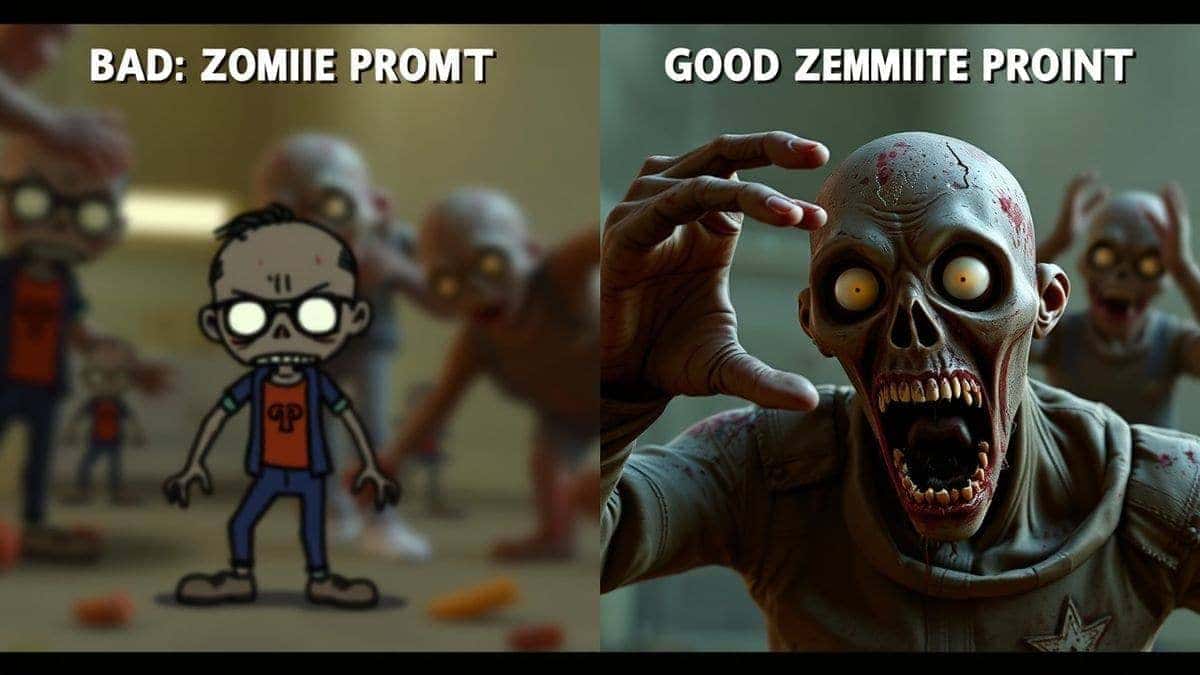
The prompt tells the ai video generator the setting, the lighting, the camera movement, and the zombie's appearance. In my testing, I noticed that vague prompts like "zombie video" produce generic, cartoonish results. Specific prompts produce cinematic gold.
Why Traditional Video Creation Methods Fail
Before we dive into the AI magic, let’s look at why the old ways are dying (pun intended).
- Complex Editing Software: Programs like Adobe After Effects or DaVinci Resolve have steep learning curves. Many beginners don't realize that mastering zombie makeup effects in these tools takes years.
- High Production Costs: Hiring makeup artists, renting locations, and paying for zombie extras is expensive. Even amateur filmmakers can spend hundreds on fake blood and latex alone.
- Time Consumption: Filming a 30-second zombie clip can take a full day of shooting and a week of post-production. You need that content now for a trending topic.
- Technical Expertise: You need to understand lighting, camera angles, and acting direction. If your friend in the zombie costume laughs at the wrong moment, you have to reshoot.
From my experience working with video teams, the friction of traditional creation kills creativity. You have a great idea, but the technical hurdles are so high you abandon it. This is why the shift to free ai video generator tools is not just a trend; it's a revolution.
Best Modern Solution: AI Zombie
So, what is the best way to get high-quality zombie content today? The answer is AI Zombie.
I discovered AI Zombie while searching for a tool that specialized specifically in horror transformations. Unlike general ai video maker platforms that try to do everything, AI Zombie focuses on one thing: turning the ordinary into the undead.
Here is why I consider it the best modern solution:
- Dual Input: You can use text to video ai to build a scene from scratch, or you can use image to video ai to upload a photo of yourself or a friend and watch the AI mutate it into a zombie.
- Speed: The tool generates videos in 1–3 minutes. I’ve tested other platforms that take 10–15 minutes for a similar render.
- Accessibility: It is an ai video generator online tool. There is no software to download. You access it via a browser.
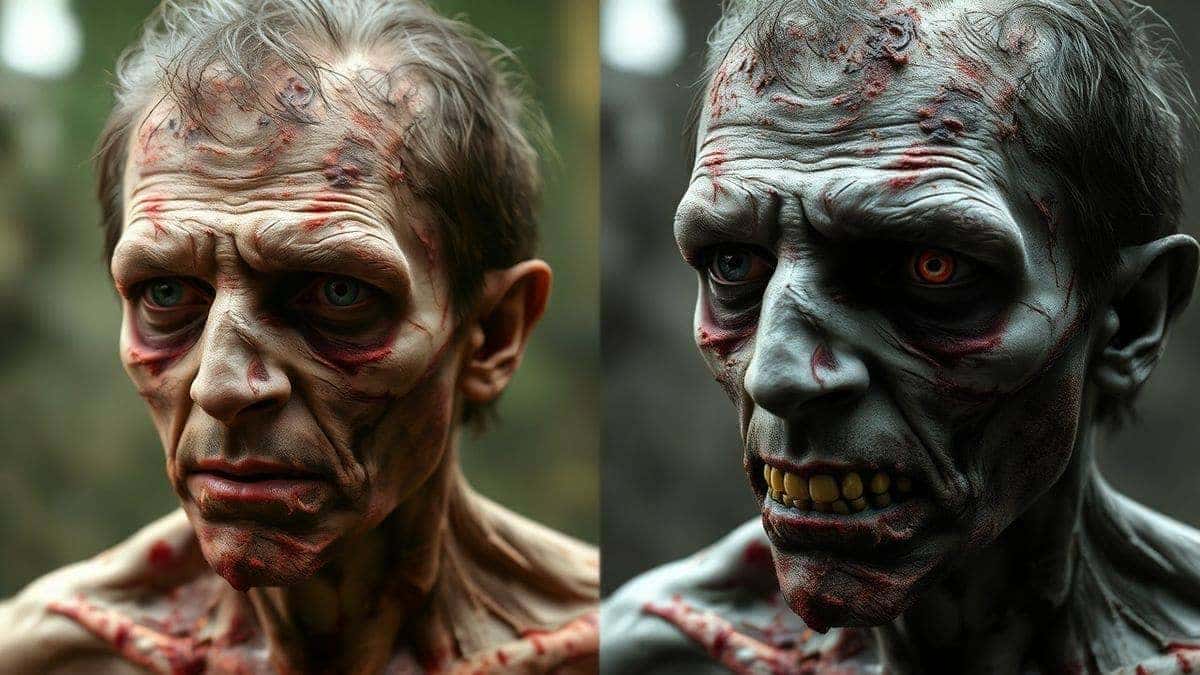
- Realism: The eerie details—like skin decay and eye clouding—are surprisingly high-quality for such a fast tool.
Step-by-Step Guide Using AI Zombie
Ready to create your first undead masterpiece? I’ve used this exact workflow to generate content for clients, and it works every time. Let's walk through how to use the best zombie prompts for AI video effectively.
Step 1: Access the Tool
Navigate to the tool directly. There is no need to search through a complicated dashboard.
URL: https://text2vid.org/tools/ai-zombie-transformation
Step 2: Choose Your Input Method
You have two options here, and your choice depends on your goal.
- Text to Video: If you want a specific cinematic scene (e.g., a zombie emerging from a foggy graveyard).
- Image to Video: If you want to zombify yourself, a celebrity, or a specific character. This is the fun feature of AI Zombie.
Step 3: Write Your Prompt (The Secret Sauce)
This is where the best zombie prompts for ai video come into play. Don't just type "zombie."
- Bad Prompt: A scary zombie.
- Good Prompt: Cinematic close-up of a decaying Victorian-era zombie wearing a tattered suit, emerging from thick fog, hyper-realistic skin texture, shallow depth of field, 4k, moody lighting.
Step 4: Adjust Parameters
Look for settings like "Motion Intensity" or "Style." If you want a slow shambler, keep motion low. If you want a running rage zombie, turn it up. I experimented with different prompts and discovered that adding "slow shutter speed" or "handheld camera" adds a lot of realism to the motion.
Step 5: Generate
Hit the generate button. This is where you can grab a coffee. In my testing, the ai video generator usually finishes in about 90 seconds.
Step 6: Download and Share
Review the output. If it’s perfect, download it in high resolution. If not, tweak the prompt slightly. One trick professionals use is to generate the same prompt 3 times and pick the best "take," just like filming on a set.
Best Practices and Pro Tips
After generating hundreds of AI zombie videos, I’ve refined a list of best practices that separate amateur results from professional ones.
Write for the AI, Not for Humans
AI doesn't "see" the world like we do. You need to be descriptive.
- Specify Camera Angles: Use terms like low angle, aerial shot, POV, or close-up.
- Describe Lighting: Zombies look best in dramatic light. Use words like chiaroscuro, moonlight, flickering firelight, or backlit.
- Mention Texture: The undead are all about texture. Include keywords like peeling skin, exposed muscle, dried blood, maggots, wet texture.
The "Negative Prompt" Trick
Many advanced ai video maker tools allow for negative prompts (telling the AI what not to include).
- Always add: cartoon, painting, illustration, 3D render, plastic, shiny skin.
- This forces the generate video from image or text process to stay photorealistic.
Use Image to Video for Consistency
If you are creating a series for YouTube, you need the same zombie to appear in every scene.
- Upload a photo of your "zombie" to AI Zombie.
- Generate a static zombie image you like.
- Use that output image as the input for your next video generation.
This creates a character consistency that is impossible to get with random text prompts.
Start with Free Options
If you are budget-conscious, look for Best Zombie Prompts for AI Video free resources online, but test them in AI Zombie free tier first. This allows you to iterate on your ideas without spending money.
Comparison with Other AI Video Generators
Is AI Zombie the only player in town? No. But is it the best for this specific niche? In my opinion, yes. Here is how it stacks up against other methods.
| Feature | AI Zombie | General AI Video Tools | Traditional Editing |
|---|---|---|---|
| Focus | Zombie/Horror specific | General purpose | Anything, but complex |
| Speed | 1-3 Minutes | 5-15 Minutes | Days/Weeks |
| Ease of Use | Very Easy (Upload & Go) | Moderate (Prompt engineering) | Very Hard (Technical skill) |
| Realism | High (Trained on horror) | Varies (Depends on prompt) | High (If you are a pro) |
| Cost | Low/Free options | Medium/Subscription | High (Software/Hardware) |
General free ai video generator tools are great for landscapes or abstract art, but when I tested them for zombie gore, they often sanitized the results. AI Zombie leans into the horror, which is exactly what you want.
Conclusion
The era of expensive, time-consuming video production is over. Whether you need a terrifying clip for a music video, a social media post, or a full YouTube short, AI video generators have put the power of a Hollywood studio into your browser.
The best zombie prompts for AI video are your new best friend. They unlock the potential of tools like AI Zombie, allowing you to turn simple ideas into chilling realities in minutes, not weeks.
I encourage you to stop reading and start creating. Head over to AI Zombie, upload a photo of yourself, or try one of the prompts from this guide. See just how easy it is to join the undead.
The apocalypse is waiting. Are you ready to film it?




 Continue with Google