Best Pixel Video Prompts in 2026 (Ultimate Guide)
You’ve got the concept for a video locked in your head. Maybe it’s a retro-style game intro for your YouTube channel, a nostalgic brand clip for social media, or just a fun pixel-art animation to share with friends. But when you sit down to create it, reality hits: video editing software is overwhelming, animation skills take years to build, and the whole process eats up hours you simply don’t have.
I’ve been there more times than I can count. Over the past few years, I’ve personally tested dozens of AI video generators, trying to find shortcuts that don’t sacrifice quality. The struggle is real, especially when you want that specific pixel art aesthetic without learning complex frame-by-frame animation.
That’s where the magic of prompts comes in. Specifically, finding the best pixel video prompts that tell an AI exactly what to create. You don't need to be a designer or a coder anymore. You just need to know the right words.
In this guide, I’m going to share everything I’ve learned from experimenting with hundreds of prompts and tools. We’ll dive deep into what makes a prompt effective, why traditional methods are failing you, and the exact tool I currently recommend for turning your ideas into stunning pixel videos in minutes.
Quick Answer
Best pixel video prompts are carefully crafted text commands that guide AI tools to generate high-quality, retro-style animations. They matter because they transform complex video creation into a simple text-based task. The best solution for 2026 is using a dedicated tool like AI Pixel Video Generator, which interprets these prompts instantly to produce smooth, expressive pixel videos online, often in under three minutes.
What is Best Pixel Video Prompts?
If you’re new to this space, let’s break it down. A "prompt" is simply the instruction you give to an AI. When we talk about the best pixel video prompts, we’re referring to specific, well-structured text inputs designed to generate pixel-art style videos.
Unlike photorealistic video prompts, pixel prompts focus on:
- Limited color palettes (think classic 8-bit or 16-bit games).
- Blocky, defined shapes with visible pixels.
- Retro aesthetics like glow effects, scanlines, or vintage screen filters.
- Specific movements like idle animations, walking cycles, or parallax scrolling.
In my testing, I noticed that a vague prompt like "make a game video" produces garbage. But a refined prompt like "8-bit knight walking through a dark forest, parallax background, retro color palette, smooth animation" delivers something you can actually use. That’s the difference between wasting time and creating content.
Why Traditional Video Creation Methods Fail
For years, creating pixel art videos meant one thing: pain. Here’s why the old ways are no longer cutting it for modern creators like you.
The Steep Learning Curve
Software like Aseprite or Adobe Animate is powerful, but it’s not intuitive. You have to understand layers, timelines, tweening, and frame-by-frame animation. Many beginners don't realize that a simple 5-second walking animation can take a full day to draw manually. That’s time you could spend filming, writing, or marketing your content.
The High Cost of Entry
Professional tools often come with professional price tags. Subscription models for creative suites add up quickly. For a YouTuber just starting out or a marketer testing a new style, dropping hundreds of dollars on software before you’ve even made a single video is a tough pill to swallow.
The Time Sink
Time is your most valuable asset. I experimented with traditional pixel animation years ago, and the render times alone were frustrating. If you made a mistake, you had to go back, fix the frames, and render again. It was a loop of inefficiency. Content creation should be about ideas, not waiting for progress bars.
Best Modern Solution: AI Pixel Video Generator
After testing countless alternatives, the tool that consistently delivers on its promise is the AI Pixel Video Generator available at text2vid.org. It directly solves every problem I just mentioned.
This isn't just another generic AI video tool. It’s specifically tuned for the retro aesthetic. You can use text to video AI to describe a scene, or use image to video AI by uploading a static pixel drawing and watching it come to life with realistic motion.
What makes it stand out in my daily workflow:
- Speed: The AI video generation time is consistently between 1 and 3 minutes. I can have a finished clip before my coffee gets cold.
- Accessibility: It’s an AI video generator online, meaning there’s nothing to install. It works on my laptop, my desktop, even my tablet.
- Quality: The motion is smooth and expressive. It doesn't look like a glitchy mess; it looks like intentional, high-quality pixel art.
One thing that surprised me was how well it handles complex requests. I threw a challenging prompt at it—"cyberpunk street scene with rain and moving cars, pixel art style"—and the result had atmospheric lighting and fluid movement that would have taken me days to animate manually.
Step-by-Step Guide Using AI Pixel Video Generator
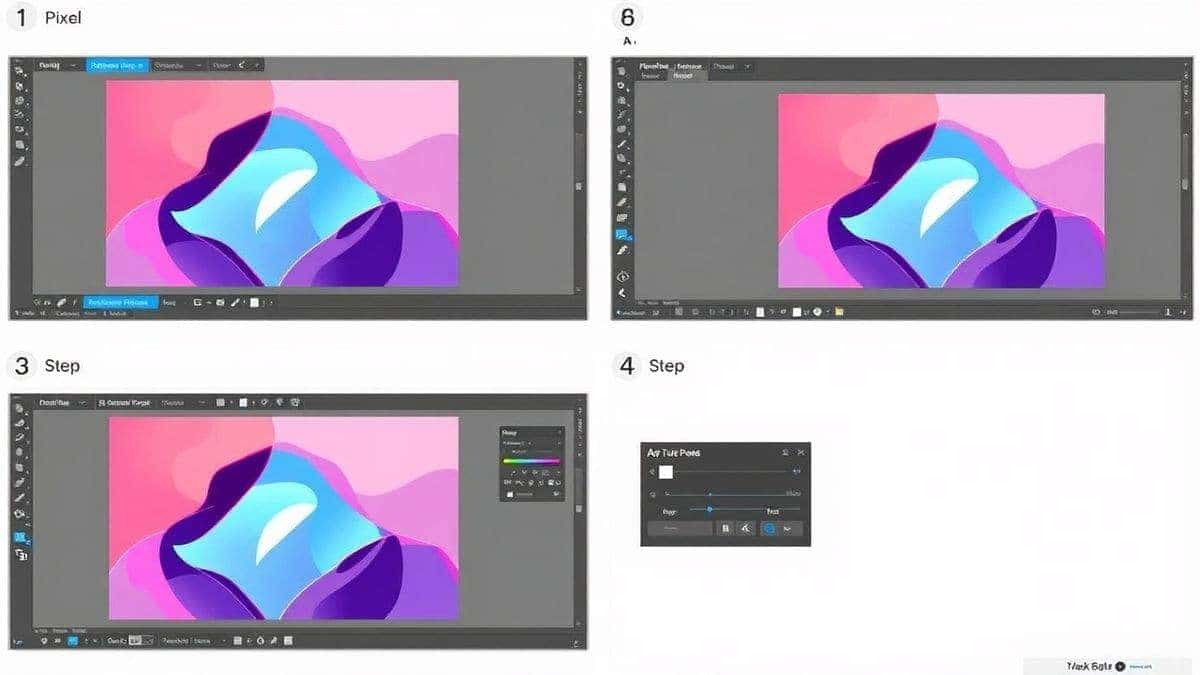
Ready to make your first video? Here is the exact workflow I use to get consistent, high-quality results. Follow these steps, and you’ll have your best pixel video prompts turned into reality in minutes.
Step 1: Access the Tool
Navigate to the official tool page: https://text2vid.org/tools/ai-pixel-video-generator. The interface is clean and focused, so you won't get distracted by a bunch of unrelated features.
Step 2: Choose Your Input Method
You have two powerful options here:
- Text to Video AI: Type your prompt. This is where the "best pixel video prompts" skill comes in. Be descriptive. Instead of "dragon," try "16-bit red dragon flying over a castle, pixel art, fire breath, looping animation."
- Image to Video AI: Upload a static pixel art image you’ve created or found. The AI will analyze it and animate the elements. I used this recently with a static sprite of a character, and the AI generated a perfect idle animation where his cape flowed in the wind.
Step 3: Adjust Video Parameters
Before hitting generate, take a second to tweak the settings. You can usually adjust the motion strength, the number of frames, and the style consistency. For beginners, the default settings are a great starting point. As you get more comfortable, experiment with higher motion strength for more dynamic scenes.
Step 4: Click Generate
Hit the generate button and let the AI do its work. This is the magic moment. You’ll see your prompt transform into a video. As I mentioned, the AI video generation time is impressively fast. I often use this minute to sketch out my next idea.
Step 5: Download Your Video
Once the video is ready, preview it. If it looks good, download it in your preferred format. It’s ready to upload to YouTube, drop into a video editor, or share on social media. From idea to published asset in under five minutes.
Best Practices and Pro Tips
After generating hundreds of AI videos, I found that the difference between an amateur result and a professional one often comes down to a few key practices. Here are my top tips for mastering best pixel video prompts.
How to Write Better Prompts
- Be Specific About the Era: Don't just say "pixel art." Say "8-bit NES style," "16-bit Super Nintendo era," or "Game Boy Color palette." This gives the AI a much clearer visual constraint.
- Describe the Movement: Motion is key in video. Include words like "walking cycle," "idle animation," "flying through clouds," or "slow pan." One trick professionals use is to add "looping" at the end of the prompt to create seamless GIF-ready clips.
- Include Mood and Lighting: Even in pixel art, lighting matters. Try terms like "neon glow," "dramatic sunset," "dark and moody," or "bright and cheerful."
How to Generate More Realistic Scenes
- Combine Concepts: The best results come from mixing unexpected ideas. For example, "pixel art of a samurai in a cyberpunk city" creates a unique visual tension that looks incredibly creative.
- Use Negative Prompts: If the tool allows it, tell the AI what you don't want. For pixel art, you might use negative prompts like "blurry," "photorealistic," or "3d render" to keep the style pure.
Common Mistakes to Avoid
- Being Too Vague: "A man walking" is boring. "A pixel art detective walking in the rain, noir style, trench coat, 16-bit" is a story.
- Ignoring the Preview: Always watch the full generated video before calling it done. Sometimes the AI introduces a weird glitch in the last second. It’s better to catch it and regenerate than to have it ruin your final edit.
Comparison with Other AI Video Generators
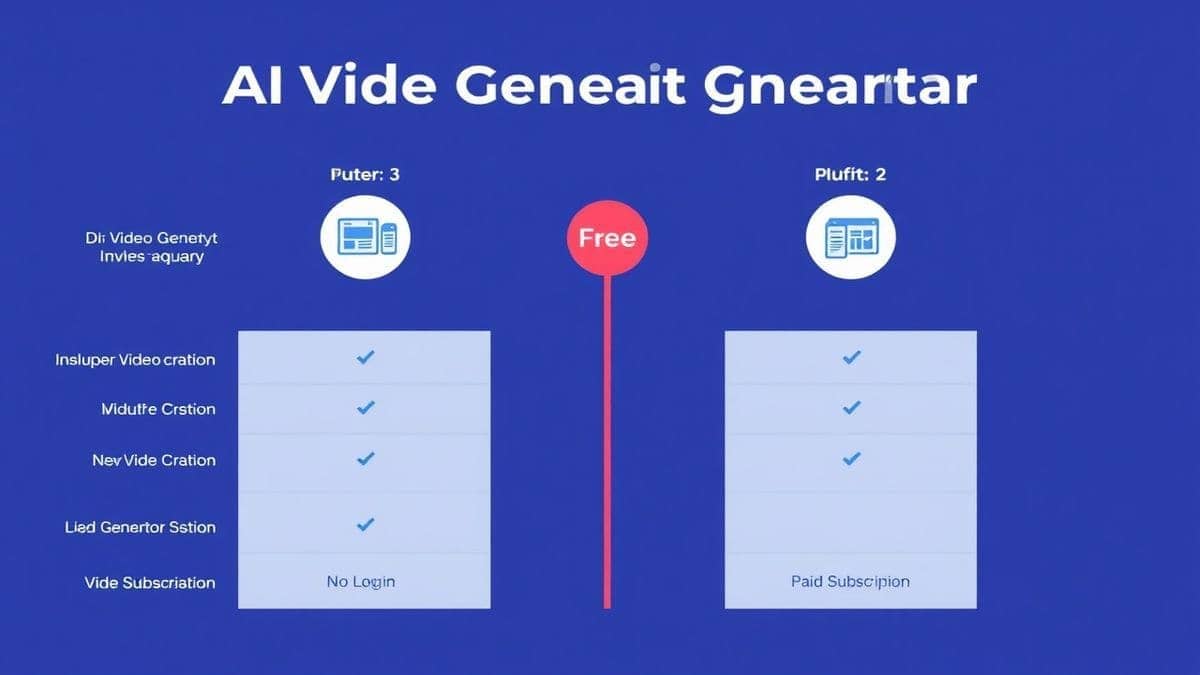
You might be wondering, "Can't I just use any free ai video generator for this?" The short answer is yes, but the results will vary wildly. Here’s how the AI Pixel Video Generator stacks up against the competition.
| Feature | AI Pixel Video Generator | General AI Video Tools | Traditional Software (After Effects) |
|---|---|---|---|
| Pixel Art Quality | Excellent (Specialized) | Poor to Average (Often blurry) | Excellent (Requires skill) |
| Speed | 1-3 Minutes | 2-10 Minutes | Hours to Days |
| Ease of Use | Very Easy | Moderate | Very Hard |
| Cost | Free/Value Pricing | Freemium/Paid | Expensive Subscription |
| Image to Video AI | Yes, optimized for pixel art | Yes, but generic motion | Not applicable |
From my experience working with AI video tools, general platforms like Runway or Pika are fantastic for cinematic or realistic footage. But when you specifically ask them for "pixel art," they often generate something that looks like a compressed, blurry mess. They don't understand the rigid constraints of the style.
The AI Pixel Video Generator is built for this niche. It understands that pixels aren't a mistake; they're the feature. If your goal is to consistently create best pixel video prompts content, using a specialized tool saves you the headache of fighting against a general-purpose AI.
Conclusion
The landscape of video creation has shifted. You no longer need a studio, a budget, or a decade of animation experience to produce engaging, professional-looking pixel art videos. The barrier has been lowered to a single, well-written sentence.
By mastering the art of the best pixel video prompts, you unlock a superpower. You can iterate quickly, test creative concepts, and produce content that stands out in a sea of generic stock footage and over-produced vlogs. Whether you're a marketer trying to capture attention, a YouTuber looking for a unique intro, or a creator exploring a new style, this technology puts the power back in your hands.
The AI Pixel Video Generator is, in my opinion, the best tool for the job right now. It’s fast, accessible, and most importantly, it respects the craft of pixel art while leveraging the power of AI. I encourage you to stop wrestling with complicated software and start experimenting. Visit the site, craft your first detailed prompt, and see what you can create in just a few minutes. Your next great video is only a prompt away.




 Continue with Google