AI Crying Effect Video Generator
Create a subtle crying expression effect from an authorized portrait. Avoid injury or distress imagery and review the result before sharing.
Director mode
Turn your brief into a Studio plan
Share the outcome, audience, or mood. Review the settings before generating.
PNG/JPG · 最大 10MB · 最多 2 張 · 拖放或 Ctrl+V
為什麼選擇這款AI影片工具?
Text2Vid is an independent platform. Model names are shown for reference only and do not imply affiliation with or endorsement by Google, OpenAI, Runway, xAI, or other model providers.
更多AI影片工具
AI Crying Effect Video Generator
Turn one authorized portrait into a short AI crying effect video with a small change in expression and natural-looking tears. This page is for people searching for an AI crying effect video from a photo, a crying face video effect, or a way to make a picture look like it is crying. The generator creates a visual draft for review. It does not verify a person’s feelings, identity, or story.
Create a subtle crying portrait video
Operation title: Create a natural crying effect from one photo
Input label: Upload one clear portrait that you own or have permission to use
Target label: Short vertical crying-effect video preview
CTA: Generate crying effect preview
The image-to-video workflow keeps the portrait as the starting frame, then adds a restrained emotional change. A slow look downward, watery eyes, one or two tears, and a quiet camera push-in give the clip a readable beginning and end. The effect works best when the face is visible and the background is not crowded.
When to use this AI crying effect
Use the crying face effect for a short reaction edit, an emotional story post, or a before-and-after portrait concept. It can also help a creator test a tear effect before adding captions or licensed audio in an editor. Use images of adults or characters with the required permission, especially when the result could be read as a real statement about someone.
This page answers related searches such as AI crying effect video from photo, make a picture look like crying, realistic tear effect for a portrait, and crying filter video generator. These phrases describe the same image-to-video job, so one focused page is more useful than separate near-duplicate pages.
How to get a better tear effect
- Choose a front-facing image with a clear face, even light, and enough space around the head and shoulders.
- Keep the request to one emotional change. Ask for watery eyes and a slow push-in before adding another movement.
- Watch the full preview. Check the eyes, cheeks, skin texture, hands, and background for unwanted changes.
- Add music, captions, or context in a separate editing step when the generated clip is approved.
A useful prompt can name the expression, the tear movement, the camera distance, and the aspect ratio. Avoid asking for injury, panic, or extreme distress when a quiet emotional effect is enough.
Practical use cases
- A short portrait reaction for a private message or social post.
- A fictional character test for a storyboard or mood board.
- A gentle photo animation before adding your own caption and licensed sound.
FAQ
about AI crying effect videos
Can I make a crying video from one photo?
Yes. Upload one clear authorized portrait and use the image-to-video preview. The result is a generated visual interpretation, so check the face and tears before you download or share it.
Will the tears look identical every time?
No. Generative motion can change the timing, tear path, eye detail, and facial expression between attempts. A simpler prompt and a clear source image make the result easier to review.
Is the AI crying effect free?
Text2Vid provides an available free preview after Google sign-in. Generation time, duration, and successful output depend on the current workflow and service capacity. Credits unlock additional settings when they are available.
Can I use a real person’s portrait?
Only when you have permission to use the image and to create the requested transformation. Do not present a generated crying clip as proof of a real event or a real person’s emotion.
更多AI影片工具
探索更多AI驅動的影片創作工具,拓展您的創造力
AI Crying Effect Video Generator
Create a subtle crying expression effect from an authorized portrait. Avoid injury or distress imagery and review the result before sharing.
立即試用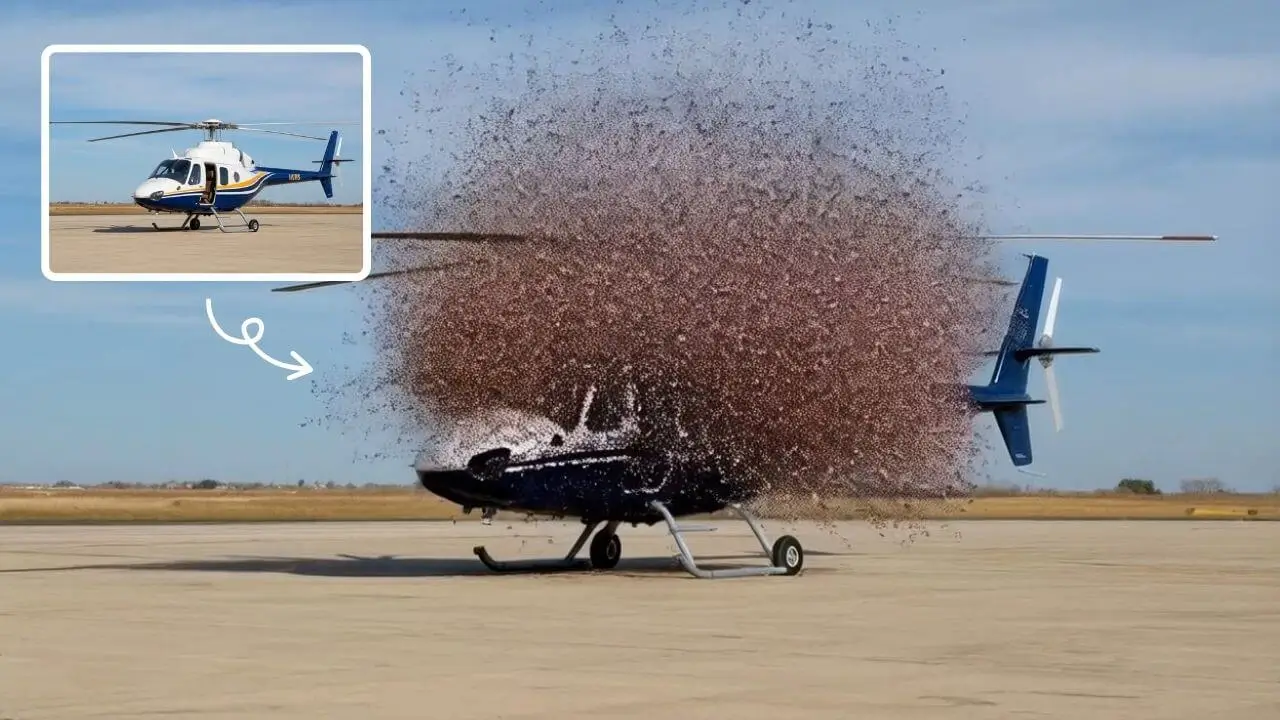
AI Explode Effect
AI Explode Effect uses advanced AI to convert your photos into dynamic explosion artwork. Simply upload an image to generate vibrant energy bursts, emphasizing creativity and visual impact. Perfect for social media, digital art, or personal projects, it offers quick, stunning results with no design skills needed. Unleash your creativity and turn ordinary moments into explosive art!
立即試用
AI Anime Video Generator
Animate anime artwork or illustrations into short AI videos online. Describe movement, camera direction, and atmosphere for opening scenes, social clips, and visual storyboards.
立即試用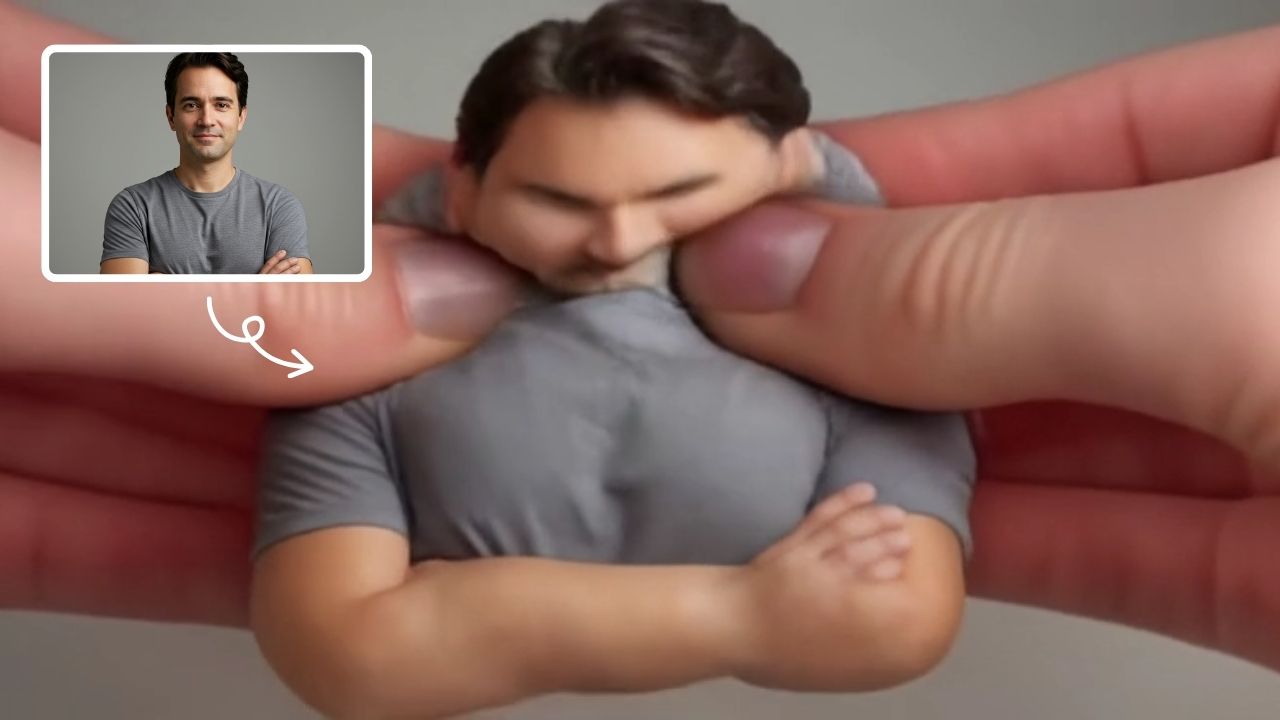
AI Squish Effect
Transform any image into a lively, bouncing masterpiece with AI Squish Effect by Remaker. This free online tool instantly applies dynamic squish effects, making photos fun and engaging. No downloads needed – just upload, generate, and share hilarious videos effortlessly. Perfect for social media, memes, and creative projects, it offers quick, user-friendly entertainment for everyone.
立即試用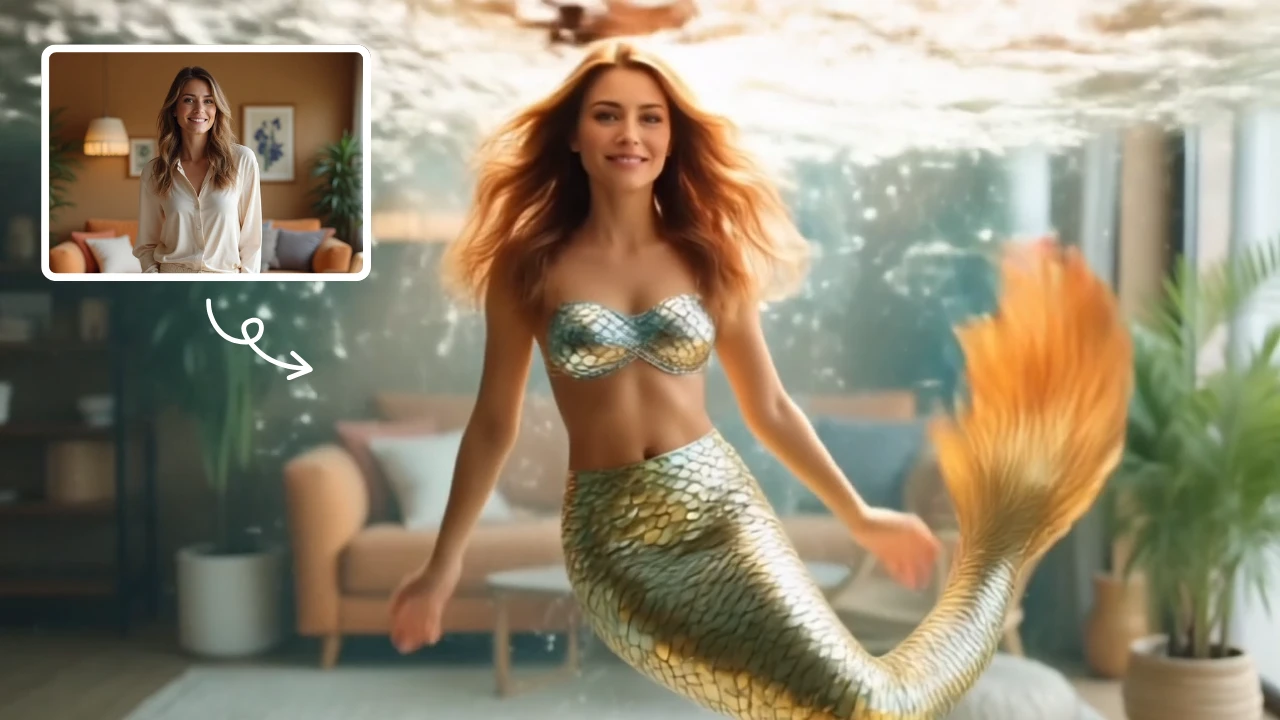
AI Mermaid Transformation
AI Mermaid Transformation is a free tool that instantly turns your photos into enchanting mermaid videos. Experience magical underwater effects with easy photo uploads. Create captivating mermaid transformations effortlessly and share your unique aquatic fantasy!
立即試用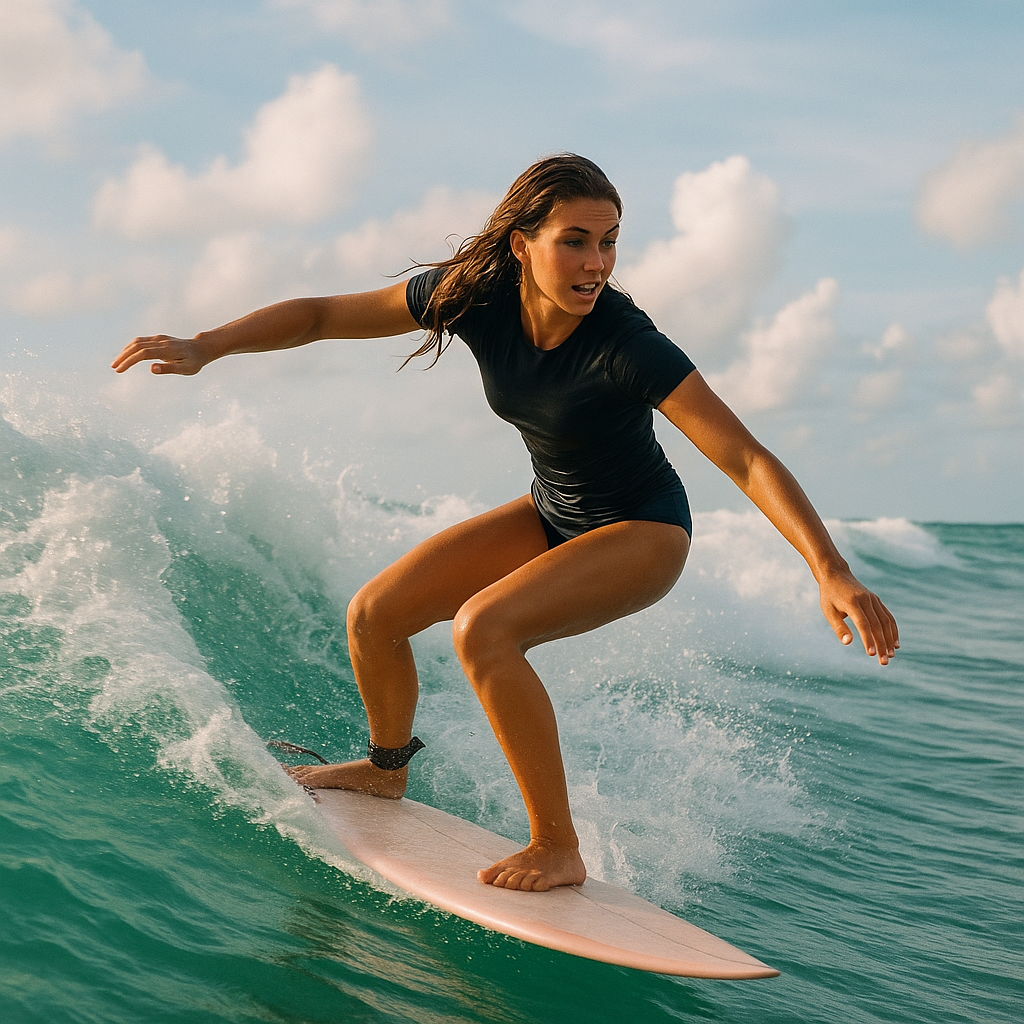
AI Surf Video
AI Surf Video by Supermaker AI transforms your ideas into high-energy surfing videos. Using advanced AI, it produces realistic surfing actions, seamless motion, and consistent characters with dynamic waves. Experience quick, professional-quality videos that highlight your skills or creative vision, making it perfect for content creators and surf enthusiasts.
立即試用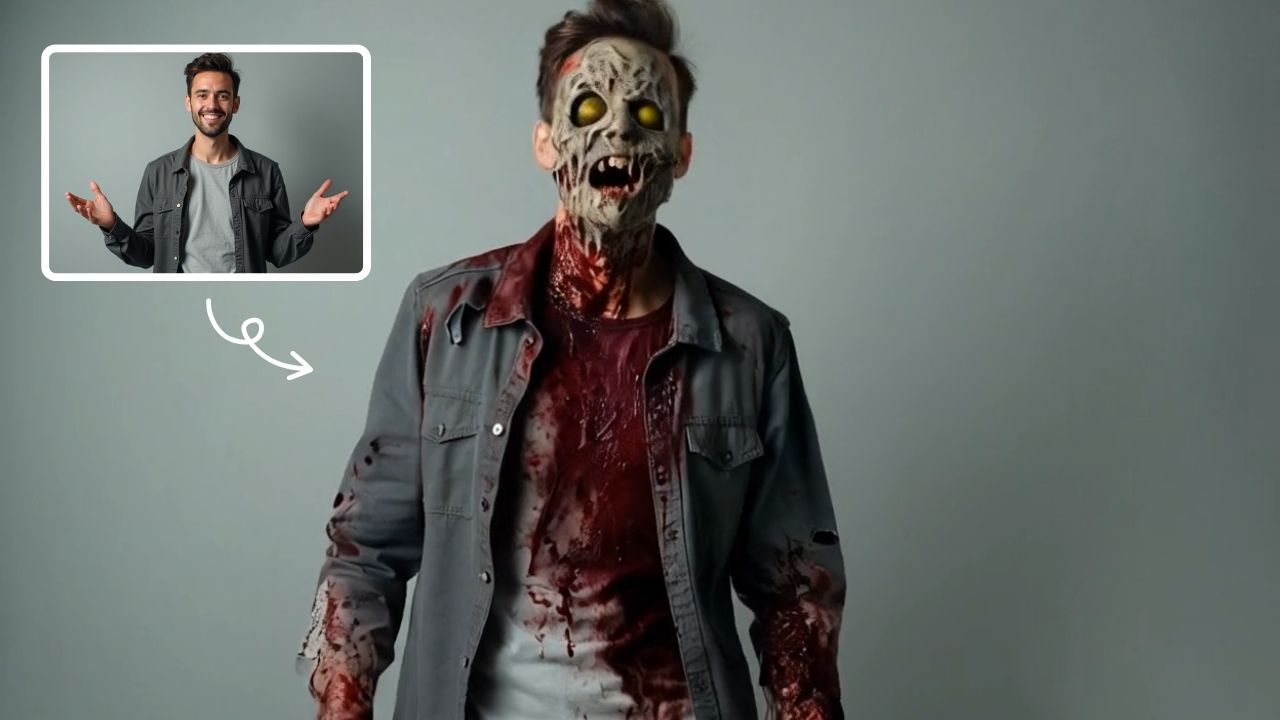
AI Zombie
AI Zombie Transformation uses advanced AI to convert your photos into realistic zombie versions. Simply upload your image, and the tool generates a horrifying undead look with eerie details. It's fun, easy, and perfect for Halloween, parties, or sharing on social media to amaze friends. Try it now for a unique, chilling transformation!
立即試用
AI Dance Video
AI Dance Video by Supermaker AI instantly animates your photos into professional dance videos. Generate viral TikTok trends or K-pop moves with realistic animation. It's free, user-friendly, and perfect for creating engaging content that stands out online—no expertise required!
立即試用 使用Google繼續