AI Crying Effect Video Generator
Create a subtle crying expression effect from an authorized portrait. Avoid injury or distress imagery and review the result before sharing.
Director mode
Turn your brief into a Studio plan
Share the outcome, audience, or mood. Review the settings before generating.
PNG/JPG · 最大 10MB · 最多 2 张 · 拖放或 Ctrl+V
为什么选择这款AI视频工具?
Text2Vid 为独立第三方平台。所列模型名称仅供说明,不代表与 Google、OpenAI、Runway、xAI 等模型提供方存在关联或获得其官方背书。
更多AI视频工具
AI Crying Effect Video Generator
Turn one authorized portrait into a short AI crying effect video with a small change in expression and natural-looking tears. This page is for people searching for an AI crying effect video from a photo, a crying face video effect, or a way to make a picture look like it is crying. The generator creates a visual draft for review. It does not verify a person’s feelings, identity, or story.
Create a subtle crying portrait video
Operation title: Create a natural crying effect from one photo
Input label: Upload one clear portrait that you own or have permission to use
Target label: Short vertical crying-effect video preview
CTA: Generate crying effect preview
The image-to-video workflow keeps the portrait as the starting frame, then adds a restrained emotional change. A slow look downward, watery eyes, one or two tears, and a quiet camera push-in give the clip a readable beginning and end. The effect works best when the face is visible and the background is not crowded.
When to use this AI crying effect
Use the crying face effect for a short reaction edit, an emotional story post, or a before-and-after portrait concept. It can also help a creator test a tear effect before adding captions or licensed audio in an editor. Use images of adults or characters with the required permission, especially when the result could be read as a real statement about someone.
This page answers related searches such as AI crying effect video from photo, make a picture look like crying, realistic tear effect for a portrait, and crying filter video generator. These phrases describe the same image-to-video job, so one focused page is more useful than separate near-duplicate pages.
How to get a better tear effect
- Choose a front-facing image with a clear face, even light, and enough space around the head and shoulders.
- Keep the request to one emotional change. Ask for watery eyes and a slow push-in before adding another movement.
- Watch the full preview. Check the eyes, cheeks, skin texture, hands, and background for unwanted changes.
- Add music, captions, or context in a separate editing step when the generated clip is approved.
A useful prompt can name the expression, the tear movement, the camera distance, and the aspect ratio. Avoid asking for injury, panic, or extreme distress when a quiet emotional effect is enough.
Practical use cases
- A short portrait reaction for a private message or social post.
- A fictional character test for a storyboard or mood board.
- A gentle photo animation before adding your own caption and licensed sound.
FAQ
about AI crying effect videos
Can I make a crying video from one photo?
Yes. Upload one clear authorized portrait and use the image-to-video preview. The result is a generated visual interpretation, so check the face and tears before you download or share it.
Will the tears look identical every time?
No. Generative motion can change the timing, tear path, eye detail, and facial expression between attempts. A simpler prompt and a clear source image make the result easier to review.
Is the AI crying effect free?
Text2Vid provides an available free preview after Google sign-in. Generation time, duration, and successful output depend on the current workflow and service capacity. Credits unlock additional settings when they are available.
Can I use a real person’s portrait?
Only when you have permission to use the image and to create the requested transformation. Do not present a generated crying clip as proof of a real event or a real person’s emotion.
更多AI视频工具
探索更多AI驱动的视频创作工具,拓展您的创造力
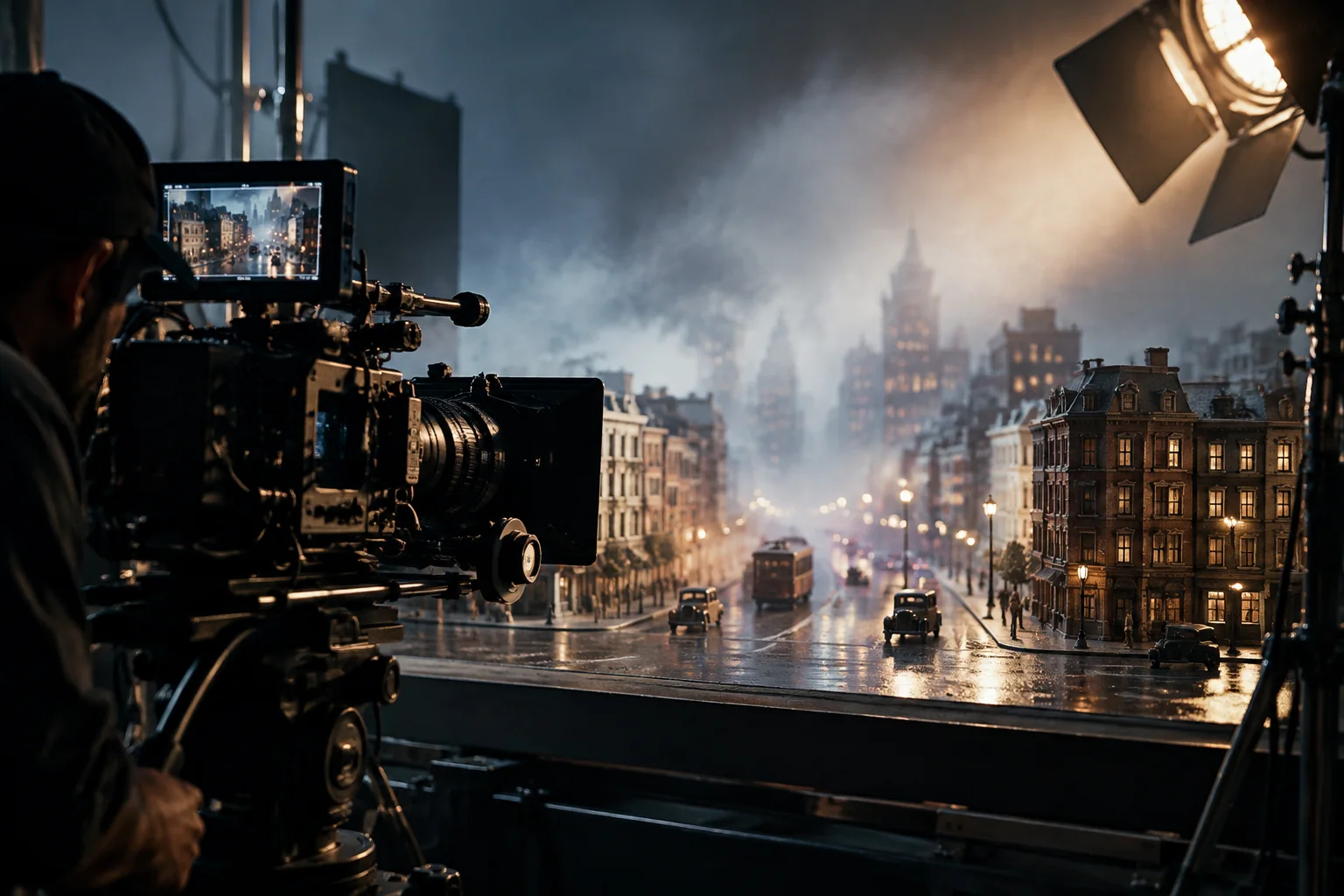
AI Cinematic Video Generator
Turn a script or scene brief into a cinematic AI video online. Describe lighting, lens language, and camera movement for storyboards, trailers, and visual concept tests.
立即试用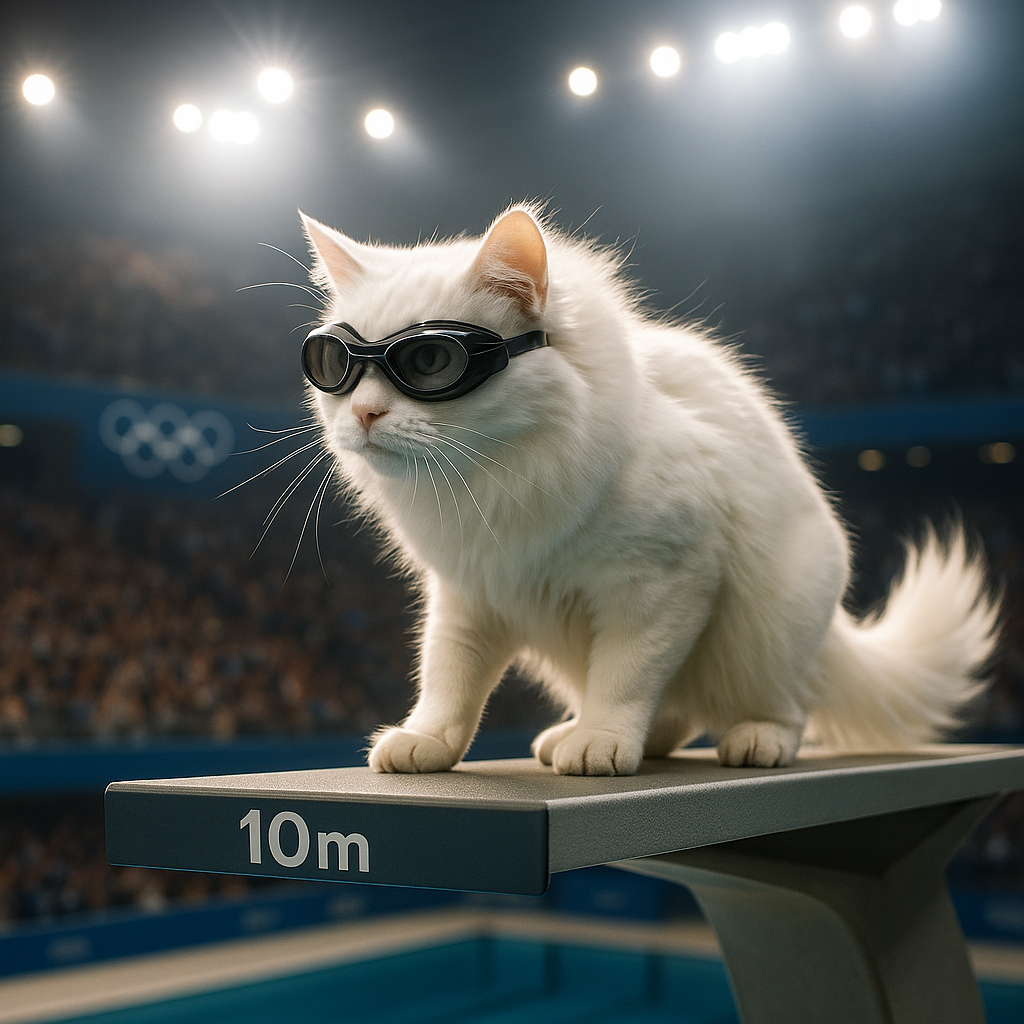
AI Cat Diving Olympics
AI Cat Diving Olympics turns your cat photos into entertaining diving competition videos. Our AI technology automatically generates realistic diving motions and backgrounds. Simply upload photos to create viral-ready content that showcases your pet's athletic potential. Perfect for social media sharing and pet lovers seeking unique entertainment.
立即试用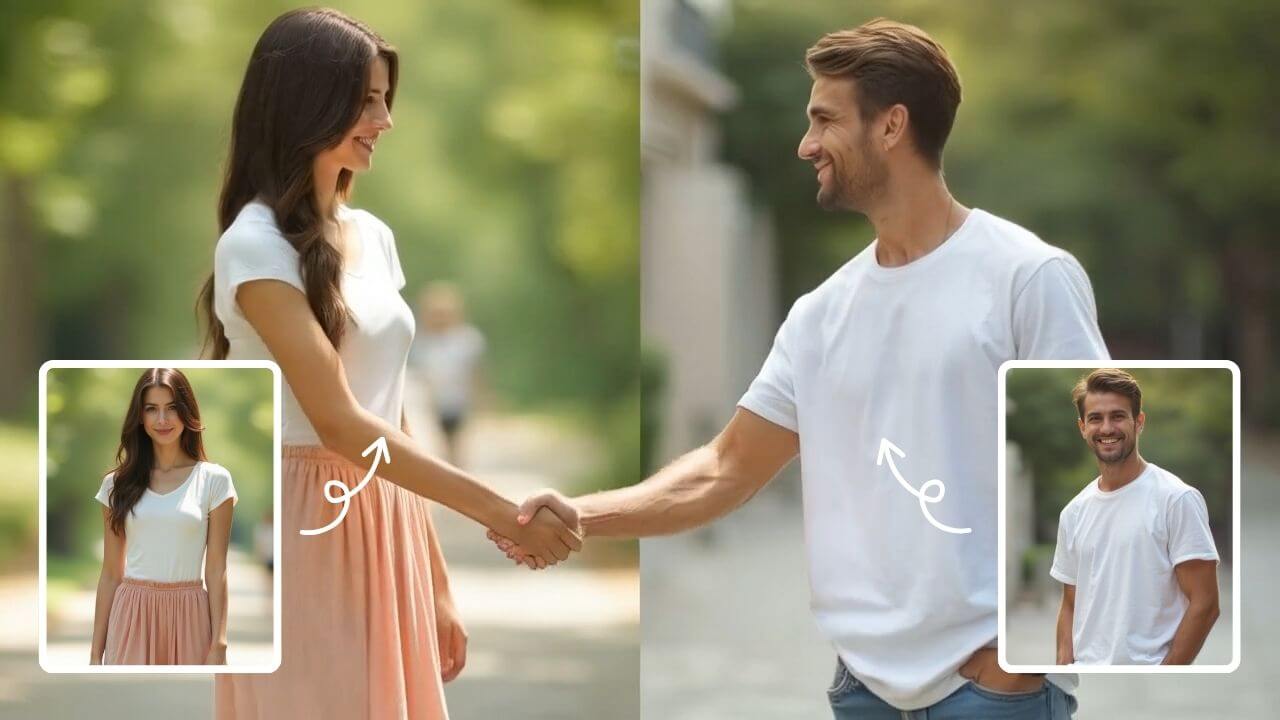
AI Handshake
AI Handshake revolutionizes digital communication with smart, adaptive connectivity. It delivers tailored experiences through AI-driven personalization, ensuring faster, more intuitive online interactions. Boost efficiency and engagement effortlessly with cutting-edge technology designed for modern users.
立即试用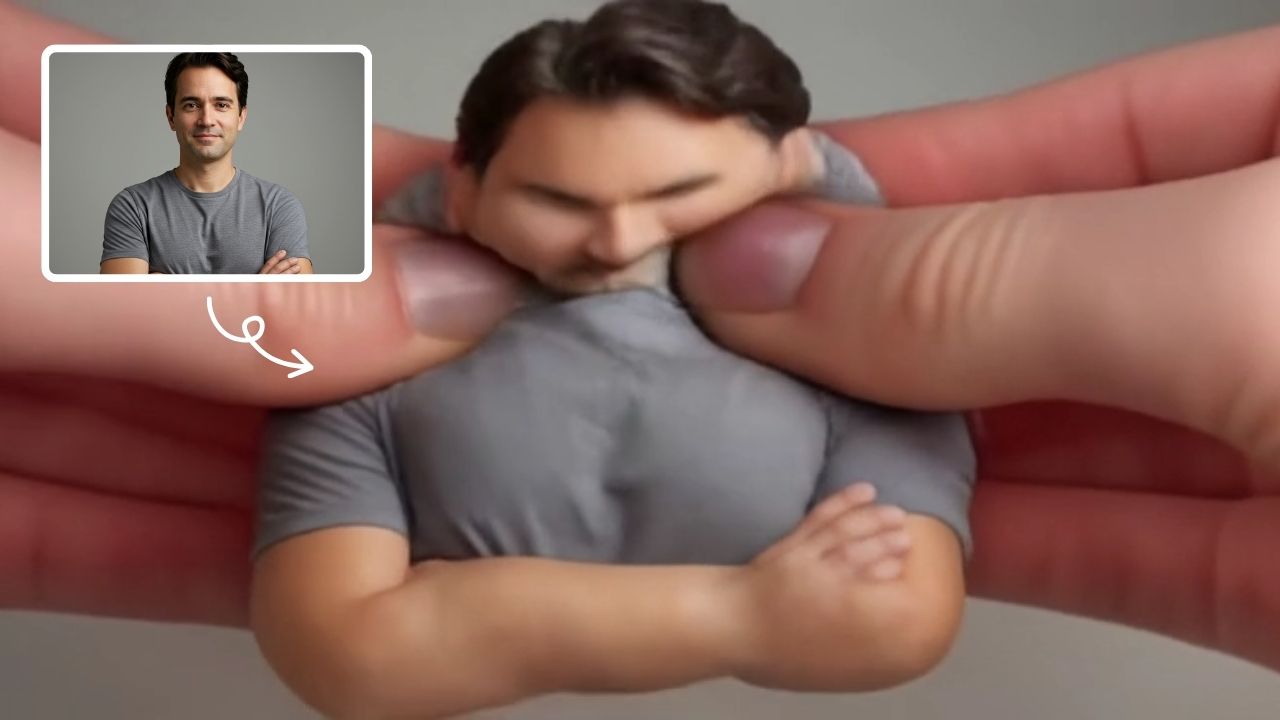
AI Squish Effect
Transform any image into a lively, bouncing masterpiece with AI Squish Effect by Remaker. This free online tool instantly applies dynamic squish effects, making photos fun and engaging. No downloads needed – just upload, generate, and share hilarious videos effortlessly. Perfect for social media, memes, and creative projects, it offers quick, user-friendly entertainment for everyone.
立即试用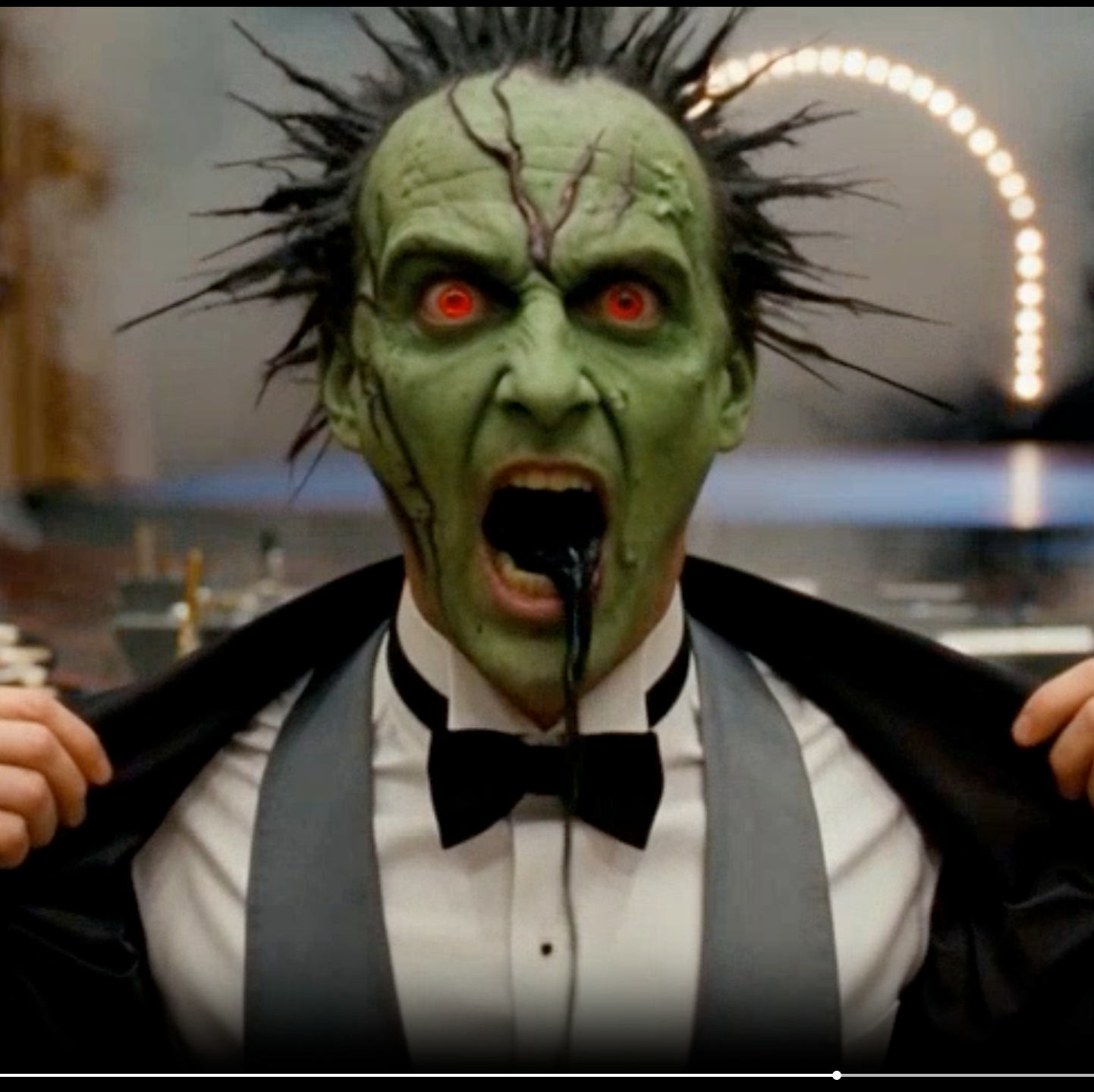
AI Cursed Video
AI Cursed Video by Supermaker AI instantly transforms any portrait into spine-chilling cursed videos. Generate 1080p horror content featuring demonic transformations, green skin, sores, black veins, and realistic head twists with sound effects. Ideal for creating viral horror content effortlessly.
立即试用
AI Talking Photo Video Generator
Turn a portrait into a talking photo video with AI. Use one image to create short concepts for greetings, explainers, avatar ideas, and social clips.
立即试用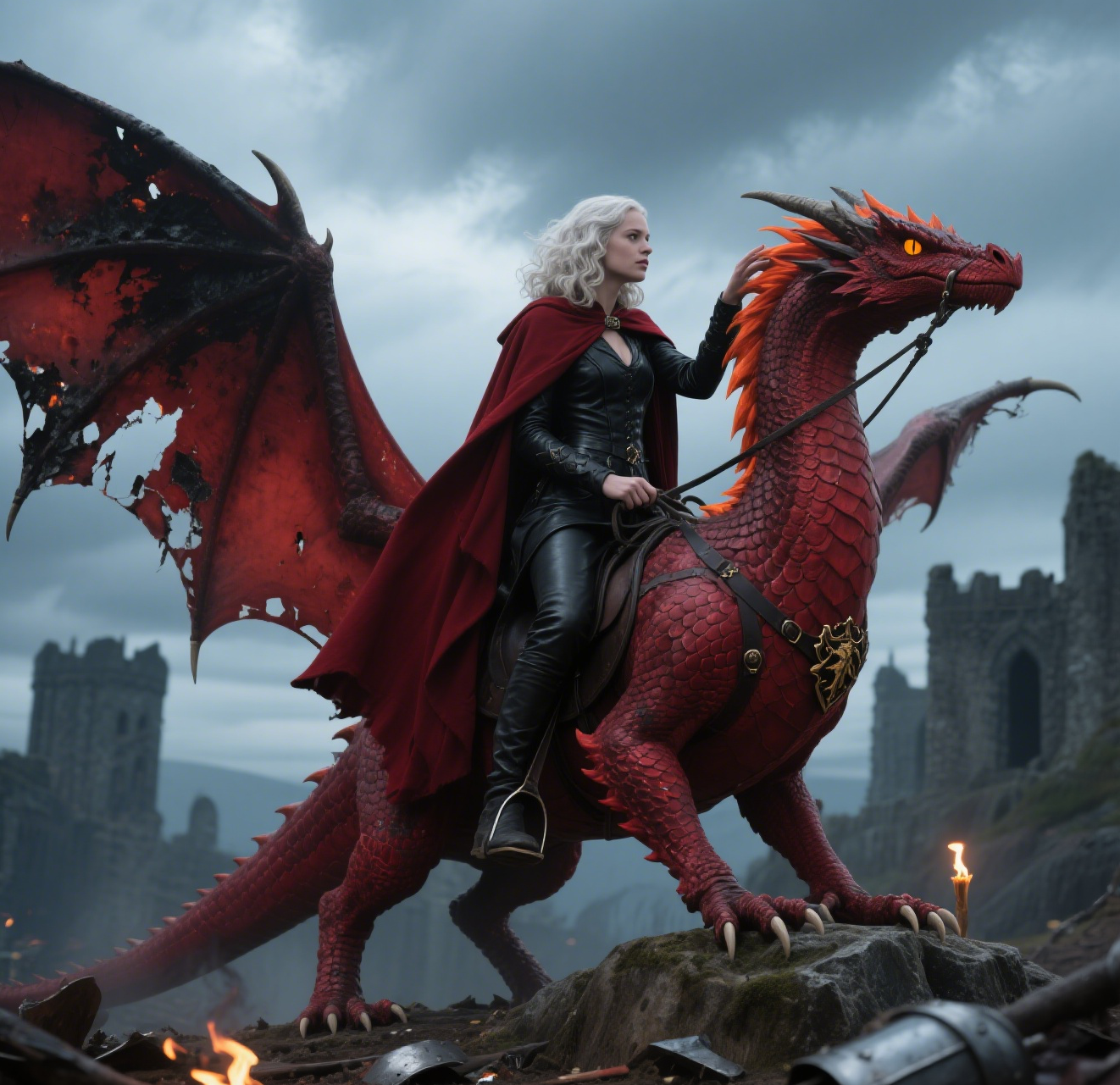
AI Dragon Riding Video Generation
Transform your imagination into breathtaking dragon riding videos. Our AI tool lets you create custom dragon scenes with realistic effects. Experience effortless video creation and share epic content in minutes. Free to use with powerful editing features.
立即试用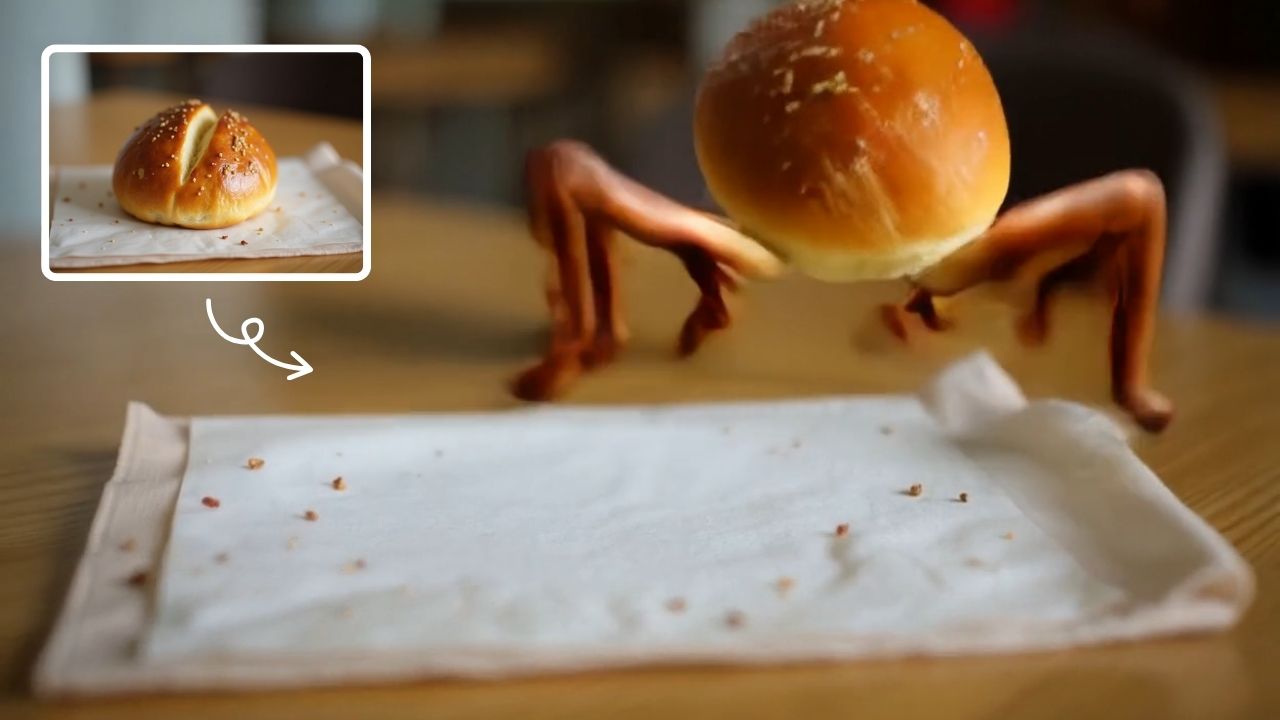
AI Legged Runaway
AI Legged Runaway uses advanced AI to animate any object in your photos, giving them legs and a runaway personality. Simply upload an image, and watch as everyday items transform into escaping characters, providing endless entertainment. Perfect for creating viral content, surprising friends, or adding a twist to your photos. Experience the magic of AI-driven creativity today
立即试用 使用Google继续