Burning Bridges AI Video Generator
Upload one group photo and turn it into a Burning Bridges party dance video. Everyone dances — front row, back row and the edges too.
Prompt de movimiento
¿Por qué elegir esta herramienta de vídeo con IA?
Text2Vid is an independent platform. Model names are shown for reference only and do not imply affiliation with or endorsement by Google, OpenAI, Runway, xAI, or other model providers.
Más herramientas de vídeo con IA
Burning Bridges AI Video Generator
Upload one group photo and turn it into a party dance video. Everyone in the photo dances — front row, back row and the edges too — shoulders swaying, hips moving, steps alternating, arms swinging, pointing at the camera and turning sideways with natural happy smiles. The video is muted — add your own sound in TikTok or Reels.
Inspired by a viral effect trend. Not affiliated with TikTok, the song's rights holders, or the original creators.
Temporary example, pending replacement with a Text2Vid-owned render. Source: Supermaker https://supermaker.ai/video/burning-bridges-ai-video-generator/. The player and poster are source-attributed and are not presented as Text2Vid-generated media.
How it works
Upload one authorized photo, review the built-in motion prompt, and generate a short vertical clip. The result is muted; add audio in TikTok or Reels only when you have the required rights.
Photo tips
Use one clear group photo of authorized adults with every face and body position visible. Keep the group inside the frame so the synchronized movement can be followed. Do not upload minors, celebrities, or private images without permission.
Use only a photo you own or are authorized to use. Do not upload minors, celebrities, or private images without permission.
What the video looks like
The preview follows the effect sequence described above: Upload one group photo and turn it into a party dance video. Everyone in the photo dances — front row, back row and the edges too — shoulders swaying, hips moving, steps alternating, arms swinging, pointing at the camera and turning sideways with natural happy smiles. The video is muted — add your own sound in TikTok or Reels.
AI motion can vary between runs. Review faces, hands, bodies, pets, objects, and backgrounds before downloading or sharing.
Empieza a crear vídeos con IA al instante
Convierte prompts de texto simples en vídeos atractivos usando nuestro potente generador de vídeos con IA. No se requieren habilidades de edición, solo describe tu idea y deja que la IA haga el trabajo.
Genera tu primer vídeo con IAMás herramientas de vídeo con IA
Explora más herramientas de creación de vídeo impulsadas por IA para expandir tu creatividad
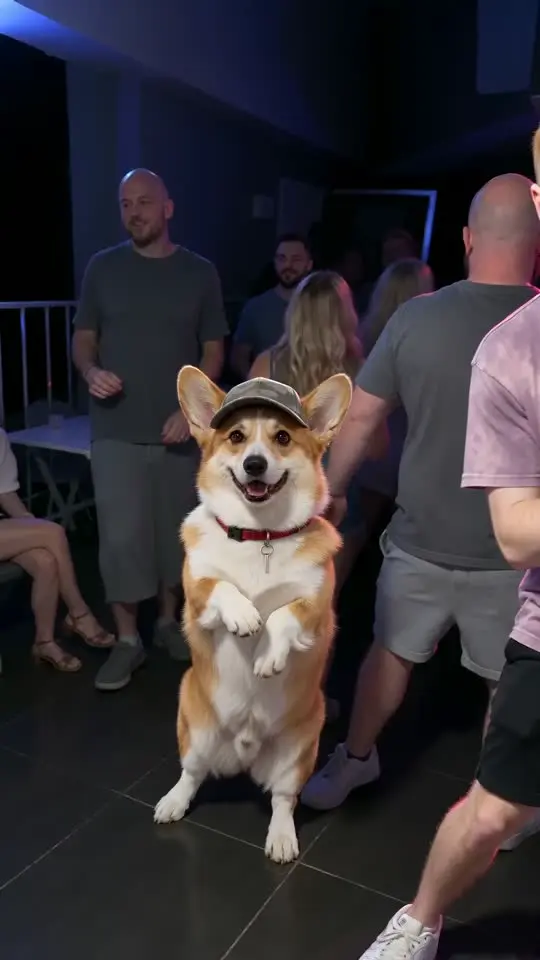
That's My Dawg AI Generator
Upload one photo of your dog or cat and turn it into a club dance video. Your pet stands up in a cap and sways on the dance floor next to a dancing man.
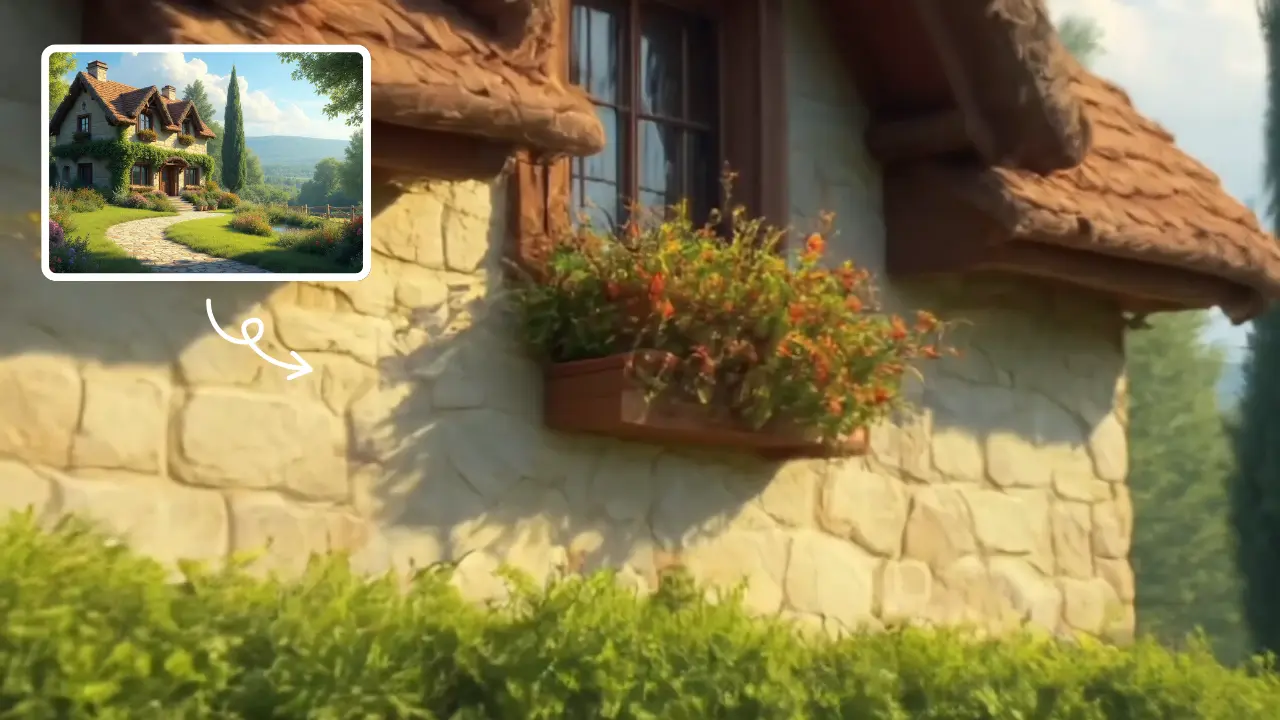
Zoom In Video Effect
Zoom In Video Effect offers free AI video templates to quickly produce professional videos. Key features include one-click creation, support for image and text conversions, and versatile styles. Enhance your content effortlessly, saving time while maximizing impact with user-friendly tools.
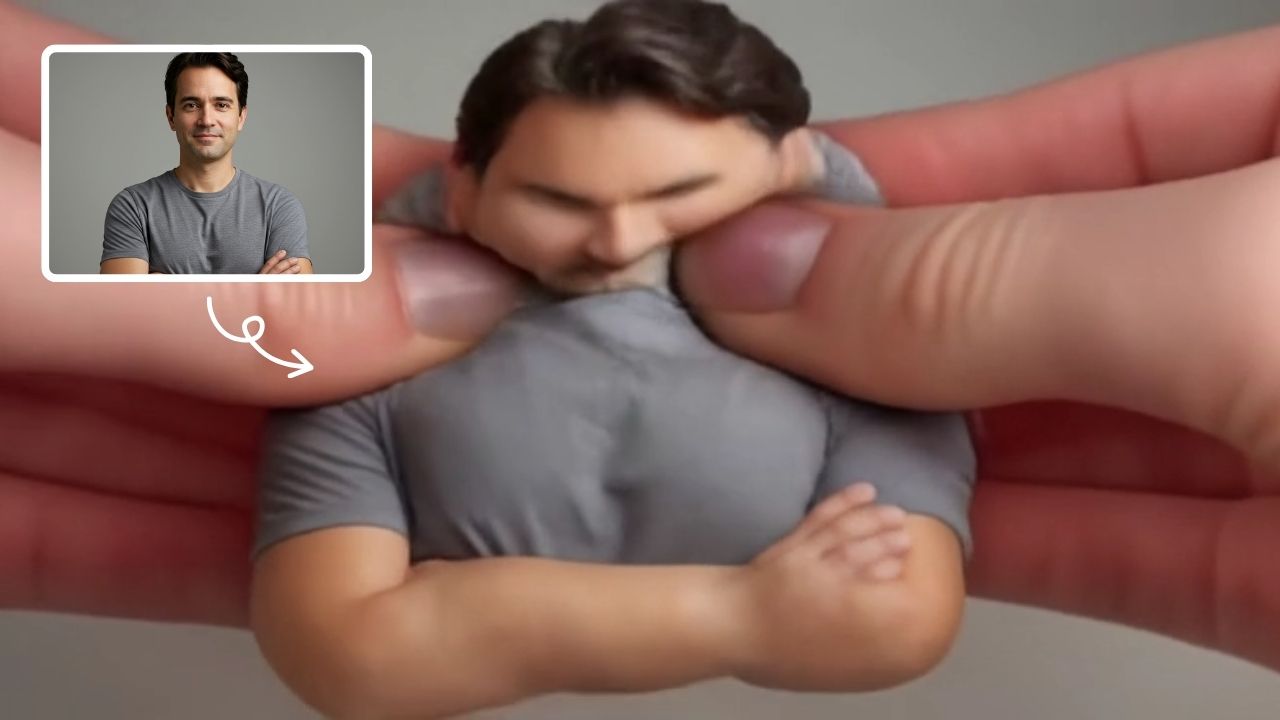
AI Squish Effect
Transform any image into a lively, bouncing masterpiece with AI Squish Effect by Remaker. This free online tool instantly applies dynamic squish effects, making photos fun and engaging. No downloads needed – just upload, generate, and share hilarious videos effortlessly. Perfect for social media, memes, and creative projects, it offers quick, user-friendly entertainment for everyone.
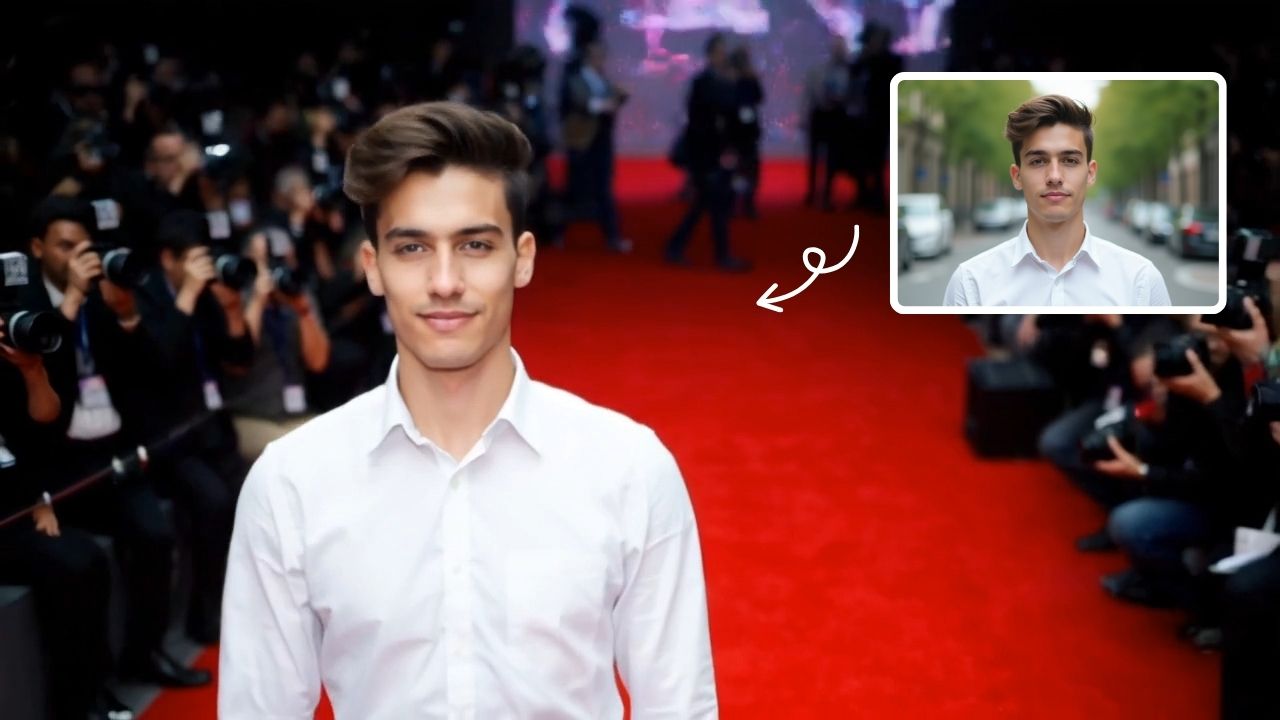
AI Red Carpet Walk Video Generator
Turn a photo into an AI red carpet walk video online. Add runway movement, camera flashes, and event-style lighting for social clips and visual concepts.
 Continuar con Google